

RayView
Raymarine UK Limited · Navigation
Independent analytics for this App Store listing. AppTracker is not affiliated with Raymarine UK Limited.
Chart standing · US
Ratings breakdown · US
The star breakdown behind this app's rating in this storefront.
In-app purchases · US
No in-app purchases.
Screenshots
About
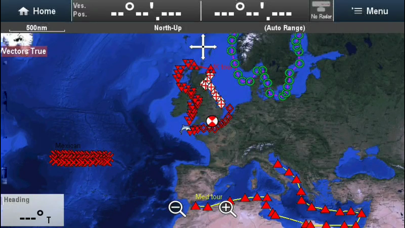
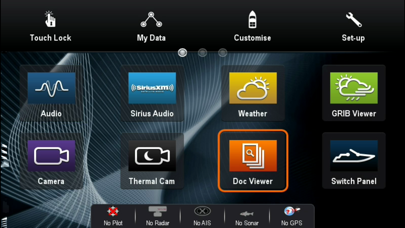
About Raymarine RayView RayView allows you to view your Raymarine e, c, ES and Axiom Multi-Functional Display via your smartphone or tablet. iOS Devices = Best performance achieved on iPhone 4 or better and iPad 2 or better. Multi-Functional Display software requirement – v 3.15 or later. To use this app please upgrade your Raymarine c-Series or e-Series Multi-Functional Display to software version 3.15 or later. Software upgrades are available for free at www.raymarine.com/support. If you enjoy RayView you may also be interested in the RayControl and RayRemote apps. RayControl for tablets provides full touch screen control of your c-Series or e-Series MFD, plus a handy slide out virtual MFD keypad gives you even more control options. RayRemote for smart phones provides a full screen virtual MFD keypad, transforming your phone into a full function Raymarine MFD remote control. Getting Started Download the RayView app, and install it on your device. Then connect to your Multi-Functional Display via Wi-Fi (see operators manual for Wi-Fi setup details). When the Wi-Fi connection is established, launch the app. You should now see the same image on your device as on your Multi-Functional Display.
What's new · 1.5.1
Adds support for Es series and Axiom range of Raymarine displays
Details