

TapTyping - typing trainer
Flairify LLC · Games
Independent analytics for this App Store listing. AppTracker is not affiliated with Flairify LLC.
Chart standing · US
Ratings breakdown · US
The star breakdown behind this app's rating in this storefront.
In-app purchases · US
What this app sells inside itself, grouped by kind and priced for this storefront.
Screenshots



About
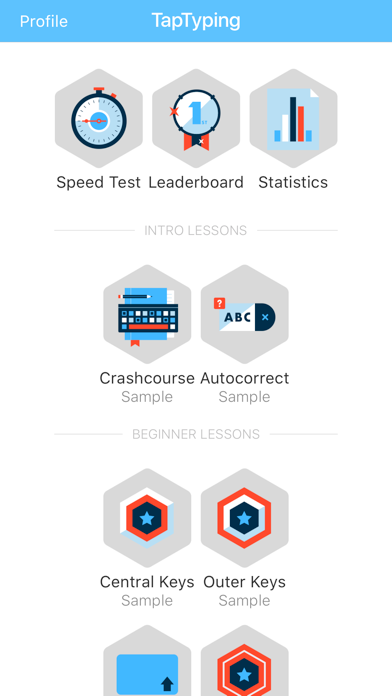
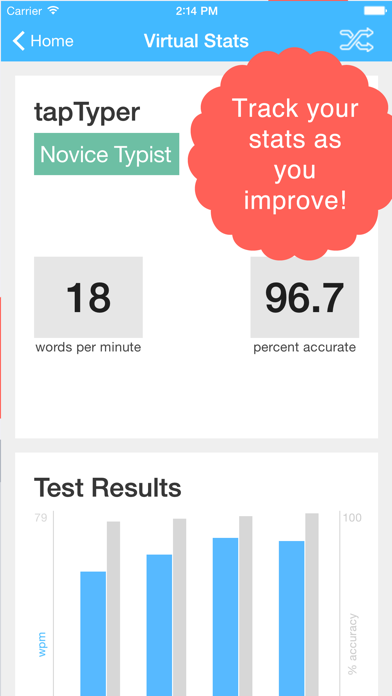
Master typing on your iPad, iPhone, or iPod Touch! ~~~ Free: the TapTyping Speed Test and samples of all of lessons. There's a one time In-App-Purchase to unlock everything. ~~~ TapTyping is made for you, no matter what your skill level! ~ Total beginner? You will become a capable typist after just a few introductory lessons. ~ Already decent? Watch your typing speed increase by around 10 words per minute in less than an hour. ~ Typing pro? Prove it with high scores on our advanced lessons. Can you top 60 WPM? 80 WPM? 100 WPM? ----- See a heat map of where you fingers hit the iPad on-screen keyboard and find where you are making your mistakes. ----- Watch an Instant Replay of each page you type to see where you're landing your hits and misses. ----- Go for high scores on TapTyping's global leaderboard against other iOS users. ----- TapTyping is fully compatible with external and bluetooth keyboards. ----- TapTyping offers following courses: ~ iPhone/iPad Crash Course: quick overview with must have information for new iOS users ~ Beginner: Learn to quickly reach the primary keys (a-z) ~ Intermediate: Capitalization, punctuation, numbers ~ Advanced: difficult tapping patterns, complicated sentences and symbols ~ Special courses: Alice's Adventures In Wonderland (chapters 1 & 2), US History, Inspirational Quotes, Romeo & Juliet ----- The speed test is free for unlimited use and each sample may be typed once. All other material is available via In-App-Purchase. ----- We love hearing from you! Get in touch with us: support@flairify.com
What's new · 5.0.2
v 5.0.2 ——— Bug fixes! ~ Percent complete now shown accurately for lessons completed more than twice. ~ Fixed Statistics not available unless you’ve completed a Typing Test (even if you’ve completed a lesson). ~ Fixed Problem Keys tracked incorrectly. Bad Problem Key data has been cleared. ~ Fix crash on iOS 9 when trying to view Instant Replays. v 5.0 ——— ~ Brand new simplified User Interface. ~ Fixes heat map on iPad Pro 12.9”. ~ Fixes instant replays not working on some devices.
Details