

QuickMPG - gas mileage calculator
Steven Romej · Utilities
Independent analytics for this App Store listing. AppTracker is not affiliated with Steven Romej.
Chart standing · US
Ratings breakdown · US
The star breakdown behind this app's rating in this storefront.
Screenshots

About
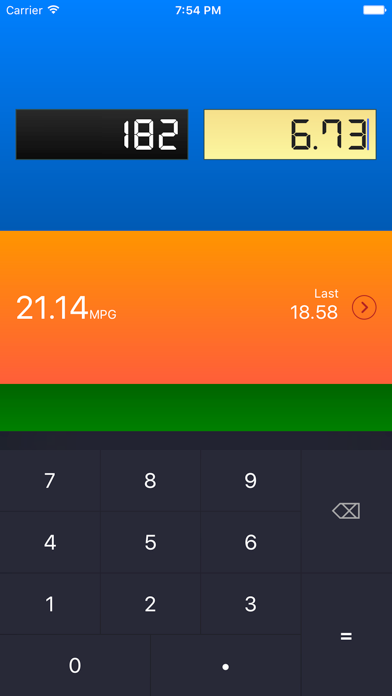
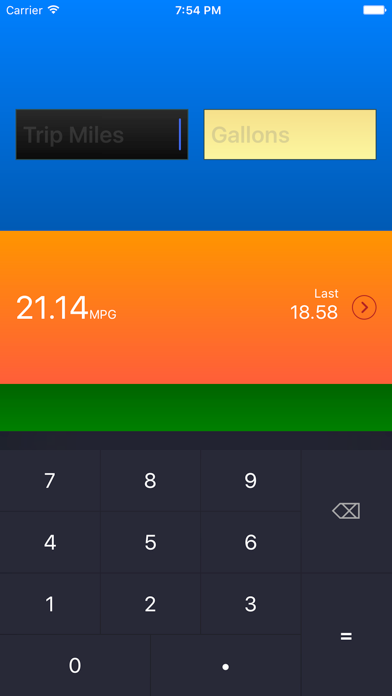
Easy gas mileage calculator built with usability in mind. Do it all on one screen with a few taps. Who should use it? Anyone wanting a fast way to do a mileage calculation. Previous MPG rating shown for quick comparison. No frills; does one thing well. Tap the history button next to your previous MPG to view all of your mileage calculations. Simply enter the number of miles your trip meter reads and the number of gallons you used to fill your tank. The fuel mileage will be displayed and saved. Now set your trip meter to zero in your car and just type in what you see at your next fill-up. QuickMPG will show a current MPG rating as well as the date and rating of your last fill-up, so quick comparisons are easy. MILEAGE CALCULATION TUTORIAL 1) Set your trip meter to 0 when you fill up. 2) (...drive around...) 3) At your next fill-up, note the number of gallons you put in your vehicle. 4) Read the value from the trip meter. 5) Enter the miles from the trip meter and the number of gallons into QuickMPG. NEED HELP? Contact me anytime at steven@slidetorock.com
What's new · 1.1
- Completely redesigned - See your previous gas mileage in history log - Fixed calculation bug Thanks for supporting QuickMPG for the past 6 years!
Details