

iNet WOL - Wake on Lan
BananaGlue GmbH · Utilities
Independent analytics for this App Store listing. AppTracker is not affiliated with BananaGlue GmbH.
Chart standing · US
What changed · US
Listing changes AppTracker has observed for this app in this storefront — new versions, price moves, rating shifts, and store copy.
[Added] Compatibility with macOS Monterey [Added] Some device images for icon chooser, mac devices from 2021 Have a good time. Greetings from BananaGlue
In-app purchases · US
No in-app purchases.
Screenshots
Keywords this app targets
Search terms AppTracker associates with this app — estimates, not search volume. ❝ = in the app's title; a highlighted number is its current position for that term.
Similar apps
Competitors and close alternatives, as estimated by AppTracker.
 WOL — wake on lan
Andreii Simaranov
1 shared topic · 4 shared title words
WOL — wake on lan
Andreii Simaranov
1 shared topic · 4 shared title words
 Magic Packet: WOL Wake-on-LAN
Nikita Somenkov
1 shared topic · 4 shared title words
Magic Packet: WOL Wake-on-LAN
Nikita Somenkov
1 shared topic · 4 shared title words
 WakeUp - The Wake on LAN tool
Tommaso Madonia
WakeUp - The Wake on LAN tool
Tommaso Madonia
 WOL: Magic packet sender
Marco Petrucci
2 shared topics · 1 shared title word
WOL: Magic packet sender
Marco Petrucci
2 shared topics · 1 shared title word
 Depicus Wake On Lan
Brian Slack
1 shared topic · 3 shared title words
Depicus Wake On Lan
Brian Slack
1 shared topic · 3 shared title words
 Remote Wake Up Mobile
Daniel Witt
1 shared topic · 1 shared title word
Remote Wake Up Mobile
Daniel Witt
1 shared topic · 1 shared title word
 RemoteBoot Pro
Takashi Tsuchiya
1 shared topic
RemoteBoot Pro
Takashi Tsuchiya
1 shared topic
 Wake
Dave Thompson
Wake
Dave Thompson
About
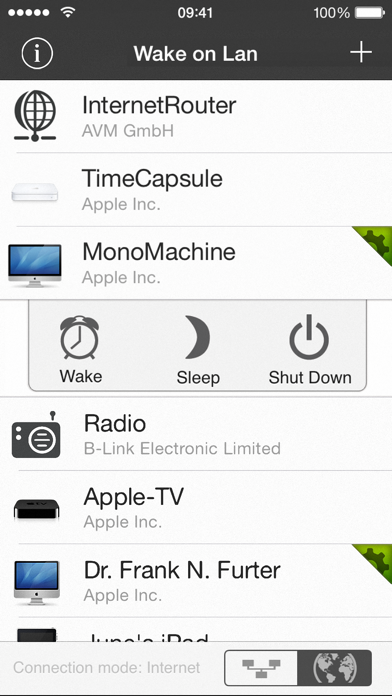
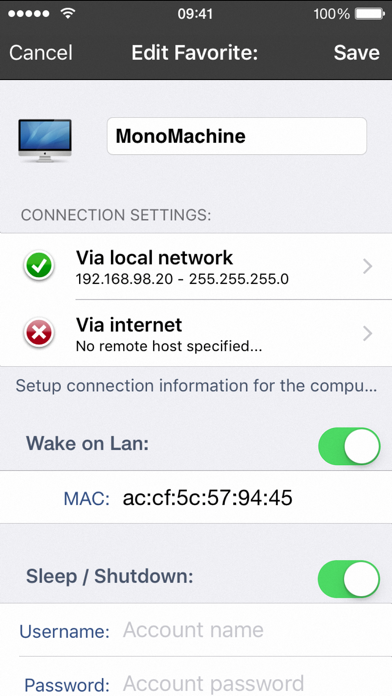
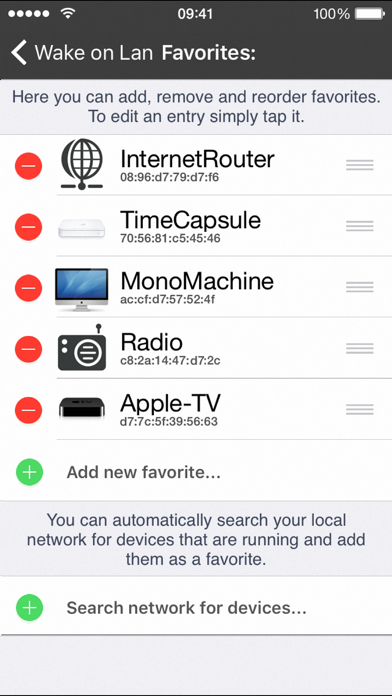
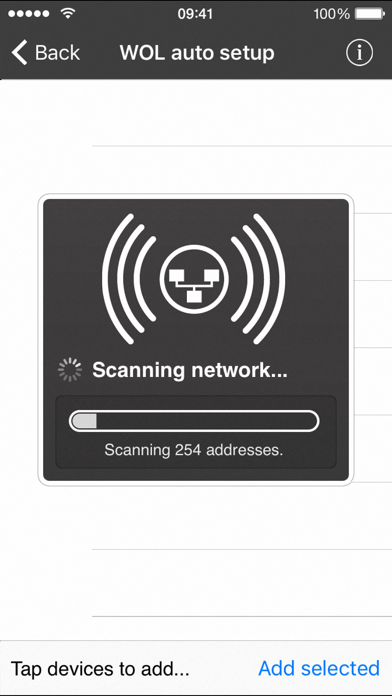
iNet WOL is a tool to wake computer from sleep via a local network or the internet. Its outstanding feature is its easiness of usage and the simple setup process. With iNet WOL you can: • Wake computer on the local network from sleep • Wake computer via the internet • Sleep, shutdown or reboot a computer remotely (Mac OSX only at the moment) • Add new devices with one touch (need to enter MAC address since iOS 11) iNet WOL scans the devices connected to your local network and shows them along with their name, IP and vendor at the tip of a button. You do not need to find out the MAC addresses or type them in. Just click on an item in the generated list to add it to your favourites. Setup and usage: Start iNet WOL and click on the device you want to wake up. Its that simple. For more detailed setup instructions regarding wake on lan via internet please see our website. Prerequisites: • iPhone/touch has to be connected to your lan • iPhone/touch have to be in the same subnet • Computer and router are connected via ethernet cable • Computers must be configured correctly for wake on lan • Network cards must support the standard Magic Packet format. Additional prerequitsites for WOL via internet: • The network must be reachable via internet • Router must be capable of forwarding wol packages • Router and firewall must be configured correctly Limitations: Wake On Lan with subnet directed broadcasts is not supported in version 1.0. We will implement this feature in a future update. Wake On Lan currently works within the same subnet. iNet WOL is also included in our network scanner iNet, alongside with other network tools like ping, Bonjour scanner, portscan and more. If you just need a fast and easy solution for computer wake up - iNet WOL is perfectly suited for you.
What's new · 2.7.1
[Added] Compatibility with macOS Monterey [Added] Some device images for icon chooser, mac devices from 2021 Have a good time. Greetings from BananaGlue
Details