

AutoShot Camera
正行 Akamatsu · Photo & Video
Independent analytics for this App Store listing. AppTracker is not affiliated with 正行 Akamatsu.
Chart standing · US
Screenshots

About
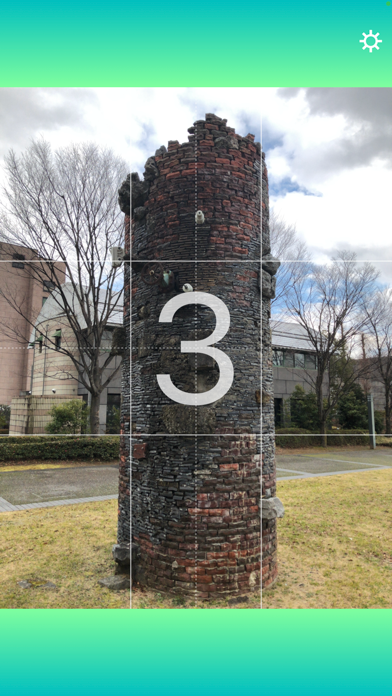
It automatically takes a photo and returns to the home screen. By activating this app with Siri or NFC tags, you can take a photo without touching the screen, which is very convenient when your hands are busy or gloves prevent you from touching it. You can set a timer to take a picture, play a sound, and display a grid line on the screen. On supported devices, you can launch the app and take a photo using the Camera Control button.
What's new · 1.2
- Pressing the volume button (or the Camera Control button on iPhone 16 and later) now takes a photo immediately, even during the countdown. - AutoShot can now be launched from the Camera Control button on iPhone 16 and later. You can launch it and take a photo directly from the Lock Screen without unlocking your device (the app does not automatically return to the Lock Screen after shooting). - Added a "Background" setting. Choose between Green (the original gradient) and Black for the shooting screen background. - Minor bug fixes and improvements.
Details