

Maintenance Fee Tracker
Mustafa Demir · Finance
Independent analytics for this App Store listing. AppTracker is not affiliated with Mustafa Demir.
Chart standing · US
What changed · US
Listing changes AppTracker has observed for this app in this storefront — new versions, price moves, rating shifts, and store copy.
New ways to make fee and payment tracking easier: • See the selected month's income on the home screen and total payments received in Transactions. • Filter cash and bank transfer (EFT) payments separately and view the total for your selection. • Filter residents by outstanding debt, overpayment or zero balance. Track total debt and overpayments separately. • Sort transactions by flat number in ascending or descending order. PDF and CSV reports follow your selected filters and sorting. • With Premium, export the selected month's transactions and expenses as CSV files. • Get started with a new quick guide, menu descriptions and PDF sharing tips. Added clearer explanations of on-device data storage and manual cloud backups. • Enter phone numbers more easily, including country codes, spaces and parentheses. • Fixed the account screen not refreshing after sign-in and layout overflow on some screens.
Screenshots






About
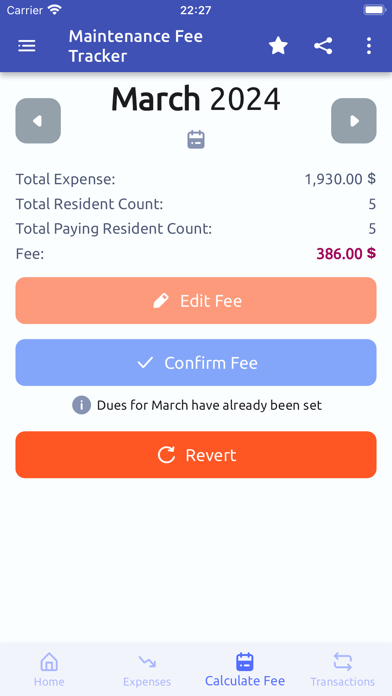
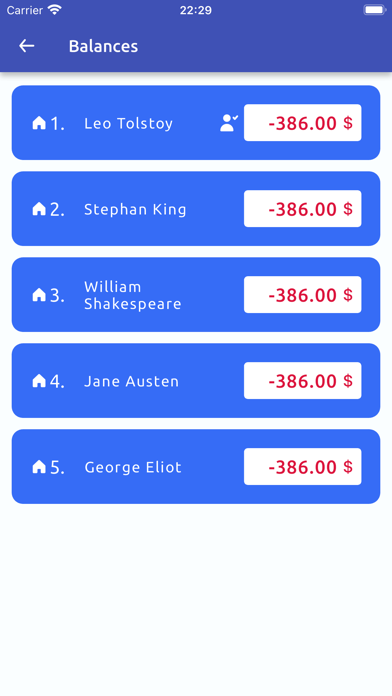
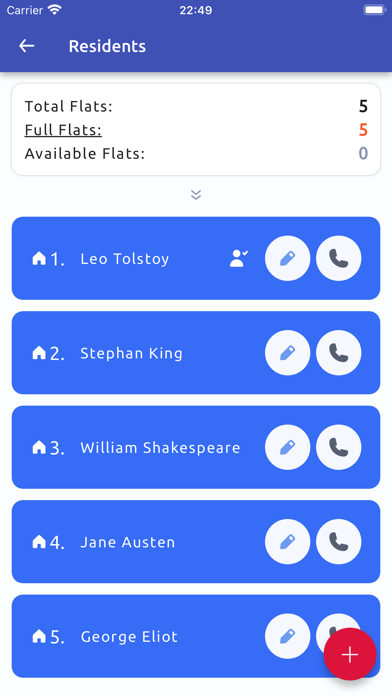
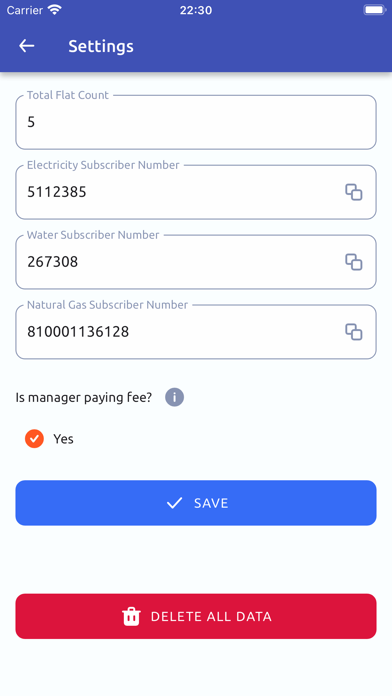
Maintenance Fee Tracker for buildings and apartments. Easy, fast and intuitive. Features: - Add, edit, delete Residents - Add Expenses and expense details - Add Transactions for any type of loan or payment - Check balance of each resident - Track expenses and fee payments easily Our Privacy Policy: https://androidevreni.com/app_documents/pp_aidat_takibi.html Our Terms of Use(EULA): https://androidevreni.com/app_documents/tos_aidat_takibi.html
What's new · 1.7.2
New ways to make fee and payment tracking easier: • See the selected month's income on the home screen and total payments received in Transactions. • Filter cash and bank transfer (EFT) payments separately and view the total for your selection. • Filter residents by outstanding debt, overpayment or zero balance. Track total debt and overpayments separately. • Sort transactions by flat number in ascending or descending order. PDF and CSV reports follow your selected filters and sorting. • With Premium, export the selected month's transactions and expenses as CSV files. • Get started with a new quick guide, menu descriptions and PDF sharing tips. Added clearer explanations of on-device data storage and manual cloud backups. • Enter phone numbers more easily, including country codes, spaces and parentheses. • Fixed the account screen not refreshing after sign-in and layout overflow on some screens.
Details