

Find My Airbuds Device Finder
AVRLTECHWORKS TEKNOLOJI VE YAZILIM HIZMETLERI LIMITED SIRKETI · Utilities
Independent analytics for this App Store listing. AppTracker is not affiliated with AVRLTECHWORKS TEKNOLOJI VE YAZILIM HIZMETLERI LIMITED SIRKETI.
Chart standing · US
What changed · US
Listing changes AppTracker has observed for this app in this storefront — new versions, price moves, rating shifts, and store copy.
Stability improvements
Price & rating history · US
Reconstructed from the listing changes AppTracker has observed in this storefront. A field is charted once it has changed more than once, and each line starts at the value it moved from.
Average rating · ★ 4.18 now · 5 changes on record
Ratings breakdown · US
The star breakdown behind this app's rating in this storefront.
In-app purchases · US
What this app sells inside itself, grouped by kind and priced for this storefront.
Screenshots



About
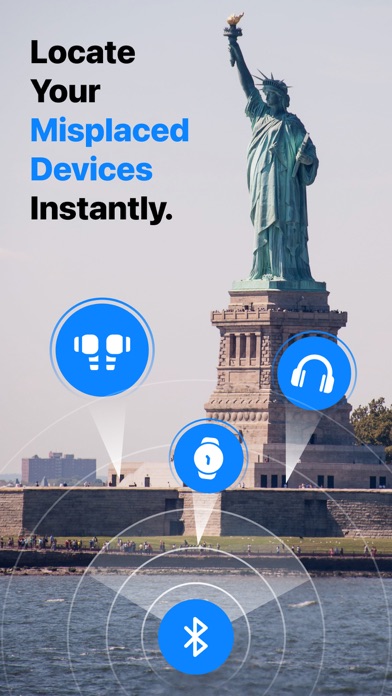
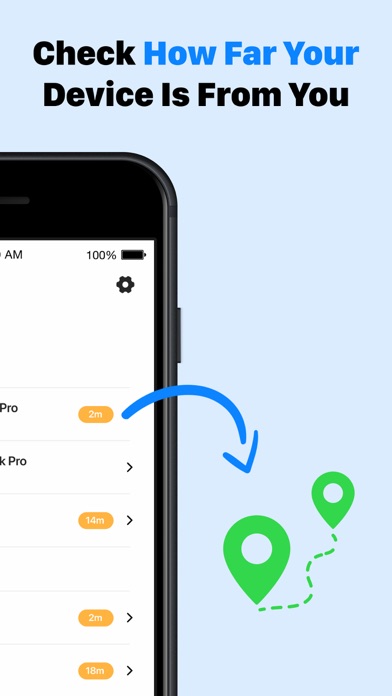
Lost your AirBuds, phone, or any Bluetooth device? Find them all in seconds! Find My AirBuds , Airpod and Device Finder is your smart Bluetooth tracking assistant that helps you quickly locate any Bluetooth-enabled gadget — from earbuds, headphones, tablets, and phones to smartwatches, TVs,Headphone and Bluetooth speakers.watch Find your misplaced Bluetooth devices with Find My AirBuds Device Finder — from compatible earbuds, headphones, tablets, and phones to smartwatches and Bluetooth speakers. Using Bluetooth signal tracking and live radar indicators, the app helps you estimate how close you are to your missing device and guides your search. Key Features • Bluetooth Device Tracker – Find nearby compatible Bluetooth devices, including earbuds, headphones, tablets, phones, watches, and speakers. • Smart Radar & Signal Strength – Follow live signal indicators as you move. A stronger signal generally means you’re getting closer. • Signal-Based Guidance – Monitor changes in Bluetooth signal strength to help narrow down your device’s location. • Nearby Device Scan – View nearby Bluetooth devices that the app can detect. • Simple & Intuitive Interface – Clean design for easy navigation and quick tracking. • Last Seen Location – Check the last recorded connection location to help guide your search. How It Works 1- Open the app and allow Bluetooth access. 2- Tap “Scan Devices” to view detectable Bluetooth devices nearby. 3- Select your missing device and move around while following the radar and signal strength indicators. Spend less time searching your home, car, or office. Find My AirBuds Device Finder helps you locate compatible devices within Bluetooth range. Devices must be powered on and broadcasting a detectable Bluetooth signal. Detection range and signal strength may vary depending on the device, walls, and surrounding conditions. Download now and make finding your misplaced Bluetooth devices easier! Auto-Renewable Subscription Terms: - Payment will be charged to your Apple ID account at the confirmation of purchase. - Subscription automatically renews unless it is canceled at least 24 hours before the end of the current period. - Your account will be charged for renewal within 24 hours prior to the end of the current period. - You can manage and cancel your subscriptions by going to your account settings on the App Store after purchase. Terms of Use: https://bestfinder.avrltechworks.com/terms-of-use Privacy Policy: https://bestfinder.avrltechworks.com/privacy-policy
What's new · 2.4
Stability improvements
Details