
Chart standing · US
Screenshots



About
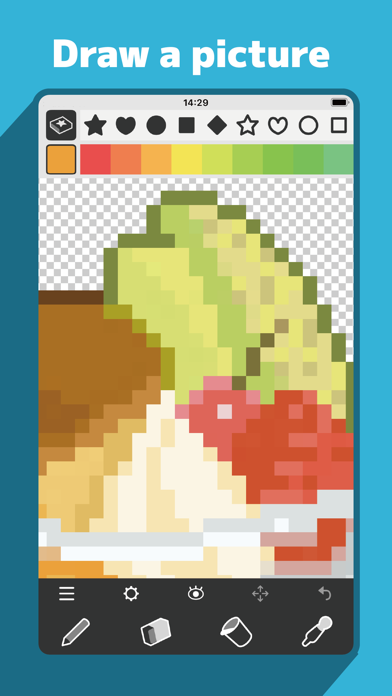
/// Standard Features /// Marks (86 types) / Includes large symbols, small symbols, knitting symbols, numbers, alphabets, and patterns. Pen, Eraser, Bucket, Eyedropper / Double-tap the button to switch to mark-specific functions. Color Picker / Supports RGB/HSB conversion and saving color palettes separately for each canvas. Selection Tool / Move, copy, flip, rotate, or delete selected areas. Image Import / Convert imported images into pixel data or pattern marks. Image Export / Includes display options for transparency, grid, marks, and fill. Undo / Undo up to 10 times. Other Features / Save up to 5 files, toggle display settings (transparency, grid, marks, fill), clear all marks, clear all fills, duplicate. Canvas Size / Up to 160×160. /// Premium Features /// Ad-Free / Removes all ads within the app. Unlimited Saves / Removes the 5-file save limit. PDF Export / Export vector-based PDFs for pattern output. iCloud Save & Sync / Save and sync edited data via iCloud Drive across multiple devices.
What's new · 3.0.1
- Fixed a bug in the canvas size input screen. - Adjusted the display of the selection area. - Added stitch marks to the pattern
Details