

Record In - V Screen Recorder
Muhammad Abdullah · Photo & Video
Independent analytics for this App Store listing. AppTracker is not affiliated with Muhammad Abdullah.
Chart standing · US
What changed · US
Listing changes AppTracker has observed for this app in this storefront — new versions, price moves, rating shifts, and store copy.
Price & rating history · US
Reconstructed from the listing changes AppTracker has observed in this storefront. A field is charted once it has changed more than once, and each line starts at the value it moved from.
Average rating · ★ 4.42 now · 4 changes on record
Ratings breakdown · US
The star breakdown behind this app's rating in this storefront.
In-app purchases · US
What this app sells inside itself, grouped by kind and priced for this storefront.
Screenshots


About
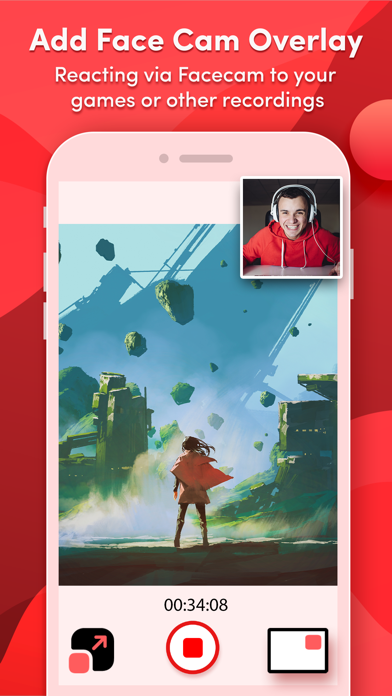
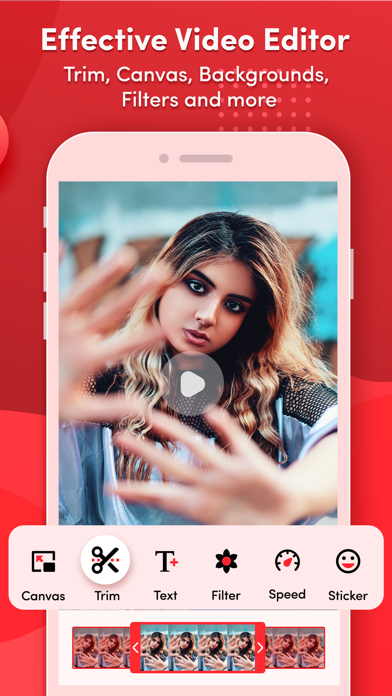
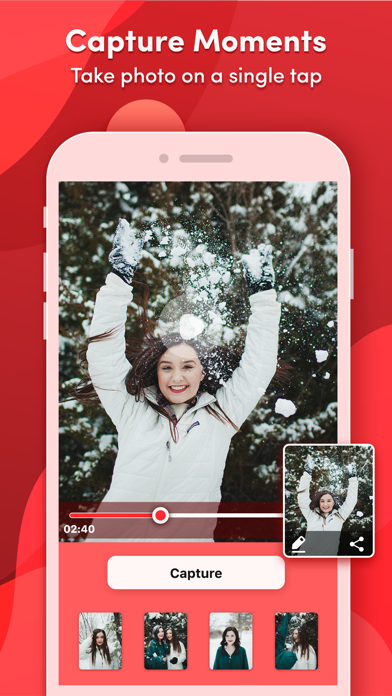
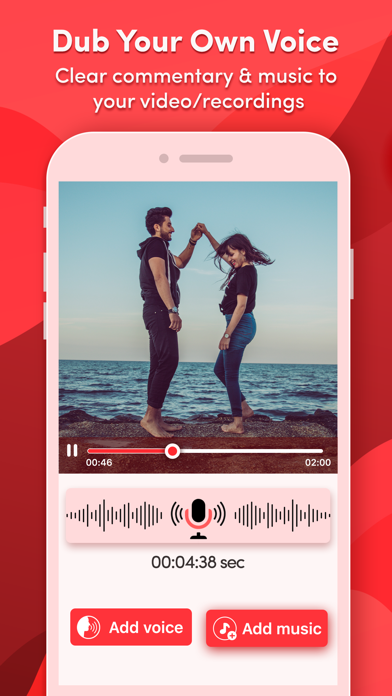
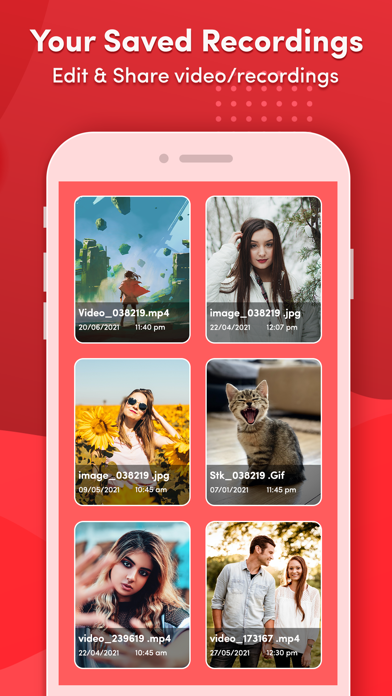
The all-in-one screen recording app is designed to meet your screen video recording needs. Whether you're a content creator, a gamer, or simply looking to record your screen for any purpose like watching live shows the Screen Recorder does full-screen recording with clear sound. Enhance the screen recordings with face cam reactions, audio commentary, video editing tools, & more features in this Video Editor and Screen Recorder tool. Key Features of "Record In - V Screen Recorder" App: • Professional Screen & Game Recorder: Record the entire mobile screen or any application with a high-quality screen recorder. ⁃ HD Quality: Capture every screen in high-definition ratio for smooth play. ⁃ Custom Resolution: Set up the video recording settings to suit your requirements. ⁃ Frame Rate Control: Adjust the frame rate to capture smooth motion or reduce file size. ⁃ Bitrate Control: Fine-tune recorded video quality to match your preferences, whether it's for streaming, sharing, or archiving. • Capture FaceCam Reactions: Use a facecam overlay to interact with screen captures and add your reactions to videos. Record your reactions and explanations during screen recordings. • Voiceover Recordings: Enhance your video recordings with voice commentary and add background music to engage your audience. • Edit Recorded Videos: Screen Recorder-Clips Editor offers a number of features to assist with video editing: ⁃ Add Text: Add appealing captions or stylish titles in videos. ⁃ Adjust Speed: Speed up or slow down your video recordings. ⁃ Trim Video: Trim recorded videos to focus on the key content. ⁃ Backgrounds: Change the background of the recorded videos. ⁃ Stickers: Add fun & engaging stickers to your screen recordings. ⁃ Multiple Filters: Use filters to make video recordings more visually appealing. ⁃ Multiple Canvas: Easily share on social media platforms by adjusting the video ratio. • Video to GIF Converter: Convert screen recordings and trimmed videos into GIFs for engaging content. • Video to Photo Converter: Extract high-quality photos from videos for further editing. • Access Video Recordings Quickly: Easily access, manage, & share your screen recordings with anyone. Enjoy this fantastic screen and video recorder to capture your favorite games and TV shows as well as share your valuable reviews to improve this all-in-one screen recorder. "Record In - V Screen Recorder" app offer you the following auto-renewable subscriptions & Lifetime Purchase : Premium Version (Unlock all premium content & remove ads) Lifetime fee = $ 29.99 --------------------- Weekly fee = $ 4.99 --------------------- Monthly fee = $ 13.99 --------------------- Yearly fee = $ 15.99 The prices of "Record In - V Screen Recorder" are for United States customers. Prices in other countries may differ, and actual charges may be converted to local currency depending on your country. On confirmation of purchase, the payment of the subscription will be charged to the iTunes Account. Normally, the Subscription automatically renews unless auto-renewal is turned off at least 24 hours before the end of the current period. The account will be charged for renewal within 24 hours before the end of the current period, and the cost of the renewal will be identified. Subscriptions may be managed by the user and auto-renewal may be turned off by going to the user's Account Settings after purchase. Privacy Policy: https://bit.ly/3oi9FUI Terms of Use: https://bit.ly/35J7kvl
What's new · 3.3
- Improve Overall App Performance.
Details