

Clip Jar
Hangzhou Gongshu District Xiangde Software Development Studio · Utilities
Independent analytics for this App Store listing. AppTracker is not affiliated with Hangzhou Gongshu District Xiangde Software Development Studio.
Chart standing · US
What changed · US
Listing changes AppTracker has observed for this app in this storefront — new versions, price moves, rating shifts, and store copy.
Bug fixes and performance improvements.
Ratings breakdown · US
The star breakdown behind this app's rating in this storefront.
In-app purchases · US
What this app sells inside itself, grouped by kind and priced for this storefront.
Screenshots
About
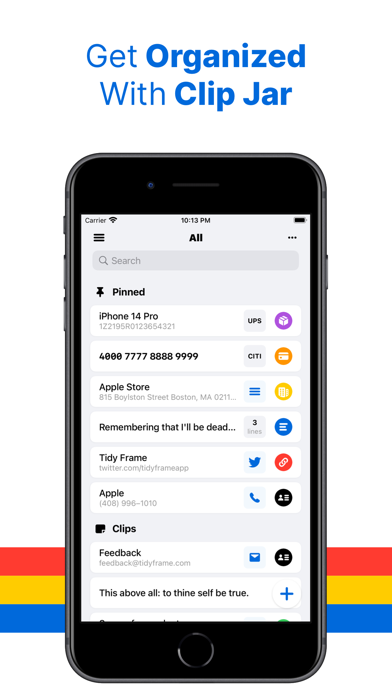
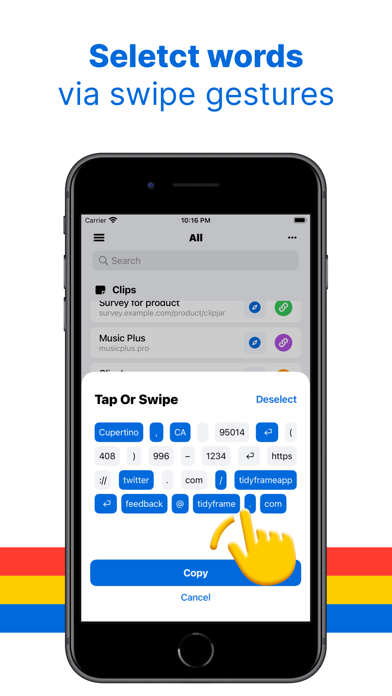
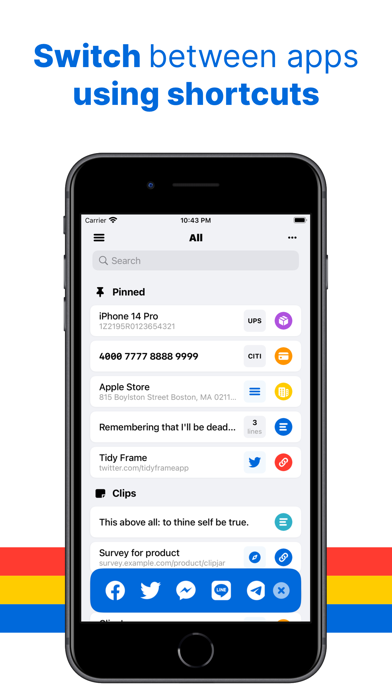
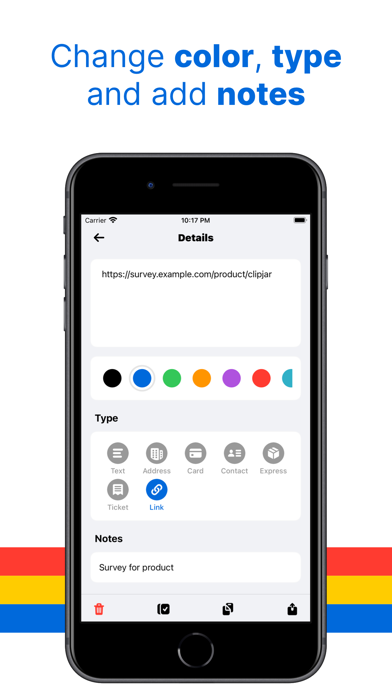
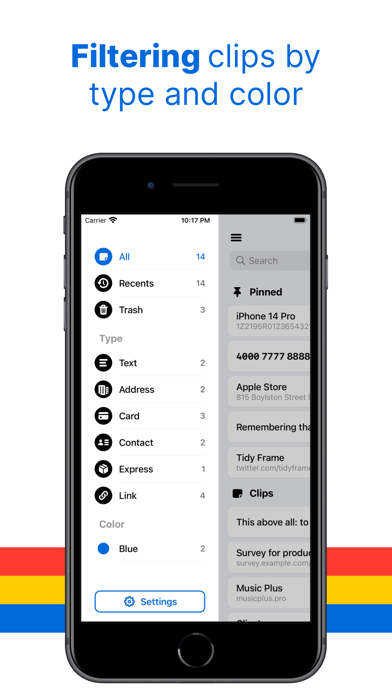
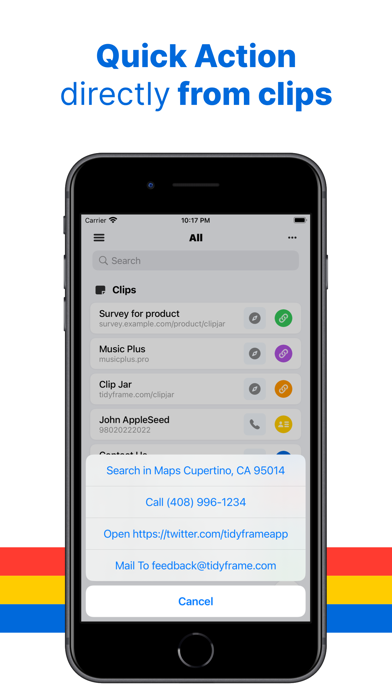
Manage your text clips effortlessly with Clip Jar. Whether you frequently copy and paste from websites, messages, or social media, Clip Jar is here to streamline your workflow. Tired of dealing with a cluttered and hard-to-navigate Notes app? We understand the struggle of organizing short text clips on iOS, which is why we created Clip Jar. Featuring a user-friendly interface, Clip Jar simplifies the process of saving and sharing text clips efficiently. Say goodbye to tedious clicks and welcome a seamless experience. With convenient shortcuts, you can easily switch to your favorite apps after copying. Additionally, our innovative word selection feature allows you to choose the precise content you need using intuitive swiping gestures. Furthermore, Clip Jar detects links, email addresses, phone numbers, and even physical addresses within the text, providing you with useful actions to take. Discover How Clip Jar Can Revolutionize Your Text Clip Management: Save Text Clips in Various Ways: We prioritize the crucial task of saving text clips and have implemented multiple methods to minimize clicks: - Access the Homescreen widget for quick access - Automatically read and save text from the pasteboard - Long-press the + button for immediate saving Effortlessly Filter, Search, and Select Words: Locating specific text clips is a breeze with Clip Jar's advanced search and filtering capabilities. Use keywords or our convenient sidebar filter to effortlessly browse text clips by type or category. And if you only want to share a portion of the text, our "Word Selection" feature enables you to select partial words effortlessly with a simple swipe gesture. Give it a try! Share with Ease Using Quick Actions: With Clip Jar's app shortcuts, you can seamlessly switch between commonly used apps* without returning to the home screen. Additionally, for clips containing phone numbers, email addresses, addresses, or links, Quick Actions allow you to open them in Safari, make phone calls, or send emails directly. Need assistance or have questions? Reach out to us on Twitter @ideasformapp or email us at feedback@ideasform.com. Frequently Asked Questions: Visit our FAQ page at https://ideasform.com/clipjar/faq/ for more information. Your Privacy Matters: Learn about our privacy policy at https://ideasform.com/clipjar/privacy/. ------ *Supported apps include Twitter, Facebook, Skype, and nine other popular applications. In the future, custom URL Scheme is also supported.
What's new · 1.3.5
Bug fixes and performance improvements.
Details