

Ditto Director
Squirrels LLC · Productivity
Independent analytics for this App Store listing. AppTracker is not affiliated with Squirrels LLC.
Chart standing · US
In-app purchases · US
No in-app purchases.
Screenshots
About
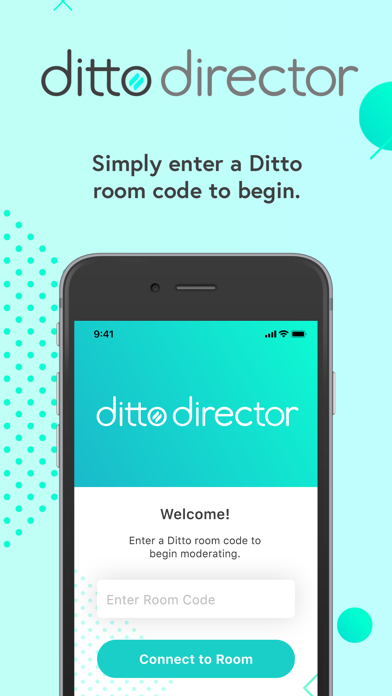
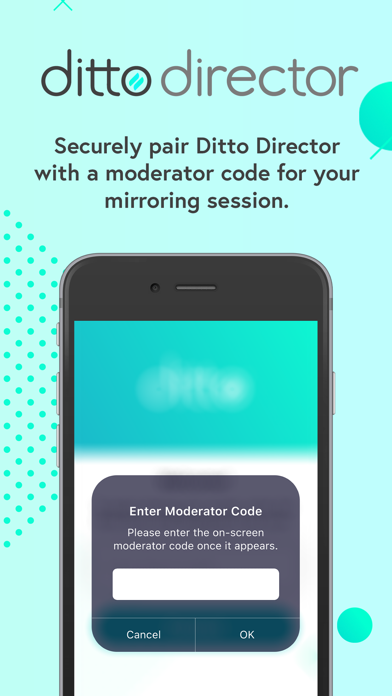
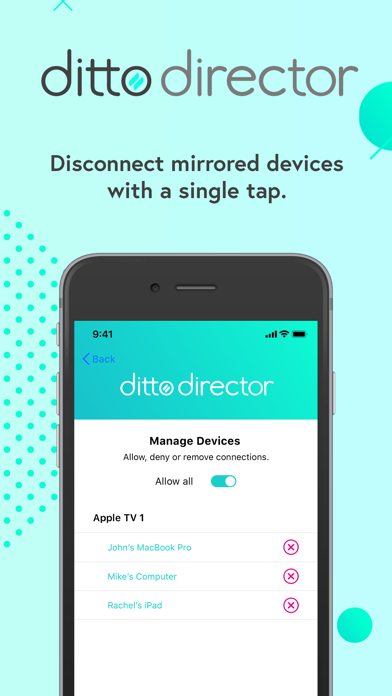
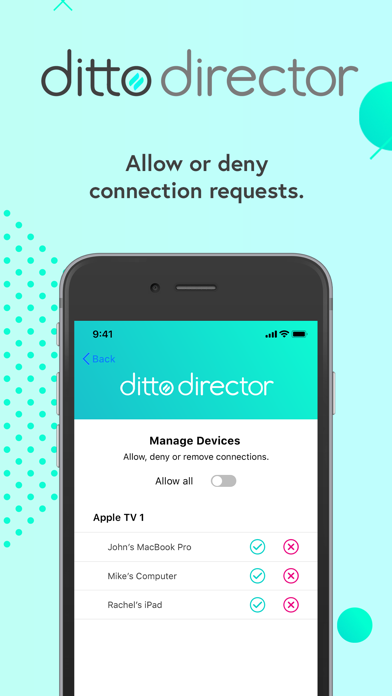
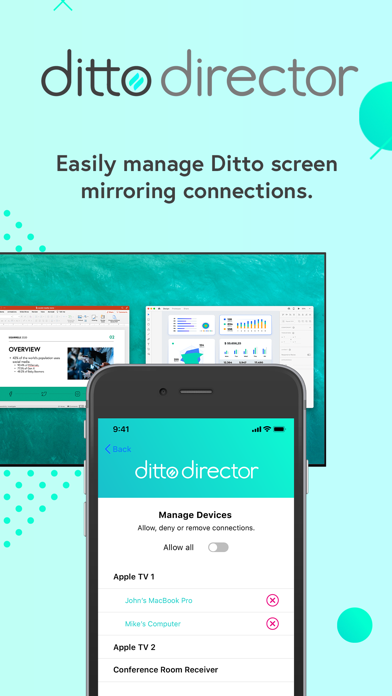
Use Ditto Director to easily moderate Ditto screen mirroring sessions. This app is ideal for teachers, meeting leaders or any Ditto users who require the ability to manage mirrored content. Ditto Director is the gatekeeper you need to prevent the wrong devices from mirroring to your displays at the wrong time. Moderate any device connected to Ditto. Moderate Connections Allow or deny incoming screen mirroring connections to Ditto receivers with a single tap. Remove Connected Devices Disconnect mirrored devices from Ditto receivers if needed. Ditto Subscription Required Note: An active Ditto subscription is required to use Ditto Director. The account must have at least one Ditto room paired with a non-legacy receiver. https://www.airsquirrels.com/ditto How It Works Ditto account admins must enable “Moderator Controls” in the “Rooms” section of the Ditto Account Portal. Moderators will enter a Ditto room code into Ditto Director to connect the app to the appropriate Ditto receivers. As an additional layer of security, moderators will then enter an onscreen code or a custom password to begin moderating Ditto connections.
Details