

Blur Photo.
Le Giang Nam · Graphics & Design
Independent analytics for this App Store listing. AppTracker is not affiliated with Le Giang Nam.
Chart standing · US
What changed · US
Listing changes AppTracker has observed for this app in this storefront — new versions, price moves, rating shifts, and store copy.
Price & rating history · US
Reconstructed from the listing changes AppTracker has observed in this storefront. A field is charted once it has changed more than once, and each line starts at the value it moved from.
Average rating · ★ 4.71 now · 2 changes on record
Ratings breakdown · US
The star breakdown behind this app's rating in this storefront.
In-app purchases · US
What this app sells inside itself, grouped by kind and priced for this storefront.
Screenshots
About
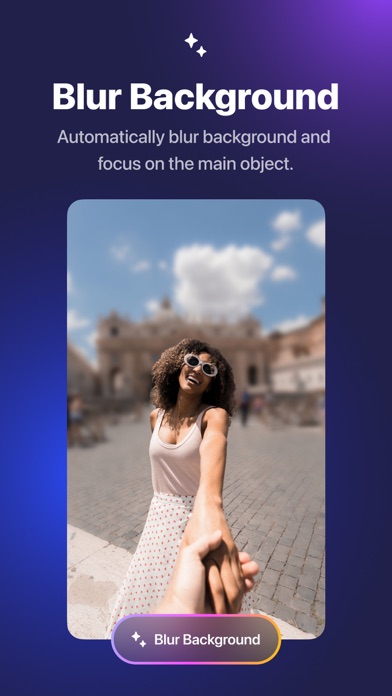
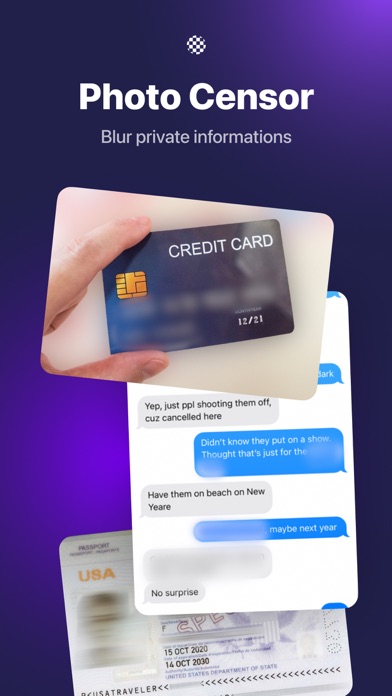
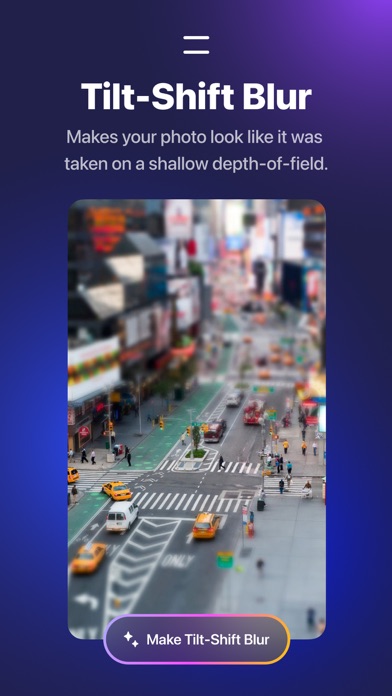
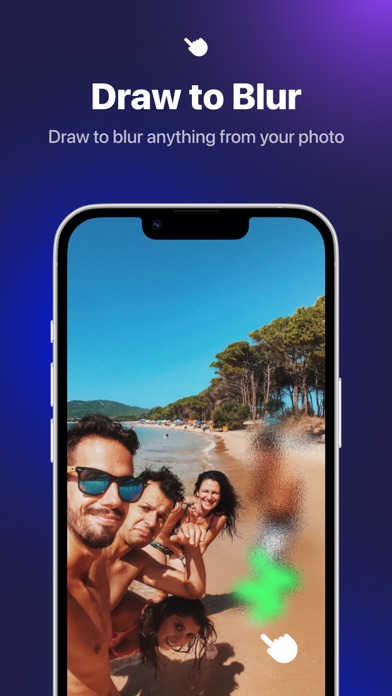
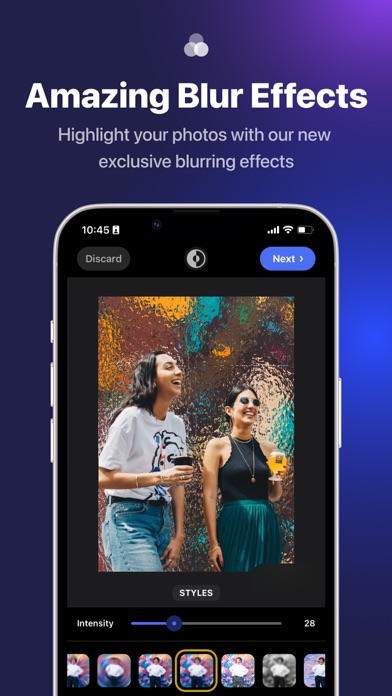
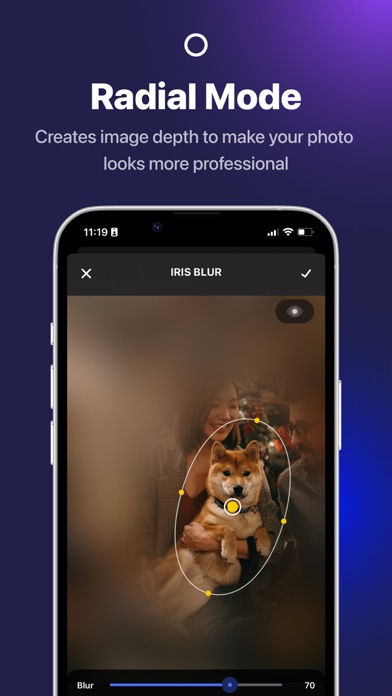
Automatically blur image background, faces or subjects in your photo and add amazing blur effects. HOW IT WORKS 1. Select a photo you want to blur 2. Click Blur Background for advanced background blurry effects or using manual mode to finger touch for accurate blurry part 3. Choose from our many amazing blur effects and other filters to enhance your photos 4. Save to camera roll or share your artwork with friends or via social media *Highlight* + Provide multiple unique blur effects to make the photo more prominent. + Radial mode to create powerful depth of field editing + Blur brush with adjustable strength and soft/hard brushes + Custom blur intensity & size + Zoom & rotate to work in detail + More advanced photo editing tools to make professional photo Terms of use: https://rockybrain.com/terms/ Privacy policy: https://rockybrain.com/policy/
What's new · 2.1.5
Bug fixes
Details