

Bluetouch™
Raymond Jones · Utilities
Independent analytics for this App Store listing. AppTracker is not affiliated with Raymond Jones.
Chart standing · US
What changed · US
Listing changes AppTracker has observed for this app in this storefront — new versions, price moves, rating shifts, and store copy.
- added Polish keyboard layout - fixed issue with the AI chat feature - updated the settings screen
Ratings breakdown · US
The star breakdown behind this app's rating in this storefront.
In-app purchases · US
What this app sells inside itself, grouped by kind and priced for this storefront.
Screenshots




About
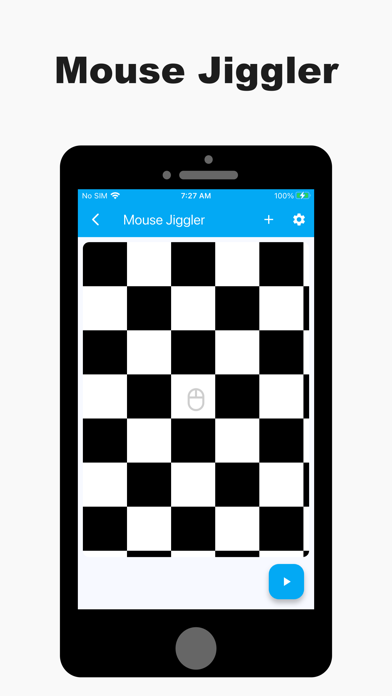
Use your device as a Bluetooth keyboard and mouse. No additional software is required. Just connect directly via a secure, private Bluetooth connection and take effortless control! The app functions as a reliable wireless keyboard, trackpad, and mouse replacement. - Trackpad: Features scrolling, left, right, and middle mouse buttons. Supports multi-touch gestures (for PRO and ELITE users). Customize scroll speed and direction for perfect navigation. - Full Keyboard: Offers a full-featured layout for remote typing, including all function keys and arrow keys. - Smart Typing: Supports familiar features like swipe gestures, text autocompletion, and speech-to-text. - Global Language Support: Easily change the keyboard layout to support dozens of different languages. - Data Transfer: Scan QR codes or barcodes and wirelessly transmit the data to your connected device. You can also copy/paste text directly into the app to send it over. Advanced Control Tools - Custom Layouts & Remotes: Unleash your creativity by designing custom layouts for any use case—create your own dedicated Smart TV remote, presentation clicker, or Steam Deck controller. Export/import layouts for easy sharing and backup. Seamlessly switch between a keyboard, media remote, and navigation layout while connected to a single device. - Shortcut Keys: Create powerful shortcuts that send up to six different keyboard keys simultaneously (e.g., a single button press for Ctrl+Alt+Delete). - Mouse Jiggler: Prevent your computer from entering sleep or standby mode during long tasks, downloads, or presentations. Perfect for Every Situation Use the app as a dedicated media remote for movies, a full-featured PC mouse and keyboard, or a backup for your existing peripherals—protecting you against them going missing, getting broken, or running out of battery. Download the app today and experience effortless control! Get connected with the Bluetouch community! Join our Discord server for tips, tricks, and discussions: https://discord.gg/5KCsWhryjd Terms of Use (EULA): https://www.apple.com/legal/internet-services/itunes/dev/stdeula/
What's new · 1.0.108
- added Polish keyboard layout - fixed issue with the AI chat feature - updated the settings screen
Details