

Video Speed – Slow Fast Editor
Gema Martinez · Utilities
Independent analytics for this App Store listing. AppTracker is not affiliated with Gema Martinez.
Chart standing · US
What changed · US
Listing changes AppTracker has observed for this app in this storefront — new versions, price moves, rating shifts, and store copy.
Ads have been removed from the app. Internal libraries have been updated to improve stability and performance. Minor bug fixes.
In-app purchases · US
What this app sells inside itself, grouped by kind and priced for this storefront.
Screenshots


About
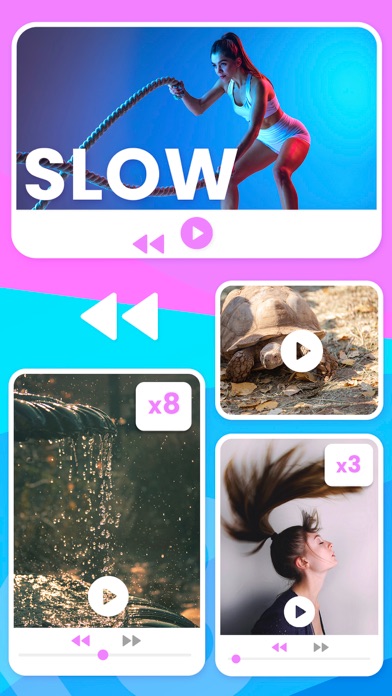
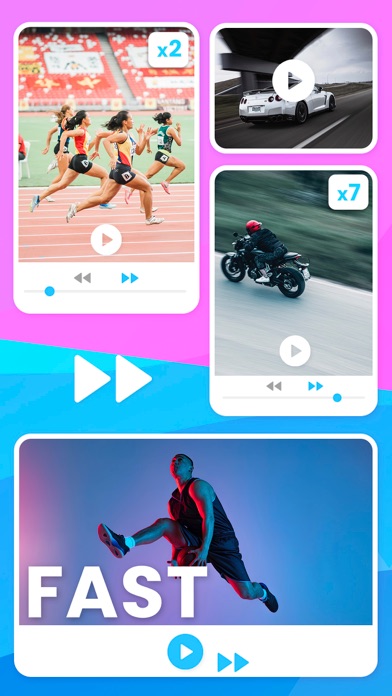
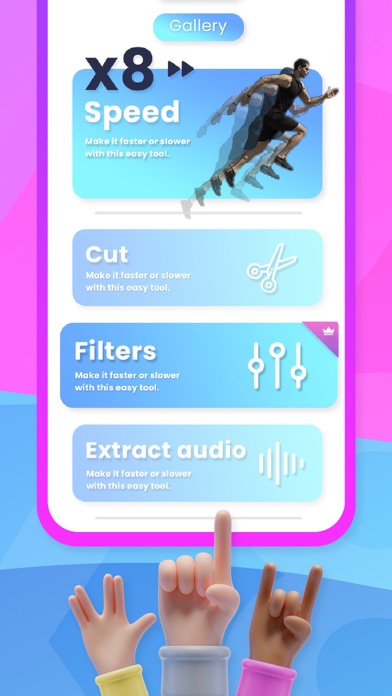
Best video speed-changing app for slow and fast motion video editing. Use our interactive timeline to control the playback speed of all videos you record with your devices. Speeding up or slowing down the footage is a simple and yet effective video editing technique that can make the content you share online more entertaining to watch. Make your video stand out to get thousands of views, shares, or likes. Slow down the playback speed of your video to make a scene more entertaining or highlight an important moment. You can also increasing your video’s playback speed if you want to create breathtaking time-lapses. Discover creative video editing tools to create professional videos. This app provides a versatile set of video editing tools, enabling you to do simple video playback speed adjustments with a rich library of visual effects. It also supports all common video file formats. This video editing app provides you with all the tools you need to create the content you share with your friends, family or followers. As soon as you record a new video clip with your device phone, you can import it into the app and edit all parts you don’t want to include in the final cut. Video to Gif – Convert your videos into a GIF Image to Gif – Convert your image into a GIF Video to Audio - Easily extract audio from your video files Cut Videos - Cut and trim your video to the desired length Capture Image - Capture a single frame from your video Slow/Fast Video – Easily speed up or slow down your videos Add Watermark - Add an image as the logo for the watermark that you want to apply to your video. Video Filter – Add filters to enhance your video Reverse Videos - Reverse your video or to add a rewind effect. Play it backwards and forwards Merge Videos - Merge various video files, join and combine multiple video files into one file Creating a slow-motion or fast-forward video with our video editor is a straightforward process that can be completed in just a few taps. You can export all of your projects in Full HD resolution. You can combine videos and photos and add music to your videos. The app will display the changes instantly so that you can preview your footage before sharing it on social networks. https://www.apple.com/legal/internet-services/itunes/dev/stdeula/
What's new · 1.4
Ads have been removed from the app. Internal libraries have been updated to improve stability and performance. Minor bug fixes.
Details