

Square Fit Photo Editor - PiQ
Shiho Sadamizu · Photo & Video
Independent analytics for this App Store listing. AppTracker is not affiliated with Shiho Sadamizu.
Chart standing · US
What changed · US
Listing changes AppTracker has observed for this app in this storefront — new versions, price moves, rating shifts, and store copy.
Price & rating history · US
Reconstructed from the listing changes AppTracker has observed in this storefront. A field is charted once it has changed more than once, and each line starts at the value it moved from.
Average rating · ★ 4.67 now · 2 changes on record
In-app purchases · US
What this app sells inside itself, grouped by kind and priced for this storefront.
Screenshots



About
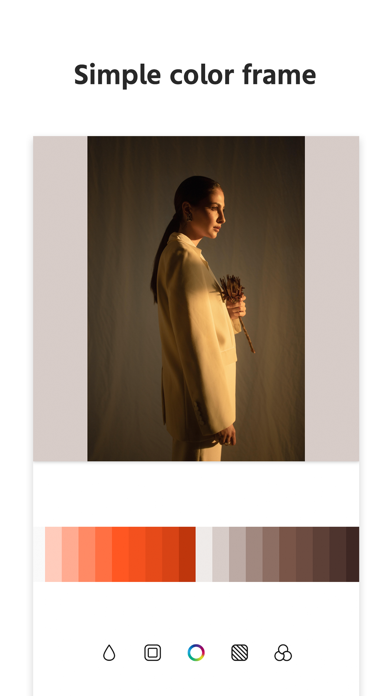
PiQ is an application that can edit any shaped photo into a square image. You can create photos for Instagram with simple editing. PiQ Features - Automatically square sized for posting on Instagram. Adds a frame to a vertical or horizontal image so that the entire photo can be displayed. - Easy operation for a unified photo Create natural and unified photos by blurring frames or using your favorite colors as frames. - A wide variety of filters to create your own unique photo A variety of filters are available, including retro, blue, and pink tone processing. PiQ is recommended for - Instagram users. - People who want to process photos into squares. - People who want to add blur frames or simple frames. - People who want to use their favorite photo or image as a frame. - People who want to create a unified photo. - Filter processing. For PiQ users Thank you for using our application. In order to run the app basically free of charge, we are publishing advertisements. We thank you for your understanding. We appreciate your understanding. We would appreciate it if you could give us a high rating or review. Contact us Launch the application > Settings button > Contact us Please use the following form. >Terms of Use https://www.stellaxia.com/userpolicy >Privacy Policy https://www.stellaxia.com/privacypolicy
Details