

Cast for Chromecast !
khanh le phu · Productivity
Independent analytics for this App Store listing. AppTracker is not affiliated with khanh le phu.
Chart standing · US
What changed · US
Listing changes AppTracker has observed for this app in this storefront — new versions, price moves, rating shifts, and store copy.
Price & rating history · US
Reconstructed from the listing changes AppTracker has observed in this storefront. A field is charted once it has changed more than once, and each line starts at the value it moved from.
Average rating · ★ 3.97 now · 4 changes on record
Ratings breakdown · US
The star breakdown behind this app's rating in this storefront.
In-app purchases · US
What this app sells inside itself, grouped by kind and priced for this storefront.
Screenshots

About
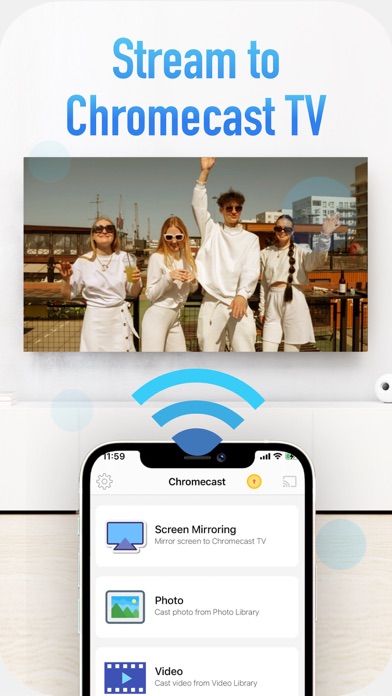
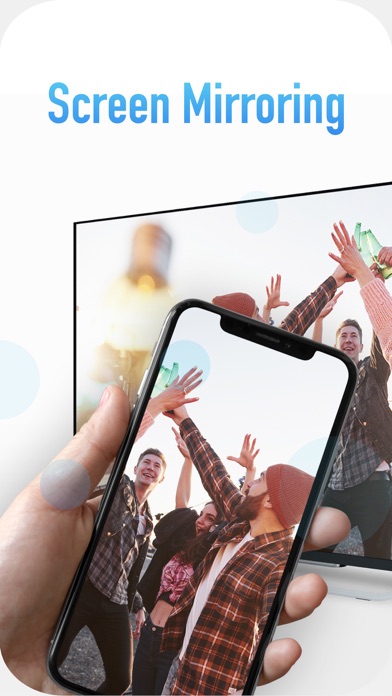
Cast photo, video on your Chromecast devices. Play games and watch your movies on big screen. Main Features: - Mirror your phone screen to Chromecast in realtime (supported portrait and landscape mode) - Cast video, photos, to Chromecast - Cast audio to Chromecast - Cast camera to Chromecast - Watch your movies on Chromecast TV - Volume control when play video How to use: - Please make sure Chromecast device and your phone are in the same WIFI network. - Open the app and select a device from the list to connect - Then select photos or videos from Photo Library to cast or choose screen mirroring feature to stream your screen to Chromecast device *** Upgrade to Premium to remove ads and unlock all features*** You can choose one-time payment or a yearly subscription. (with 3-day free trial) a monthly subscription. – Payment will be charged to iTunes Account at confirmation of purchase (After free trial period if offered). – Subscription automatically renews unless auto-renew is turned off at least 24-hours before the end of the current period. – Account will be charged for renewal within 24-hours prior to the end of the current period, and identify the cost of the renewal. – Subscriptions may be managed by the user and auto-renewal may be turned off by going to the user’s Account Settings after purchase. – Any unused portion of a free trial period, if offered, will be forfeited when the user purchases a subscription to that publication, where applicable. Privacy: https://sontung.app/privacy/ Terms: https://sontung.app/term-of-use/ Disclaimer: Chromecast is a trademark of Google LLC. This app is not affiliated with Google or any other trademark mentioned here. This app use Google Cast SDK in compliance with Google Cast SDK Additional Developer Terms of Service (https://developers.google.com/cast/docs/terms). It's permitted to develop Apps having interoperable features with Google Cast devices in Section 2,3,4.
What's new · 2.1
- fix bugs
Details