

Image Batch Convert
Yihang Huang · Productivity
Independent analytics for this App Store listing. AppTracker is not affiliated with Yihang Huang.
Chart standing · US
In-app purchases · US
No in-app purchases.
Screenshots
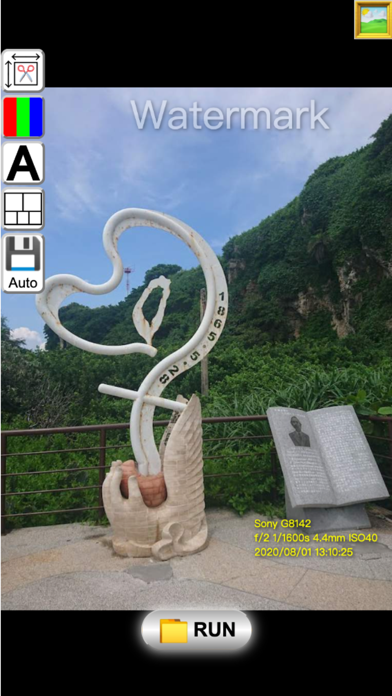
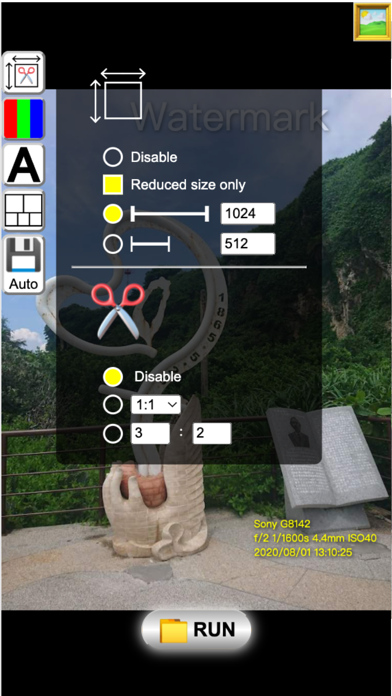
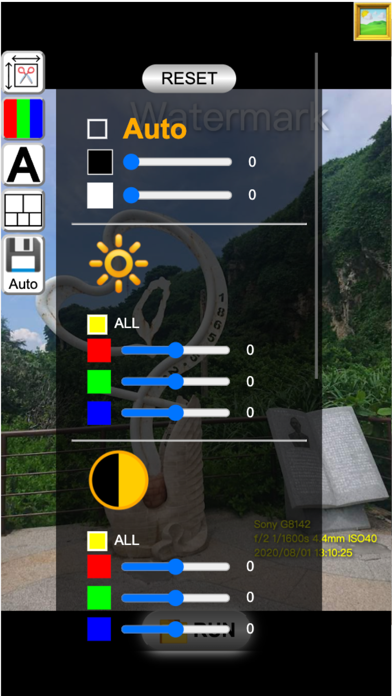
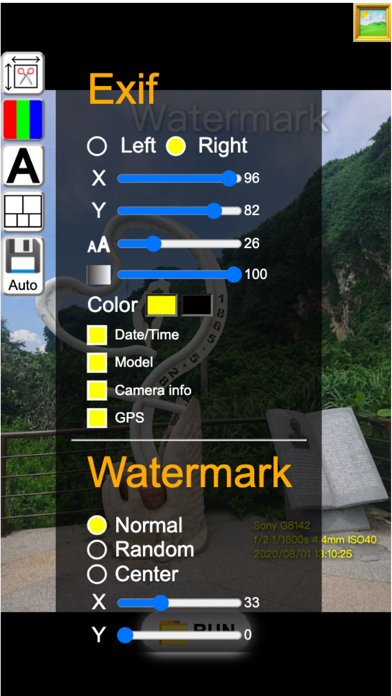
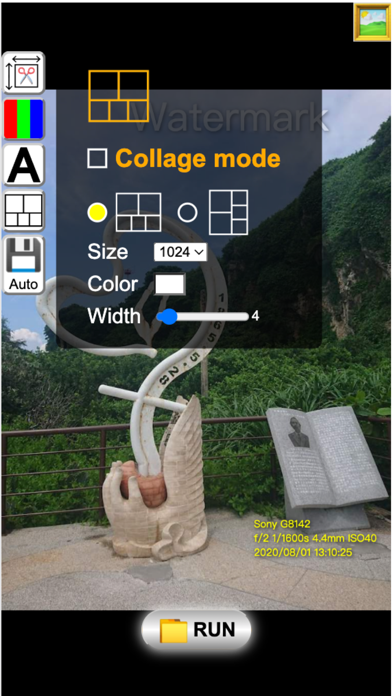
About
Batch processing photo crop,resize,color adjustment,temperature,collage 1. Crop and Resize 1.1 Resize: It can be set to automatically calculate the size of the thumbnail according to the length of the long side or the short side 1.2 Cropping: The method of cropping is that after setting a ratio, the size will be automatically calculated, and the picture will be cut into a fixed scale. 2. Color adjustment 2.1 Brightness 2.2 Comparison 2.3 Saturation 2.4 Gamma 2.5 color temperature 2.6 Automatic, especially the automatic mode, which can remove the fog and fog in the photo by adjusting the color level. 3. Text and Frames 3.1 Write Exif information in the photo 3.2 You can add watermarks for pictures and texts, or you can use the pictures in the frame to make the size larger, and you can add frames to photos in batches 4. Collage mode 4.1 Select multiple photos, it will be automatically calculated and combined into one photo 5. Save 5.1 You can set to dump all jpg or png files, and set the quality of jpg files
What's new · 1.3.1
1.Added the ability to directly save the current picture 2.Bug fix.
Details