

Password Manager - Passcodes
Committed Code Ltd · Productivity
Independent analytics for this App Store listing. AppTracker is not affiliated with Committed Code Ltd.
Chart standing · US
In-app purchases · US
What this app sells inside itself, grouped by kind and priced for this storefront.
Screenshots

About
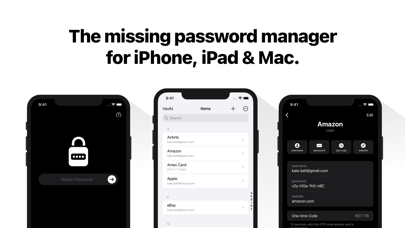
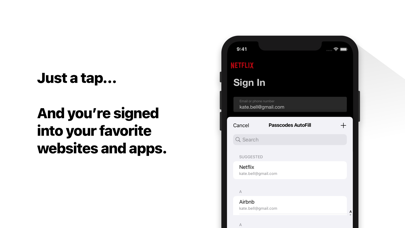
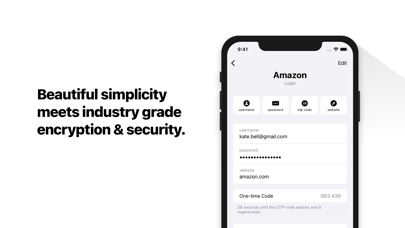
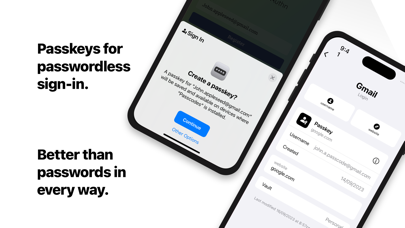
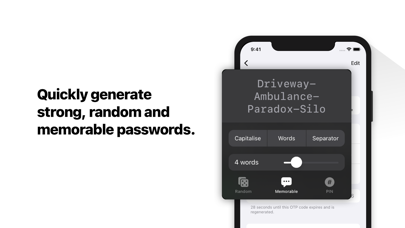
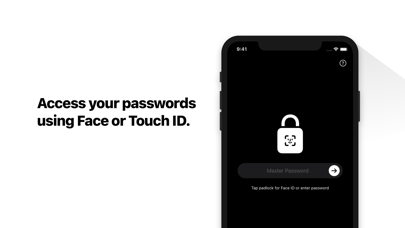
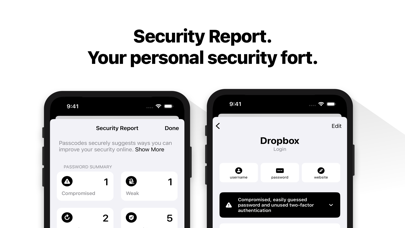
Meet Passcodes - The simple way to manage passwords and passkeys on iPhone, iPad, and Mac. - Simple, Secure & Private: Beautiful simplicity meets industry-grade encryption & security. - Strong Password Generation: Quickly generate unique, random, and memorable passwords, or PINs. - Sign in with Passkeys. - Stay Organised with Vaults: Keep you personal, family, and work passwords separate. - Secure Sharing: Share your vaults securely with family or others - Sync to all of your devices: End-to-end encryption so you can access your passwords everywhere securely using your own iCloud account. - Your new Authenticator App: Use automatically generated one-time codes to sign in to your accounts secured by 2-step verification. —- Privacy Policy: https://passcodes.plus/#privacy-policy Terms of Service: https://passcodes.plus/#terms
What's new · 1.4
- Item Icons Optionally display website logos in your item list. - AutoFill One-time Passcodes Streamline signing into websites that offer two-factor authentication. - Set Up One-time Passcodes Set Passcodes as the default app to open OTP links and QR Codes. - Smart AutoFill Suggestions Your most-used credentials now appear first in autofill suggestions. - Unlock with your Passcode Optionally unlock Passcodes app using your device’s passcode. Thank you for using Passcodes. If you need help, contact support@passcodes.plus.
Details