

Screen Mirroring for iPhone
GloryskyX Studio LLC · Productivity
Independent analytics for this App Store listing. AppTracker is not affiliated with GloryskyX Studio LLC.
Chart standing · US
Ratings breakdown · US
The star breakdown behind this app's rating in this storefront.
In-app purchases · US
What this app sells inside itself, grouped by kind and priced for this storefront.
Screenshots
About
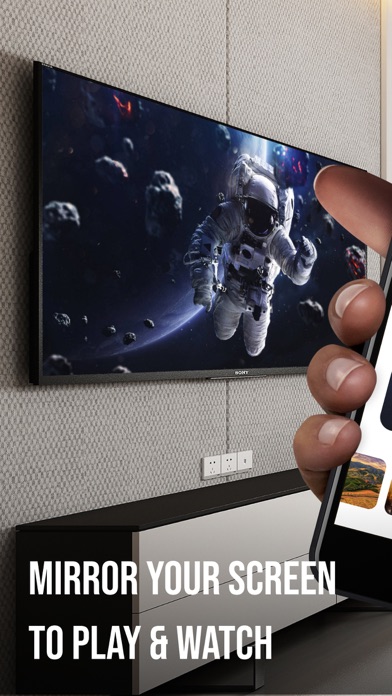
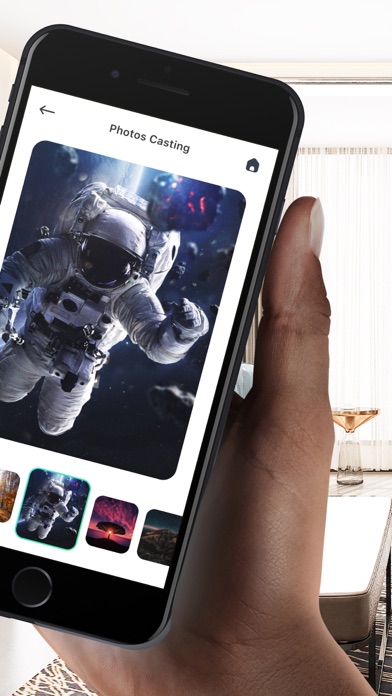
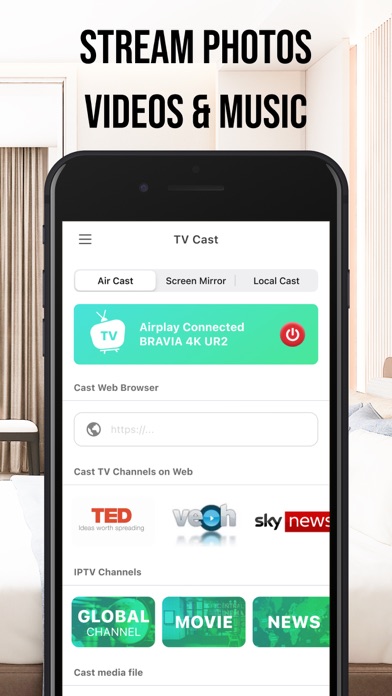
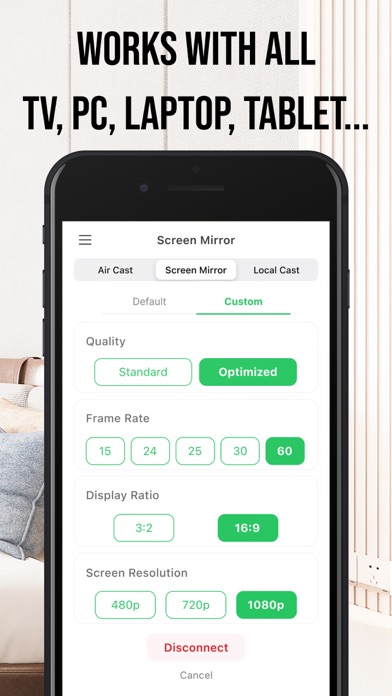
The best Screen Mirroring for iPhone. Stream any web video and your photos, videos & music from your iPhone & iPad to TV! How to Cast? 1. Open the app. 2. Connect to a smart streaming device 3. Select your photo, video, or music 4. Sit back, relax and enjoy the show! Features: • Screen Mirroring in high quality without delay (zero delay). • Making presentation in a business meeting • Stream, Cast to TV with HD & 4k quality • Easy connect to Google Chromecast and control media playing • Cast video, photo, music from Camera Roll to TV. - Privacy Policy https://sites.google.com/view/castfortv/ - Terms of Use https://sites.google.com/view/cast-for-tv-terms
What's new · 1.1.9
Dear Folks, We have new update about the app, if you acquire a new TV models as well as the older versions, our app will fit your needs: 1. Optimized Casting and Sharing feature for TV / PC 2. Provide more media and live channels for your entertainment 3. Support all the gamers to play games on bigger screen like TV or PC Screen without delays and lagging
Details