

Compute – SSH and Forwarding
Roman Tsopin · Developer Tools
Independent analytics for this App Store listing. AppTracker is not affiliated with Roman Tsopin.
Chart standing · US
Ratings breakdown · US
The star breakdown behind this app's rating in this storefront.
Screenshots
About
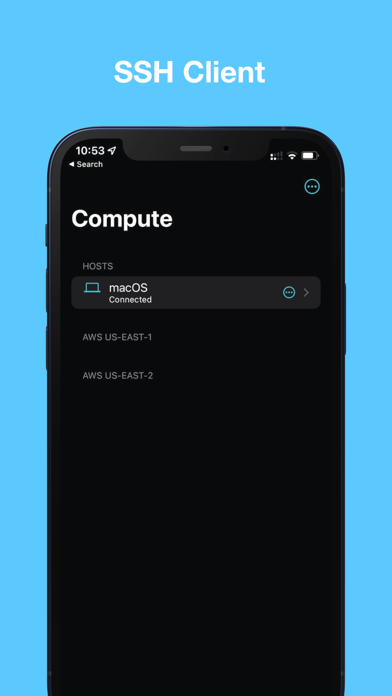
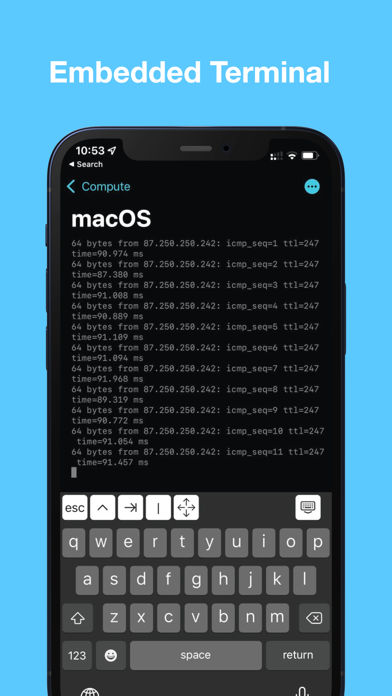
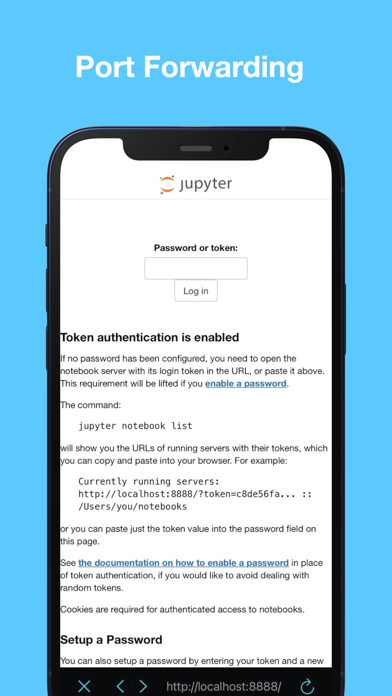
TO CONNECT TO YOUR LOCAL MAC: 1. Open System Preferences; 2. Type SSH in the search field and select Remote Login option; 3. Enable remote login; 4. Use [hostname].local and your username / password to connect. We believe that it should be easy to solve any computational problem using any device. That's why we've built Compute. Connect by SSH to your Mac, private server or even AWS instance using your iPhone or iPad. It's also possible to use SSH Port Forwarding to run Jupyter or Cloud VSCode to code something on the go. Please tell us what you think! skintimeapp@gmail.com Don't forget to rate the app! Privacy policy: https://skintimeapp.com/privacy.html Terms of use: https://skintimeapp.com/terms.html
What's new · 1.3
- Fix authentication by key - Add support for ed25519 key (in base64 format) - Add the ability to support the developer by buying him a coffee!
Details