

Blur Video - AI Blur Maker
Sohel Ibna Saad · Photo & Video
Independent analytics for this App Store listing. AppTracker is not affiliated with Sohel Ibna Saad.
Chart standing · US
What changed · US
Listing changes AppTracker has observed for this app in this storefront — new versions, price moves, rating shifts, and store copy.
[New] • Now you can zoom in on your videos to apply blur more precisely. • You can now add subtitles to your videos with our new Captions feature. • You can now create engaging videos with the new Reel Maker feature. [Fixes] • Bug fixes and performance improvements.
Ratings breakdown · US
The star breakdown behind this app's rating in this storefront.
In-app purchases · US
What this app sells inside itself, grouped by kind and priced for this storefront.
Screenshots


Keywords this app targets
Search terms AppTracker associates with this app — estimates, not search volume. ❝ = in the app's title; a highlighted number is its current position for that term.
Similar apps
Competitors and close alternatives, as estimated by AppTracker.
 Blur Video AI: Face & Mosaic
Natallia Minvaleyeva
5 shared title words
Blur Video AI: Face & Mosaic
Natallia Minvaleyeva
5 shared title words
 Blur Video & Mosaic
Yu Abe
1 shared topic · 3 shared title words
Blur Video & Mosaic
Yu Abe
1 shared topic · 3 shared title words
 Klipz AI: Short Video Maker
科 熊
3 shared title words
Klipz AI: Short Video Maker
科 熊
3 shared title words
 Artlume: AI Video Gen
SHARMAY DIONISIO ESPEDIDO
1 shared topic · 2 shared title words
Artlume: AI Video Gen
SHARMAY DIONISIO ESPEDIDO
1 shared topic · 2 shared title words
 AI Maker: Photo Video Filters
Hungry Birds
3 shared title words
AI Maker: Photo Video Filters
Hungry Birds
3 shared title words
 AI Photo Video Editor, Enhance
COOL SUMMER LIMITED
2 shared title words
AI Photo Video Editor, Enhance
COOL SUMMER LIMITED
2 shared title words
 Pixelcut: AI Photo & Video
Pixelcut Inc.
1 shared topic · 1 shared title word
Pixelcut: AI Photo & Video
Pixelcut Inc.
1 shared topic · 1 shared title word
 Blur Photo - Background & Face
Alenrom sp. z o.o.
1 shared title word
Blur Photo - Background & Face
Alenrom sp. z o.o.
1 shared title word
About
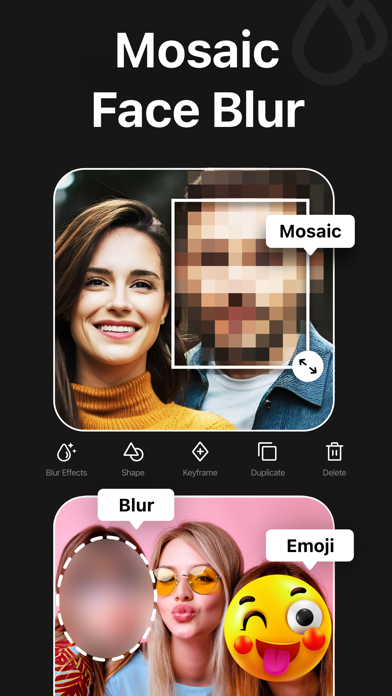
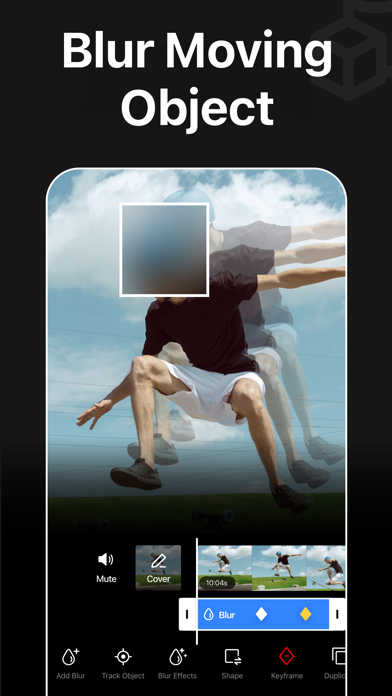
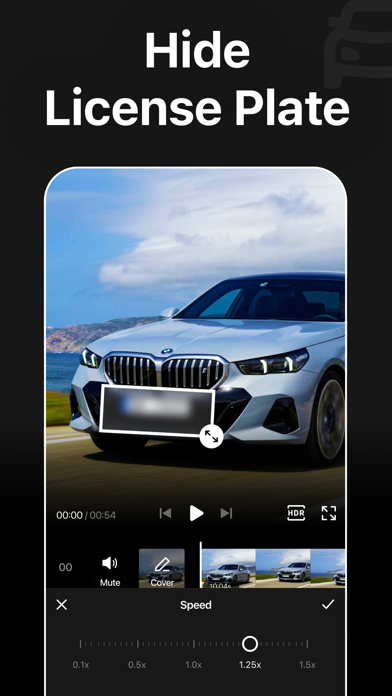
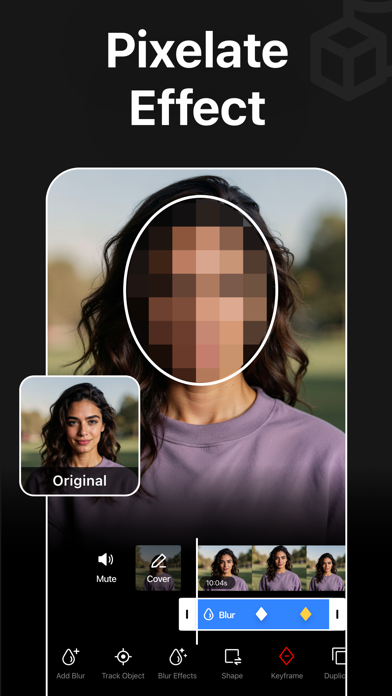
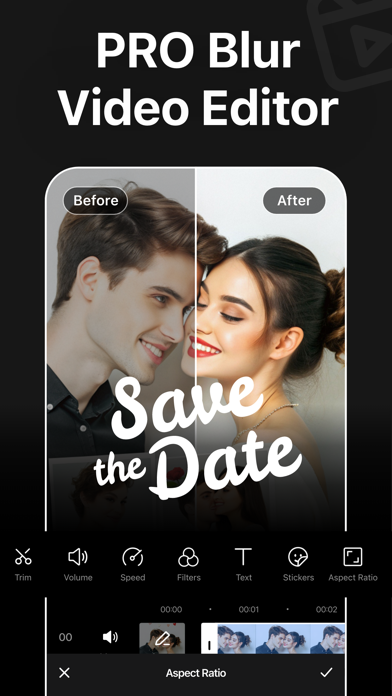
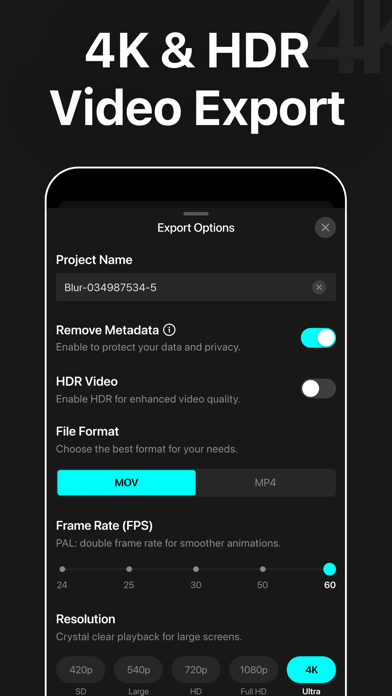
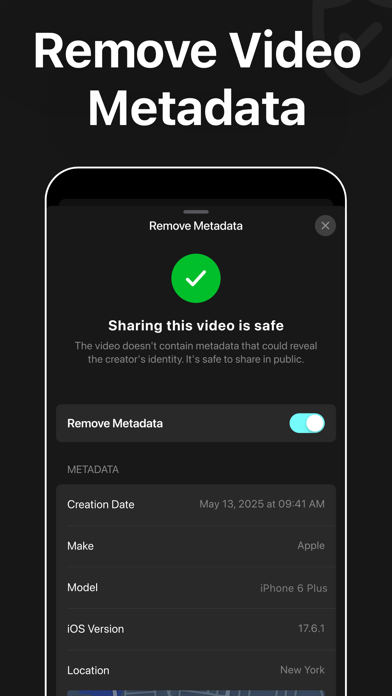
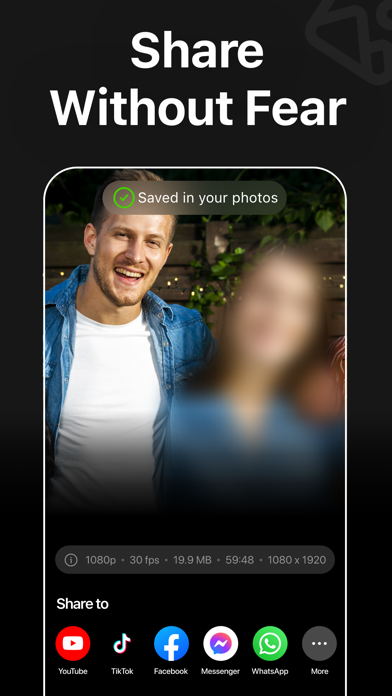
Blur Video is one of the best video mosaic + blurring apps for iPhone that lets you quickly hide people, faces, backgrounds, text, logos, car license plates, or any objects in a video like a pro. This all-in-one video editor lets you blur videos, generate AI videos from photos, and create engaging videos with professionally designed templates. Add stickers, text, and drawings to give every video a unique touch. Key Features: - Gaussian and Pixelate blur effects - Mosaic and blur faces in videos quickly and intelligently - Detect and track moving objects using AI - Automatically blur the background with AI subject detection - Rectangle and oval mosaic shapes - Use color, emoji, or photos to censor - Adjust mosaic intensity with precision - Use video keyframes to hide moving objects manually - Apply multiple stickers to your videos - Add custom text overlays over video - Export videos in 480p, 540p, 720p, 1080p and 4K resolution - Save in MP4 or MOV video format - HDR export for enhanced video quality - Remove metadata to protect data and privacy - Turn your imagination into videos using AI Video Generator - Create trendy content in seconds using premium templates - Share videos directly to Instagram, TikTok, Facebook, YouTube, and more Robust Video Blurring Blur Video app simplifies the whole blurring process. Censor faces or track objects in your videos with advanced artificial intelligence. Getting blurry faces or censored videos has never been this simple. AI Face Blur Automatically blur faces in your videos using intelligent AI detection. The mosaic app instantly identifies faces and keeps them accurately tracked throughout the entire clip, ensuring consistent, seamless blurring without any manual effort or setup. Mosaic Multiple Moving Objects Blur multiple objects in your videos with ease. Use AI-powered tracking to automatically follow moving elements, or take full control with manual keyframe tracking. Simply place keyframes where you want to hide content and fine-tune the position as the video plays for precise, professional results. Smart AI Background Blur Instantly blur the background while keeping your subject sharp and in focus. Advanced AI detection intelligently separates people from their surroundings and applies a smooth blur effect to the background. How to mosaic + blur faces in a video using the Blur Video app? With this app, you can get censored faces in videos without any hassle. Just follow the steps below to know how to blur faces in videos easily. - Open the app - Select a video from Photos - Tap the AI Face Blur button to automatically mosaic all faces - Select the blur for more control - Choose the blur shape: rectangular or oval - Change the blur effects from Overlay to Gaussian or Pixelate - Adjust the intensity of your blur with the slider - After getting the desired output, tap on the Export button to save the video Auto-Renewable Subscription Terms: Subscribe to access premium features. AI Video Generation requires Coins, available as separate in-app purchases. • Subscription Length: Weekly, Yearly • Payment is charged to your Apple ID account at confirmation of purchase. • A subscription with a free trial will automatically renew to a paid subscription unless canceled at least 24 hours before the end of the trial period. • Your Apple ID account will be charged for renewal within 24 hours before the end of the current subscription period. • You can manage or cancel subscriptions from your App Store account settings. • Any unused portion of a free trial, if offered, will be forfeited when you purchase a subscription. • By signing up for this subscription, you agree to our Terms of Use and Privacy Policy. Terms of Use: https://pixeltouch.net/blurvideo/legal/terms-of-use Privacy Policy: https://pixeltouch.net/blurvideo/legal/privacy-policy Disclaimer: This app is free to download, but a subscription is required to access premium features.
What's new · 2.1.5
[New] • Now you can zoom in on your videos to apply blur more precisely. • You can now add subtitles to your videos with our new Captions feature. • You can now create engaging videos with the new Reel Maker feature. [Fixes] • Bug fixes and performance improvements.
Details