

MY - Custom Your Keyboard
Eli Bitton · Utilities
Independent analytics for this App Store listing. AppTracker is not affiliated with Eli Bitton.
Chart standing · US
Ratings breakdown · US
The star breakdown behind this app's rating in this storefront.
In-app purchases · US
What this app sells inside itself, grouped by kind and priced for this storefront.
Screenshots
About
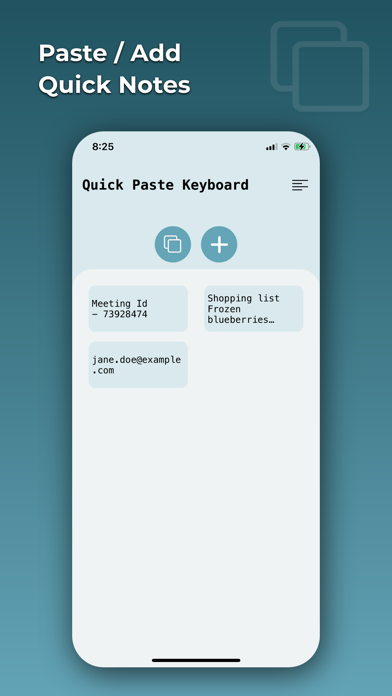
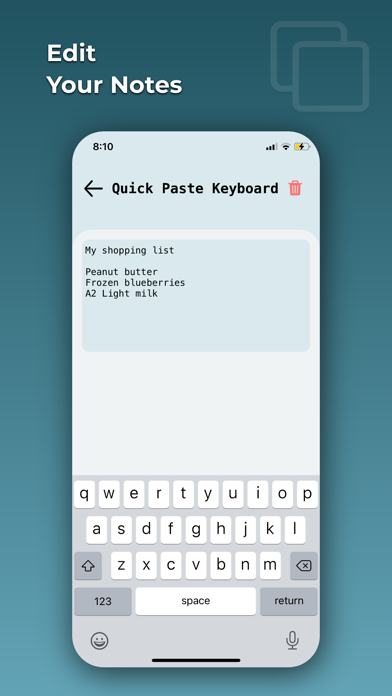
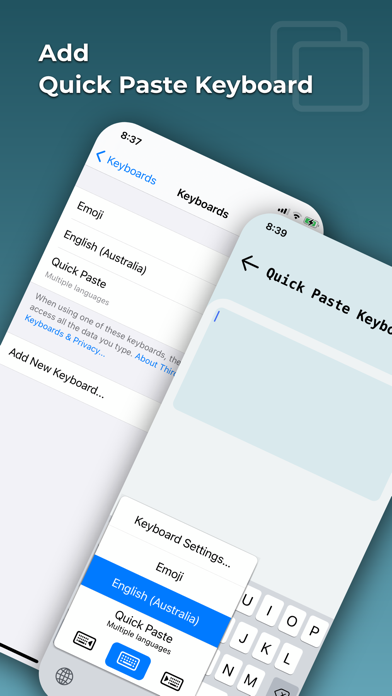
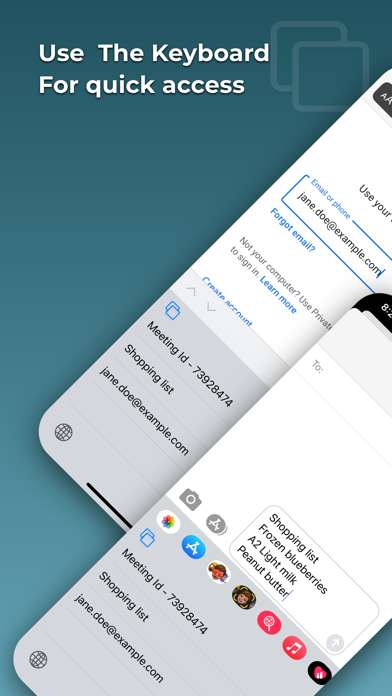
Welcome to Easy Auto Copy Paste Keyboard! 3 Simple Steps On How To Use: 1) Once downloaded App, Go on settings. 2) Find Quick Paste App. 3) Enable New Keyboard. - Now just copy words and paste them to the your new Keyboard on the App. Easy Auto Copy Paste Keyboard is a very useful custom keyboard app that helps users easily save your important common details which you paste. For example Name, Email, Address, Passwords or even Love Messages or any text etc.. It's easy to access the words you saved. Just tap on the globe icon to switch to this Custom keyboard and just tap on the words which you have added. Please Share & Leave a review please if you enjoy our App! If there's anything you would like us to add, please do not hesitate to contact us.. Thank you!
What's new · 1.1.2
Fixed bug
Details