

Xumo TV
Comcast Cable Communications Management, LLC · Entertainment
Independent analytics for this App Store listing. AppTracker is not affiliated with Comcast Cable Communications Management, LLC.
Chart standing · US
What changed · US
Listing changes AppTracker has observed for this app in this storefront — new versions, price moves, rating shifts, and store copy.
Price & rating history · US
Reconstructed from the listing changes AppTracker has observed in this storefront. A field is charted once it has changed more than once, and each line starts at the value it moved from.
Average rating · ★ 1.48 now · 5 changes on record
Ratings breakdown · US
The star breakdown behind this app's rating in this storefront.
In-app purchases · US
No in-app purchases.
Screenshots

About
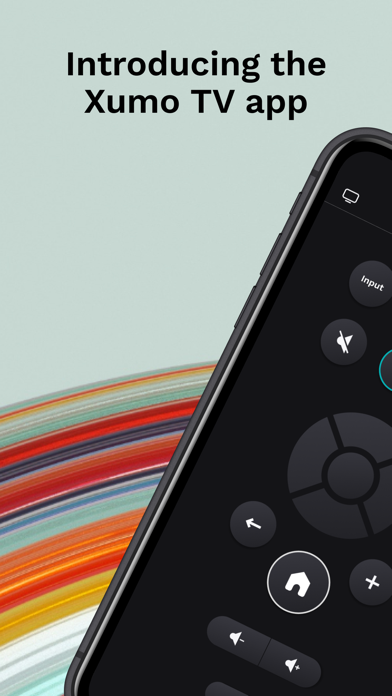
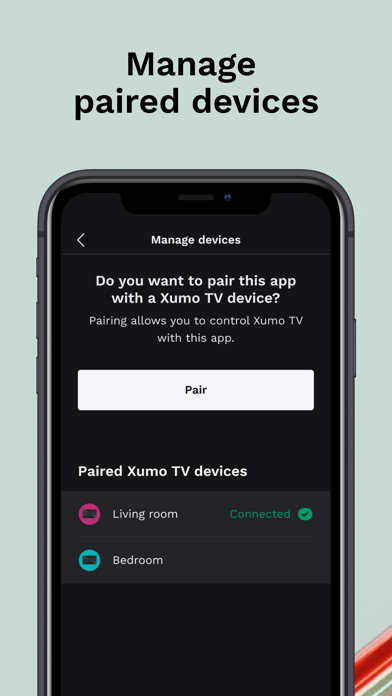
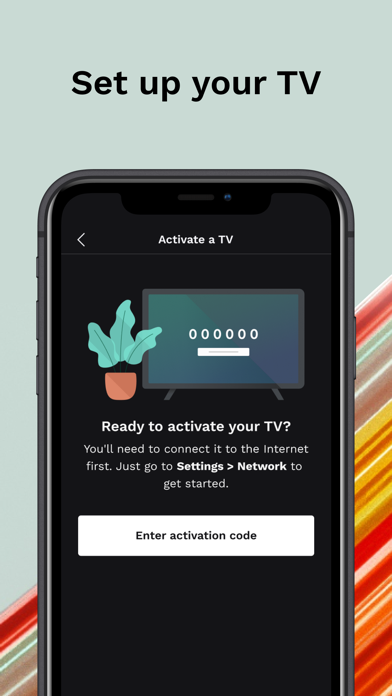
Control is at your fingertips with the Xumo TV app. Download the app and pair it with your Xumo TV to use your smartphone or tablet as a second remote. Key Features: - Navigate the Xumo platform with the directional pad - Launch different apps and channels - Play, pause, fast forward, and more to watch at your pace - Browse content across your streaming apps from the Launchpad or search by category or content type - Increase and decrease volume, or mute your TV entirely - Use the number pad to navigate to channels via your cable provider or antenna Requirements: - A Xumo TV - A reliable WiFi network – your Xumo TV and mobile device must be on the same WiFi network to pair - Reliable WiFi or cellular internet connection Questions: - Help and support: tv.xumo.com/support - Privacy policy: tv.xumo.com/privacy/policy
What's new · 1.3.1
Stay up to date on the latest app version for the best experience.
Details