
Chart standing · US
Ratings breakdown · US
The star breakdown behind this app's rating in this storefront.
Screenshots


About
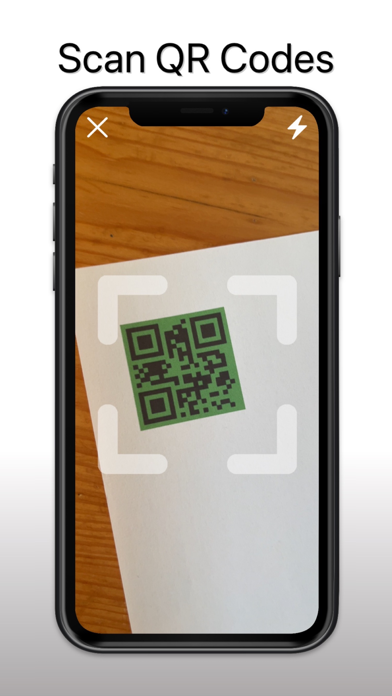
QRable is a very simple app that can scan and generate new QR codes for free. You can share them between other people. HOW TO SCAN QR CODE WITH QRable 1. Open the app 2. Tap "SCAN" 3. Allow camera (if you haven't already) and point it to the QR code 4. Done. 5. Now you can open it in the browser, copy it or share it HOW TO GENERATE NEW QR CODE 1. Open the app 2. Fill the input with url or any text 3. Tap on "GENERATE" 4. Done. 5. Now you can share it with your friends and family CHANGE COLOR ON QR CODE 1. Generate QR code 2. Tap on "Change colors" 3. Choose you colors 4. Tap on "Save" YOu can either use QR code reader for free on your iPhone or purchase a premium version INFORMATION ABOUT PREMIUM - In this version there is available "QRable Premium" upgrade with additional app features. - You are able to share it with your family members - Save all of your QR codes in iCloud and access it on any of your devices (iPhone, iPad and Apple Watch) - Color customizable QR codes Terms of Use: https://qrscanoffline.web.app/tos.html
What's new · 1.4.3
This app has been updated by Apple to prepare for watchOS 27 compatibility. No new features are included. QR code generator and scanner improvements, design changes, bug fixes
Details