

Measure Heart Rate
Shenzhen Chenxi Information Technology Co., Ltd · Health & Fitness
Independent analytics for this App Store listing. AppTracker is not affiliated with Shenzhen Chenxi Information Technology Co., Ltd.
Chart standing · US
What changed · US
Listing changes AppTracker has observed for this app in this storefront — new versions, price moves, rating shifts, and store copy.
Price & rating history · US
Reconstructed from the listing changes AppTracker has observed in this storefront. A field is charted once it has changed more than once, and each line starts at the value it moved from.
Average rating · ★ 4.68 now · 2 changes on record
Ratings breakdown · US
The star breakdown behind this app's rating in this storefront.
In-app purchases · US
What this app sells inside itself, grouped by kind and priced for this storefront.
Screenshots



About
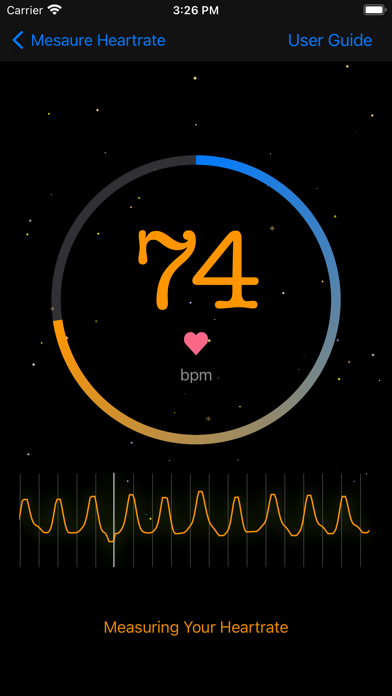
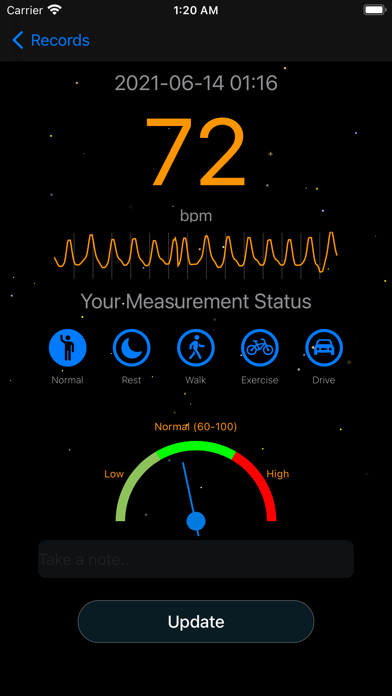
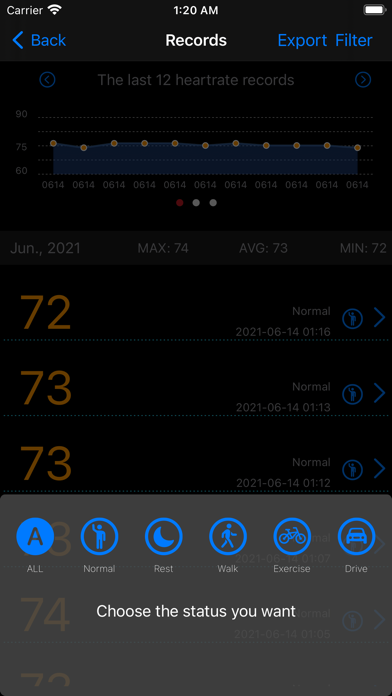
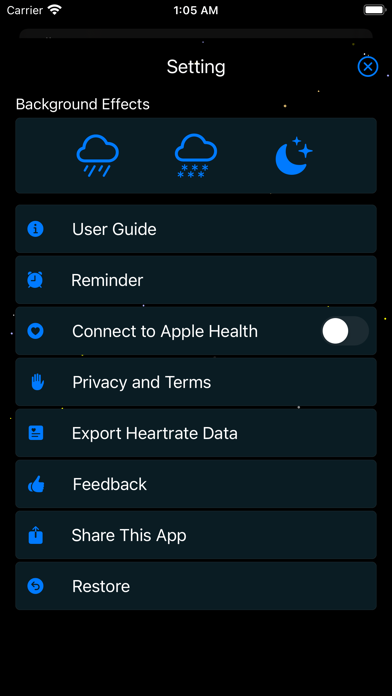
Measure Heart Rate is an easy-to-use app for testing and recording heart rate. It is suitable for you to test your heart rate in your daily life and work. Features: 1. It can accurately measure your heart rate; 2. The measurement results are permanently saved and can be synchronized to your Apple Health; 3. Support heart rate measurement reminder; 4. Support the export of heart rate data; 5. Support viewing measurement records, adding notes to the measurement results, and modifying the notes and status; 6. Support setting dynamic background; 7. Support saving PPG curve; 8. Support calculating the maximum heart rate and heart rate zone based on age; Instructions: 1. Click the "START" button to enter the measurement page; 2. Hold the index finger close to the camera and flash, about ten seconds later, the measurement result will be displayed; 3. Select your measurement status and add measurement notes on the "Measurement Result" page; 4. Click save; 5. You can modify your notes and status on the "Records" page; 6. On the "Setting" page, you can set the functions of syncing your heart rate to "Apple Health", modifying the dynamic background, exporting data, setting reminders, etc. Principle: The beating of the human heart will drive the expansion and contraction of blood vessels in the same rhythm. Based on the PPG method, the periodic changes of the light intensity of the finger are sensed through the camera, and the pulse beat can be further estimated. IMPORTANT: This product is NOT for medical use. If you have a heart-related disease, you must follow your doctor's advice. Use of Apple Health: In order for you to have a clearer understanding of how the software uses Apple Health data, the instructions are as follows: 1. When you enable the "Connect to Apple Health" switch in "Settings", the app will ask you for heart rate write permission through HealthKit. 1.1. After you agree to the authorization, every time you save your heart rate, the app will save your heart rate data to Apple Health at the same time. 1.2. If you refuse to authorize, the app will only save the heart rate data locally, 1.3. When the application is deleted, the data stored by the application in Apple Health will be deleted; 1.4. The app will not read your health data; 2. You can open Apple Health, select "Data Source", and close the application to synchronize data with Apple Health.
What's new · 3.1.0
This update brings a smoother, more polished experience and full support for iOS 26.
Details