

Collections Database
Matteo D'Ignazio · Productivity
Independent analytics for this App Store listing. AppTracker is not affiliated with Matteo D'Ignazio.
Chart standing · US
What changed · US
Listing changes AppTracker has observed for this app in this storefront — new versions, price moves, rating shifts, and store copy.
• Custom sorting for the Documents field (available from the field options) • Drag and drop support for pictures and files in a Group • Optimizations to improve loading times • Bug fixing
Price & rating history · US
Reconstructed from the listing changes AppTracker has observed in this storefront. A field is charted once it has changed more than once, and each line starts at the value it moved from.
Average rating · ★ 4.60 now · 5 changes on record
Ratings breakdown · US
The star breakdown behind this app's rating in this storefront.
In-app purchases · US
What this app sells inside itself, grouped by kind and priced for this storefront.
Screenshots
About
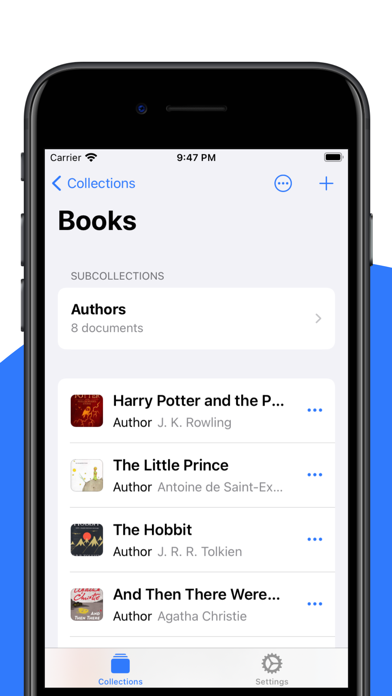
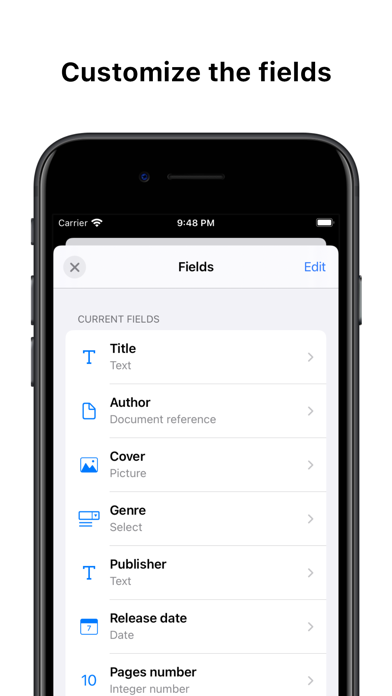
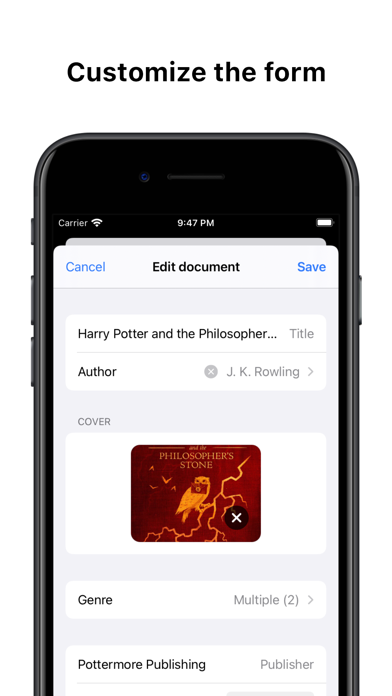
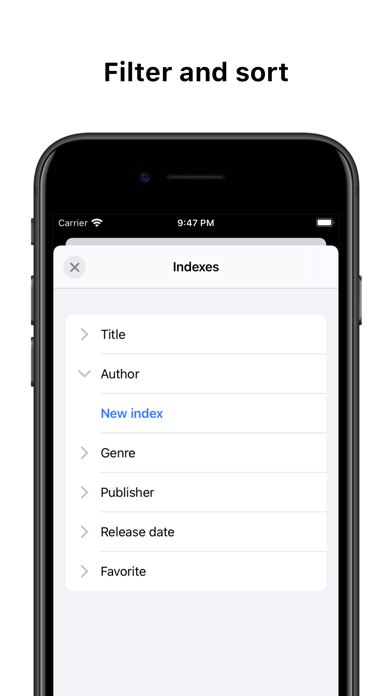
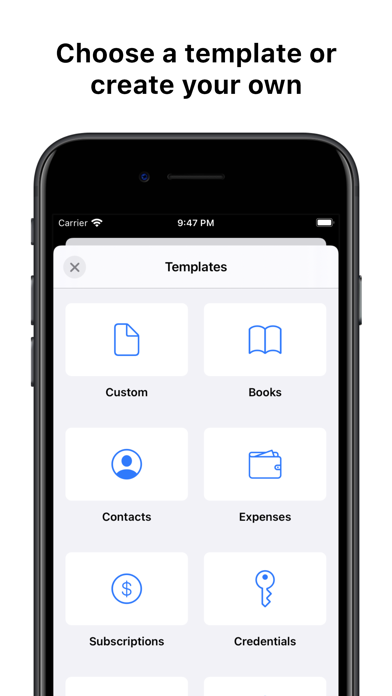
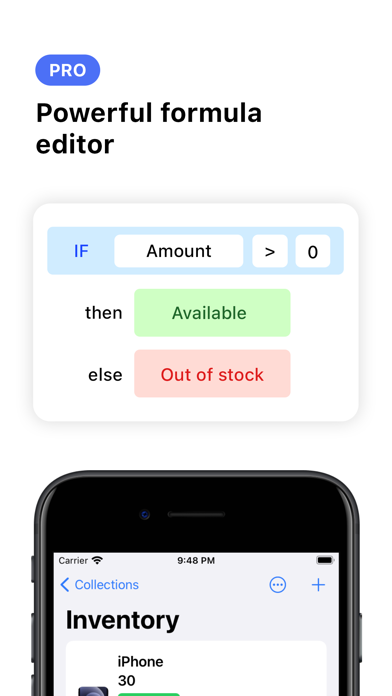
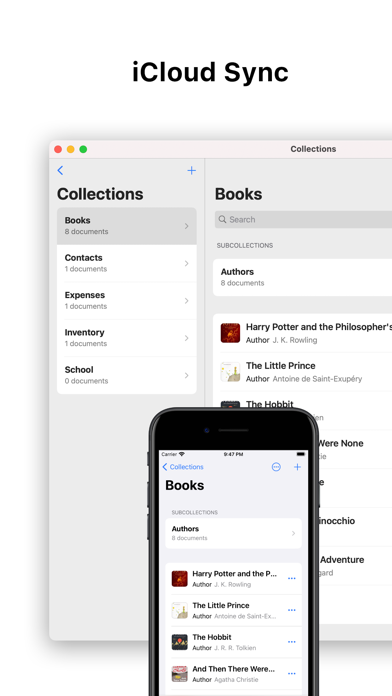
Collections is a personal database app to organize anything. 1. A field for every use Collections supports over 20+ field types: • Text, Number • Boolean • Picture • Select • Email, URL, Phone • Password • Date, Time • Color • Barcode And with the Pro version you can use even more advanced fields. • Document reference - Link documents together • Group - Add multiple values for a field • Formula - Create a formula for calculated values. Powerful formula editor with full support to math functions like SUM, AVG • Sources - Import documents from external APIs with Javascript 2. Customizable • Add and reorder fields • Add a separator between fields to better visualize them • Fields have different display styles like primary, secondary, thumbnail • Filter and sort data 3. Templates Collections includes basic templates to get started: • Books • Contacts • Expenses • Subscriptions • Credentials • Inventory • School 5. Advanced management Collections has different tools to help you creating the data model. SUBCOLLECTIONS Organize data into collections and subcollections. Simply said, they are like folders. LISTS A list contains items used in documents and it's very flexible. It could represent a Genre for a book or a Status like 'Available', 'Out of stock' for an object in the inventory. 6. Security • Protect collections using a password, Face ID or Touch ID • Sensitive data such as passwords are encrypted by default 7. iCloud Sync Data is synced automatically between devices through iCloud. 8. Apple's Shortcuts support Expand the app capabilities with Apple's Shortcuts support. 9. Pro version features • Add unlimited documents (free version is limited to 100 documents) • Add files to documents • Add advanced fields • Views • Grid • Use Summary to perform calculations across documents
What's new · 7.6.5
• Custom sorting for the Documents field (available from the field options) • Drag and drop support for pictures and files in a Group • Optimizations to improve loading times • Bug fixing
Details