

Dyslexia reading settings lab
michael dardol · Education
Independent analytics for this App Store listing. AppTracker is not affiliated with michael dardol.
Chart standing · US
What changed · US
Listing changes AppTracker has observed for this app in this storefront — new versions, price moves, rating shifts, and store copy.
Minor improvements. Updated App Store description.
Ratings breakdown · US
The star breakdown behind this app's rating in this storefront.
In-app purchases · US
What this app sells inside itself, grouped by kind and priced for this storefront.
Screenshots


About
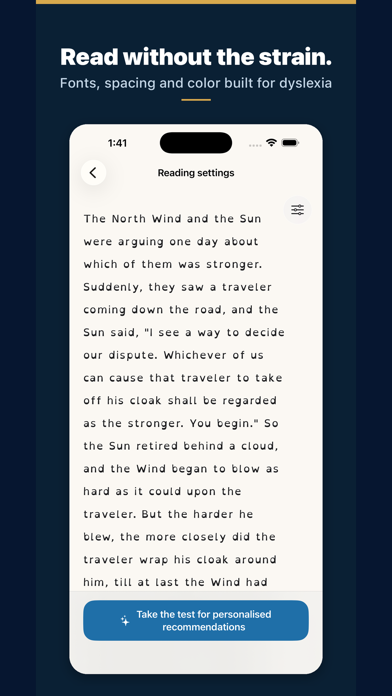
Find the on-screen reading settings that suit you. For dyslexic and ADHD readers, children and adults alike — and for anyone who tires quickly on screen. This app is a settings lab: experiment with fonts (including OpenDyslexic), text size, letter and line spacing, and colors on a sample text — and see the result instantly. IMPORTANT — This app is not a screening or diagnostic tool. Dyslexia is diagnosed by a qualified professional (speech-language pathologist). This app only helps you explore display preferences. WHY SPACING MATTERS In a controlled study published in PNAS (Zorzi et al., 2012), increasing the space between letters immediately improved reading accuracy in children with dyslexia — with no training. Effects vary from reader to reader, which is exactly why testing your own settings matters. WHAT YOU CAN DO - Try different fonts and compare them on the same text - Adjust text size, letter spacing and line spacing - Test text and background colors for your visual comfort - Send feedback and suggest new settings Once you know what works for you, apply your preferences in our other apps (Scandys, Navidys, School tool) or in your device's accessibility settings.
What's new · 2.0.3
Minor improvements. Updated App Store description.
Details