

KODAK Photo Printer
Prinics Co., Ltd · Photo & Video
Independent analytics for this App Store listing. AppTracker is not affiliated with Prinics Co., Ltd.
Chart standing · US
What changed · US
Listing changes AppTracker has observed for this app in this storefront — new versions, price moves, rating shifts, and store copy.
fixed bug.
Ratings breakdown · US
The star breakdown behind this app's rating in this storefront.
In-app purchases · US
No in-app purchases.
Screenshots
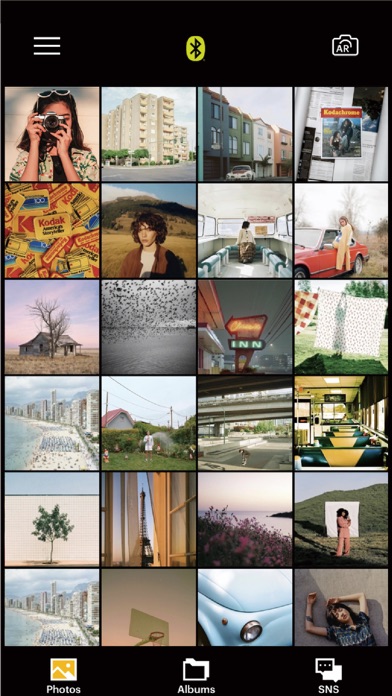
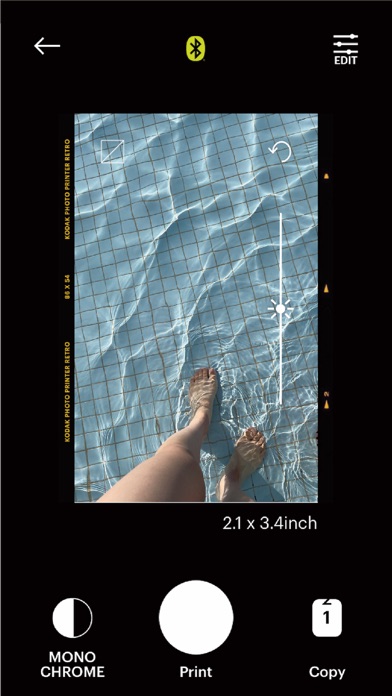
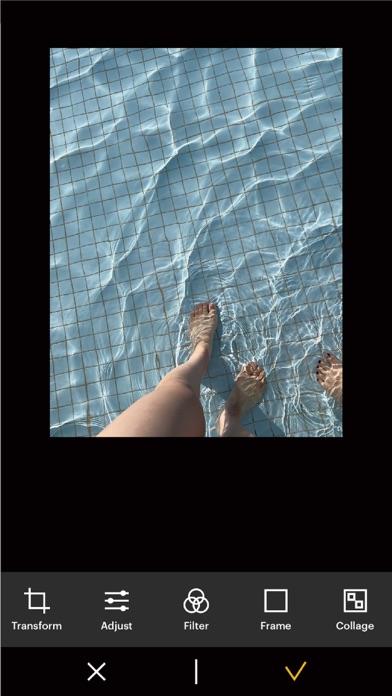
Keywords this app targets
Search terms AppTracker associates with this app — estimates, not search volume. ❝ = in the app's title; a highlighted number is its current position for that term.
Similar apps
Competitors and close alternatives, as estimated by AppTracker.
 Printa
Marco Petrucci
1 shared topic
Printa
Marco Petrucci
1 shared topic
 PhotoPrint Pro
TouchingCode Disitribution GmbH
2 shared topics
PhotoPrint Pro
TouchingCode Disitribution GmbH
2 shared topics
 Printer App: Smart Printer
Umer Usman
1 shared title word
Printer App: Smart Printer
Umer Usman
1 shared title word
 Printer App: Smart Print App
Fire Technologies Hong Kong Limited
1 shared title word
Printer App: Smart Print App
Fire Technologies Hong Kong Limited
1 shared title word
 Smart Printer App · Air Print
Shanghai FirstOrder Technology Co., Ltd
1 shared title word
Smart Printer App · Air Print
Shanghai FirstOrder Technology Co., Ltd
1 shared title word
 Printer App: Scan PDF, Print
宝锋 吴
1 shared title word
Printer App: Scan PDF, Print
宝锋 吴
1 shared title word
 Smart Printer App Scan — Print
Appshub Bilgi Teknolojileri Limited Sirketi
1 shared title word
Smart Printer App Scan — Print
Appshub Bilgi Teknolojileri Limited Sirketi
1 shared title word
 Printer App ©
Vertex Point Limited
1 shared topic · 1 shared title word
Printer App ©
Vertex Point Limited
1 shared topic · 1 shared title word
About
Thank you for using KODAK photo printer. The previous KODAK Instant Printer app will be replaced with the new KODAK Photo Printer app. The new features including the AR and beauty functions will blow you away! Supported Models : Kodak 2 inch Printer (P210, M200) Kodak 2 in 1, 2 inch Camera (C210, MS200) Kodak 3 inch Square Printer (P300, M300) Kodak 3 inch Square 2 in 1 Camera (C300, MS300) Kodak 4inch Square Camera (MS400) Kodak 6 inch Dock Printer (PD460, D600) Easily print amazing photos with KODAK Instant Camera and Printer. The "KODAK" Instant photo printer and camera can be used to print images from smartphones by connecting Bluetooth to the device. You can take and edit pictures on smartphones or tablets. It will instantly print your precious moments! [How to Use] 1. Make sure you recharge the printer before you use it. 2. Make sure the Adapter is connected properly. 3. Turn on the printer 4. Go to Bluetooth setting and find the printer’s MAC address. The MAC address is placed inside the printer’s door If you purchased Dock Printer, dock your smartphone at the pin on top the of the printer or find the MAC address on the downside of the printer to connect the device to the Bluetooth. 5. Select an image from the Gallery or take a photo with your smartphone. 6. Once image has been selected, edit the image with your personal preference. 7. Now press print button located on top of the printer when editing is completed. 8. When you print for the first time, it may need to update the firmware. Please follow the instruction shown on the screen of your smartphone. 9. It will take about a minute to fully print. Please do not pull the photo until it is completely printed.
What's new · 5.1.2
fixed bug.
Details