
Chart standing · US
What changed · US
Listing changes AppTracker has observed for this app in this storefront — new versions, price moves, rating shifts, and store copy.
Price & rating history · US
Reconstructed from the listing changes AppTracker has observed in this storefront, so each line starts at the first change on record.
Average rating
Ratings breakdown · US
The star breakdown behind this app's rating in this storefront.
Screenshots


About
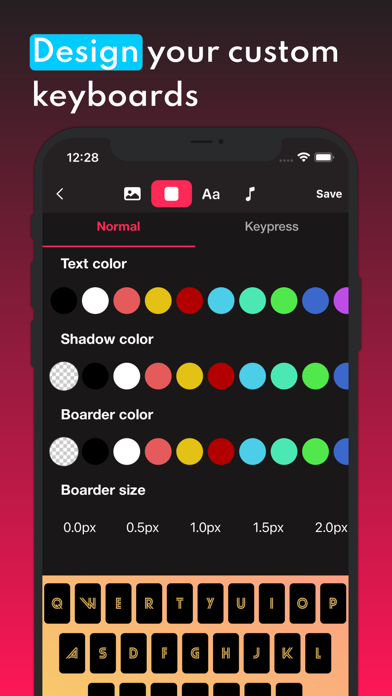
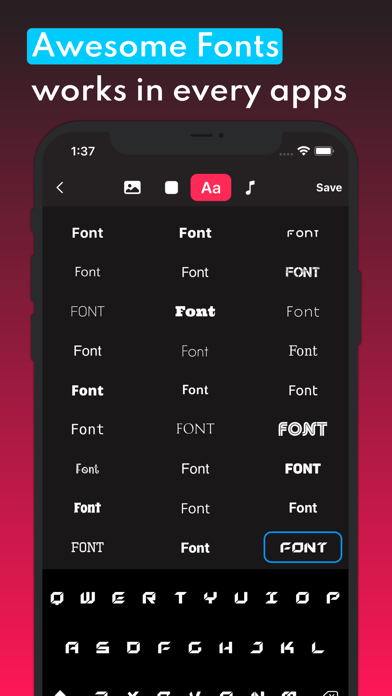
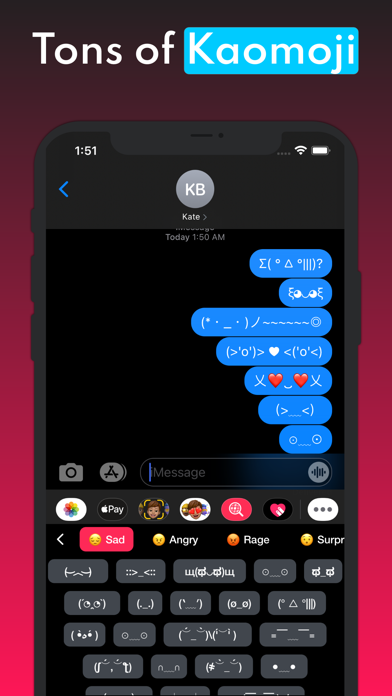
◆ Customize your keyboard ◆ You can find many aesthetic keyboards and Customize them or create your keyboard from the scratch with tons of customization option like background image, background colors, font, button sounds, button shadow, button border, etc. also, you can have your own keyboards library and edit them any time or switch between them. *****We add new features every week***** ◆ Main features: * 50+ prebuilt keyboards (Weekly update) * Customize your keyboards with color, font, sound, etc. * Save/Edit your keyboards any time you want * 120+ Unicode Fonts * 60+ Social Fonts * 12+ Symbols Fonts * Most integration with other "Next" Family apps (check more apps in this account) ◆ Upcoming features: * Action keys customization * Gif keyboard * Emojis keyboard * Add more languages ◆ Steps: 1- Follow app hint inside the app to activate your keyboard 2- Add/Create your keyboard and activate it after press the "Save" button 3- hold the "Globe" key and choose "Next Keyboard" when using your keyboard. ----------------------------- ►Notes: 〉Next Keyboard includes an optional premium subscription. This is offered on a weekly or annual basis. If you choose to purchase a subscription your payment will be charged to your iTunes account. Subscriptions will automatically renew unless canceled within 24-hours before the end of the current period. You can turn off auto-renewal at any time by going to your Account Settings on the App Store after purchase. 〉Subscription with a free trial period will automatically renew to a paid subscription. You can cancel your subscription in the iTunes settings at least 24- hours before the end of the free trial period. Subscription payments will be charged to your iTunes account at confirmation of your purchase and upon commencement of each renewal term. 〉Please note: any unused portion of a free trial period (if offered) will be forfeited when you purchase a premium subscription during the free trial period. 〉Please note: If have any problem with your keyboard's display after updates, please re-save them to fix that problem. 〉Please note: Please Report to us all translation or functionality problems through the Instagram support page. (link is inside the app) 〉You can cancel a free trial or subscription anytime by canceling your subscription through your iTunes account settings. This must be done 24 hours before the end of a free trial or subscription period to avoid being charged. The cancellation will take effect the day after the last day of the current subscription period, and you will be downgraded to the free service.
What's new · 1.3.2
reported bugs fixed
Details