

Radio Code for Ford V Serial
Aleksandr Romanchev · Reference
Independent analytics for this App Store listing. AppTracker is not affiliated with Aleksandr Romanchev.
Chart standing · US
In-app purchases · US
No in-app purchases.
Screenshots
Keywords this app targets
Search terms AppTracker associates with this app — estimates, not search volume. ❝ = in the app's title; a highlighted number is its current position for that term.
Similar apps
Competitors and close alternatives, as estimated by AppTracker.
 Radio Code for Ford V Series
Sang Tran
1 shared topic · 5 shared title words
Radio Code for Ford V Series
Sang Tran
1 shared topic · 5 shared title words
 Radio Code for Ford M Series
Sang Tran
2 shared topics · 5 shared title words
Radio Code for Ford M Series
Sang Tran
2 shared topics · 5 shared title words
 Ford V Radio Security Code
Patrick UNG
1 shared topic · 3 shared title words
Ford V Radio Security Code
Patrick UNG
1 shared topic · 3 shared title words
 Autoradio Security Code - Ford
Patrick UNG
1 shared topic · 2 shared title words
Autoradio Security Code - Ford
Patrick UNG
1 shared topic · 2 shared title words
 Radio Code for Renault
Sang Tran
1 shared topic · 3 shared title words
Radio Code for Renault
Sang Tran
1 shared topic · 3 shared title words
 Radio Code: Renault Unlock
David Rodrigues
1 shared topic · 3 shared title words
Radio Code: Renault Unlock
David Rodrigues
1 shared topic · 3 shared title words
 Car Radio Code
Patrick UNG
1 shared topic · 3 shared title words
Car Radio Code
Patrick UNG
1 shared topic · 3 shared title words
 Car Radio Code - Rena
Mehmet Demir
3 shared title words
Car Radio Code - Rena
Mehmet Demir
3 shared title words
About
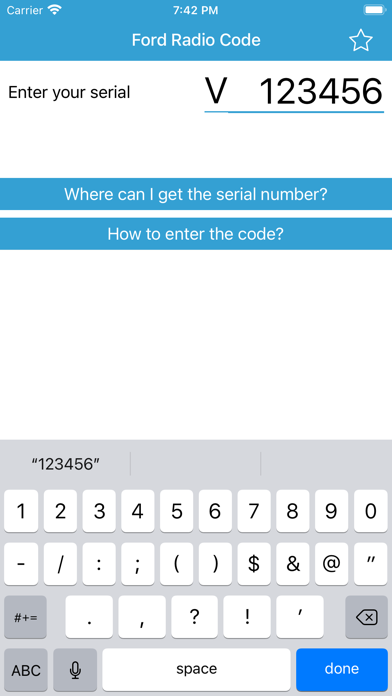
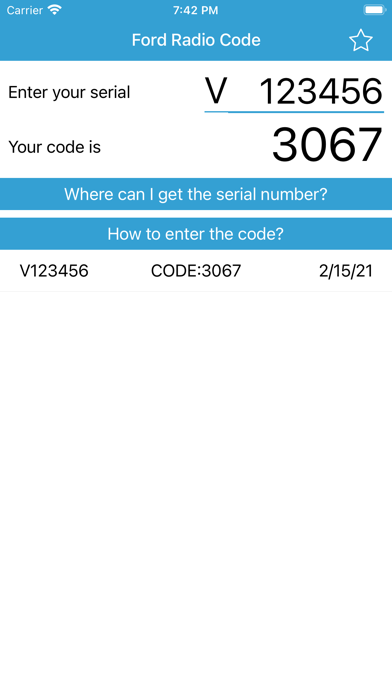
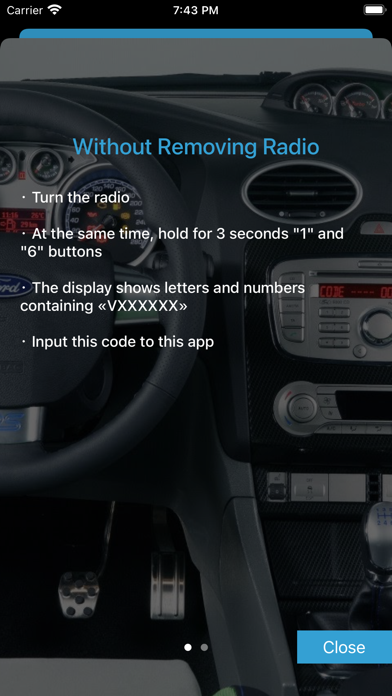
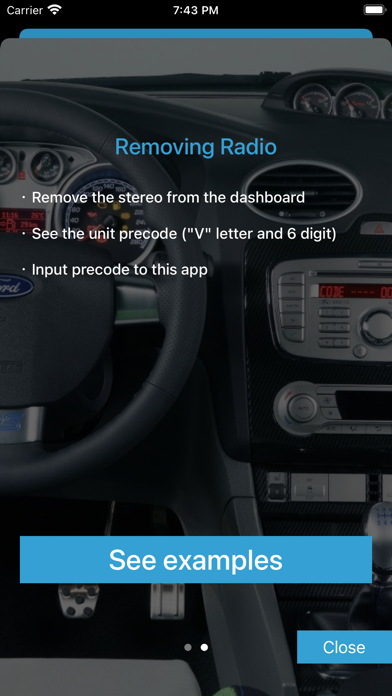
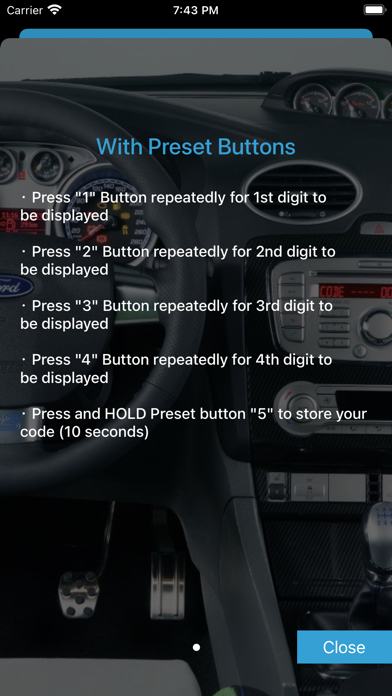
Sometimes during the repair of the car, the battery is disconnected. After battery reconnected the radio is protected by a four digit code. If you don't remember radio code or lost it, you can recover it quickly and easily with this app using serial number. Note: serial number is located on the rear side of your radio. It must be starting with "V". To find the serial number: - Turn the radio on and hold at the same time the button 1 and 6 (In some cases 2 and 6; sometimes it is necessary to remove the radio) - See the unit serial. The serial consists of "V" letter and 6 digits. For example: V033125, V719477, V003538 - Input serial to this app How to input radio code ? ・ Press 1 Button repeatedly for 1st digit to be displayed ・ Press 2 Button repeatedly for 2nd digit to be displayed ・ Press 3 Button repeatedly for 3rd digit to be displayed ・ Press 4 Button repeatedly for 4th digit to be displayed ・ Press and HOLD preset button 5 to store your code (10 seconds) Please support us with your reviews in AppStore, it's very important for new users! Thank you! If you experience difficulties with the app, please contact us. support@kcandr.ru
What's new · 1.1
- small internal updates Thank you for using app!
Details