

Screen Recorder - Go Record
Gautam Kakadiya · Utilities
Independent analytics for this App Store listing. AppTracker is not affiliated with Gautam Kakadiya.
Chart standing · US
What changed · US
Listing changes AppTracker has observed for this app in this storefront — new versions, price moves, rating shifts, and store copy.
Price & rating history · US
Reconstructed from the listing changes AppTracker has observed in this storefront. A field is charted once it has changed more than once, and each line starts at the value it moved from.
Average rating · ★ 3.15 now · 8 changes on record
Ratings breakdown · US
The star breakdown behind this app's rating in this storefront.
In-app purchases · US
What this app sells inside itself, grouped by kind and priced for this storefront.
Screenshots


About
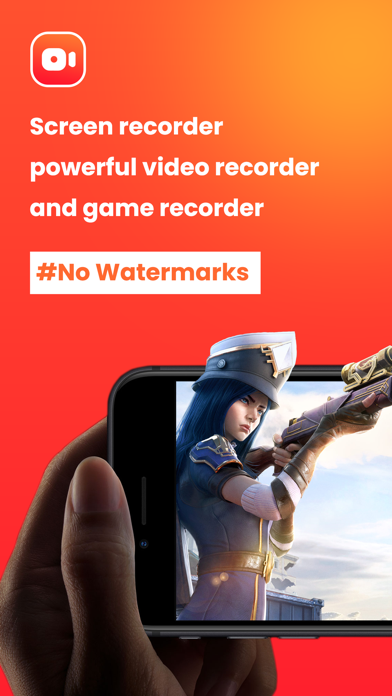
*Screen Recorder - Capture It :- Screen Recorder - Capture It allows you to record your favorite games and apps for tutorials, games walk-through, video demos and training videos on your iPhone and iPad. After recording your screen, you can add video reactions with audio commentary to further enhance your recording! Screen Recorder - Capture It is a reliable, and easy-to-use stream creator and screen recorder. With Screen Recorder App , you can livestream your screen to YouTube, Facebook and Twitch and record screen videos. Screen Recorder Appr makes it easy to livestream and record content from your screen, like games, live shows, sports, and more. Free Screen Recorder in FULL HD * Screen Recorder App supports recording game screen in the highest quality, 1080p, 12Mbps, 60FPS. Of course, you can record screen with adjustable resolution(240p to 1080p), quality, and FPS(15FPS to 60FPS). Game Recorder with no Time Limit * This Screen Recorder App is also a convenient game recorder and screen capture tool. It helps you capture screen, record screen and record gameplay video without recording time limit. Screen Video Recorder with no Watermark * Still find a screen capture tool without watermark? Download this video recorder to capture screen in a cleaner way. If you want to capture screen, record screen or take a screenshot efficiently, it is a must-have screen recorder. Screen Recorder with Sound * Want to record gameplay, video tutorial with sound? This powerful screen recorder with sound is your best choice. It will record your voice fluidly and clearly. Screen Recorder with Facecam * Screen Recorder with Facecam helps you record your face and reaction in a small overlay window. It can be dragged freely to any position on the screen and customized to any size. Screen Recorder with Audio * It is also a well functional screen recorder with audio, screen recorder with sound. Download this fantastic screen recorder with audio to record your own video now. RECORD • One tap to start recording your entire screen (requires iOS 12) • For iOS 11, we provide easy to follow video tutorials to get you setup fast • Record everything: games, video tutorials, apps VIDEO FACE CAM REACTIONS • Add FaceCam Reactions to your recordings • Add reactions to your favourite YouTube videos! • Personalize your reaction by setting the reaction shape, position and size • Camera Roll videos are supported AUDIO COMMENTARY • Record audio only commentary for your videos VIDEO EDITOR • Trim your video • Video filters • Adjustable playback speed • Change canvas and background color • Rotate ORGANIZER • Organise your recordings in one simple application with easy access SHARE • Save directly to camera roll • Share and export your recordings to other apps, via email or AirDrop. You can also export your recording to your computer via WiFi or any other app for more specialized video editing. Video reactions is a perfect way to add personality to your video recordings. You can add video reaction to your recordings so your audience can watch you while you play your favourite game, or when simply recording an app demonstration (Perfect to show your friends how to complete a task, or how to achieve that perfect score in a game). The combinations are endless, just download and try for yourself. Subscription Details: 1. One Weekly - Price: $1.99 2. One Year - Price: $25.99 2. One Month - Price: $5.99 Subscription automatically renews unless auto-renew is turned off at least 24-hours before the end of the current period Account will be charged for renewal within 24-hours prior to the end of the current period, and identify the cost of the renewal Note:- Privacy Policy :- https://sites.google.com/view/gautamkpatelprivacypolicy Terms Of User :-https://gpslivenavigationtermsofuse.blogspot.com/2023/11/screen-recorder.html
What's new · 1.9
- Bugs Fixed - Performance Improvements
Details