

Keybuild
Jamie Froggatt · Utilities
Independent analytics for this App Store listing. AppTracker is not affiliated with Jamie Froggatt.
Chart standing · US
What changed · US
Listing changes AppTracker has observed for this app in this storefront — new versions, price moves, rating shifts, and store copy.
Price & rating history · US
Reconstructed from the listing changes AppTracker has observed in this storefront. A field is charted once it has changed more than once, and each line starts at the value it moved from.
Average rating · ★ 4.13 now · 3 changes on record
Ratings breakdown · US
The star breakdown behind this app's rating in this storefront.
In-app purchases · US
No in-app purchases.
Screenshots
Keywords this app targets
Search terms AppTracker associates with this app — estimates, not search volume. ❝ = in the app's title; a highlighted number is its current position for that term.
Similar apps
Competitors and close alternatives, as estimated by AppTracker.
 ABCDEF Keyboard Custom layout
Philipp Baldauf
2 shared topics
ABCDEF Keyboard Custom layout
Philipp Baldauf
2 shared topics
 Clink: Custom Keyboards
William Whitehouse
1 shared topic
Clink: Custom Keyboards
William Whitehouse
1 shared topic
 Custom Keyboard Maker Pro
EyeOS Store Inc.
Custom Keyboard Maker Pro
EyeOS Store Inc.
 Keyb
Christian Lobach
2 shared topics
Keyb
Christian Lobach
2 shared topics
 The Big Keyboard
Defriction LLC
1 shared topic
The Big Keyboard
Defriction LLC
1 shared topic
 BigKeys Large Key Keyboard
Tzahi Bergman
BigKeys Large Key Keyboard
Tzahi Bergman
 Keeble
AssistiveWare B.V.
Keeble
AssistiveWare B.V.
 Color Keys Keyboard Pro
Giacomo Guglielmi
1 shared topic
Color Keys Keyboard Pro
Giacomo Guglielmi
1 shared topic
About
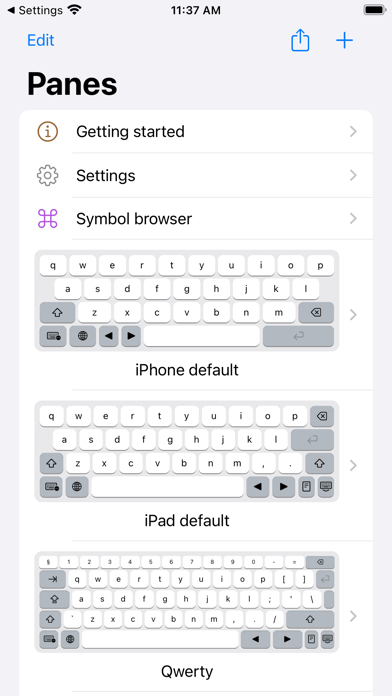
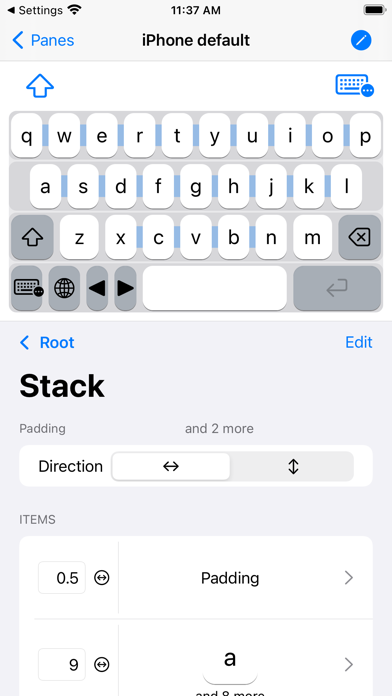
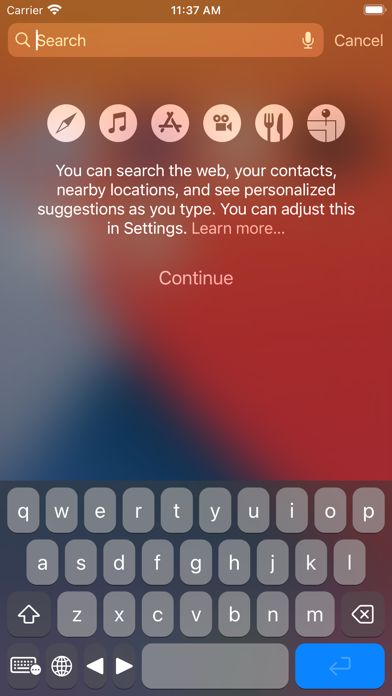
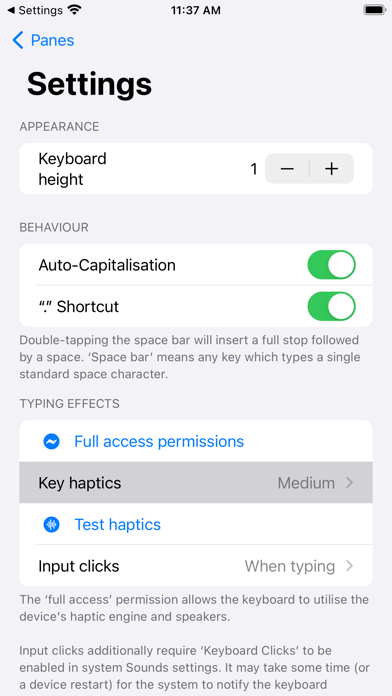
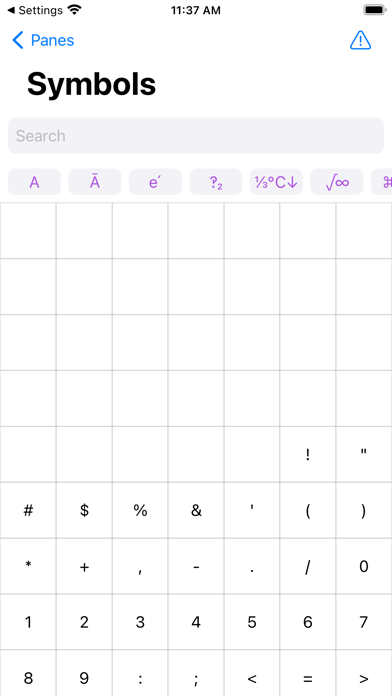
Build your own keyboard! Touchscreen keyboards don't need to be one-size-fits-all, so let's change that! With Keybuild, you choose the layout, the keys, everything. Keys can be set up to type whatever you want! Letters, greek letters (ɑ, β, ɣ), maths symbols (π, ∫, ∑), arrows (↑→↓←), or even your favourite emoji can be added and organised depending on your needs. Create multiple ‘panes’, each containing keys arranged using a stack-based layout, and switch between them with either an automatic menu, or direct links. Add a small number row to your Qwerty keyboard, or have a try using Azerty or Colemak layouts. Build a keyboard that can keep up with your maths-heavy university course, or specialist profession. Or just make a dashboard for your favourite emoji. Or do all that and more, it's up to you! This app does its best to supports VoiceOver, and accessibility APIs. Technical note: This app is 99% SwiftUI, which is as close as you can get while we wait for the ‘SwiftUI Lifecycle’ to come to Custom Keyboard Extensions! SwiftUI powers this app's advanced functionality, as well as some of its more unusual bugs. :) Disclaimer: This iPad app is available on Apple Silicon Macs, but macOS currently does not support keyboard extensions. Still waiting for that tablet Mac!
What's new · 1.7.4
• Makes the Paste option always visible when adding a key, to aid discovery. • Updated to use iOS 18 SDKs. • Adds emoji jump option for the unicode picker. (Slow, but doesn’t crash!) • Various optimisations.
Details