
Chart standing · US
Ratings breakdown · US
The star breakdown behind this app's rating in this storefront.
Screenshots


About
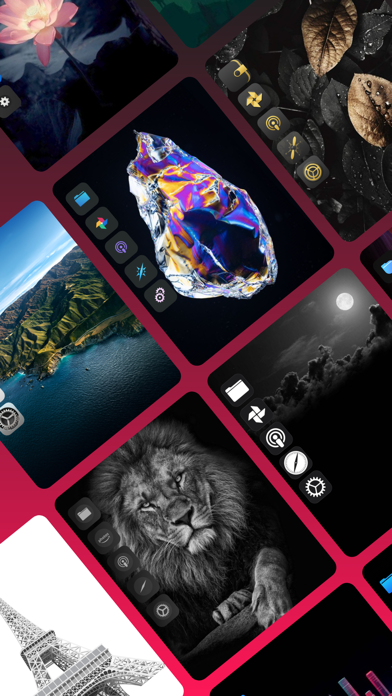
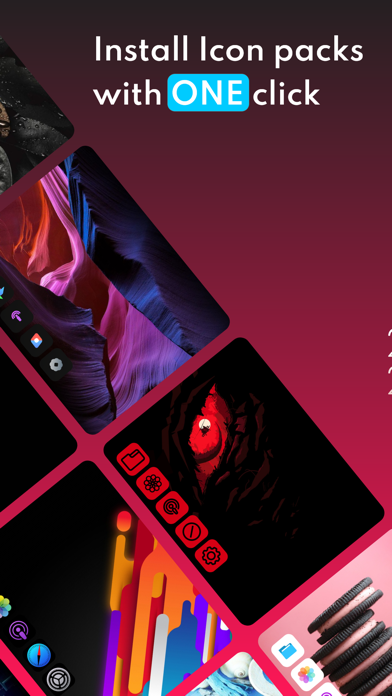
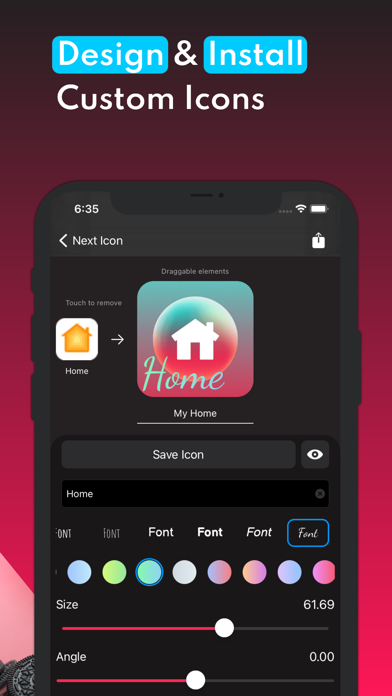
Install stylish Icon pack with only ONE click or design your icons/Packs and directly add them to your home screen. ◆No more need for the 'Shortcuts' app to create icons◆ ◆ Main features: * Install stylish icon pack with one click * So many icon packs for different themes * Create your icon and install icons directly * Customize your icons with 12000 prebuilt icons, text, backgrounds, etc * Save your icons and edit them any time * See your icons preview before install them. * completely match with 'Next Widget' and 'Next Keyboard' App * Totally free app FOREVER * No ads FOREVER Install Icon Pack Steps: 1.open 'Next Icon' 2.choose your icon pack 3.press on install and that's it! Install custom icon : 1.open 'Next Icon' 2.press + bottom 3.create your icon and select your reference app 4.press on saving and install Install custom Pack: 1.open 'Next Icon' 2.press + with double square shape 3.enter your pack details 3.add/create your icons 4.press on saving and install ----------------------------- ►Notes: 〉All icon pack is under their own designer support. 〉Please note: Please Report to us all translation or functionality problems through the Instagram support page. (link is inside the app)
What's new · 1.11.6
bug fixed
Details