

App Icon Changer & Themer
Broftware House Yazilim Tasarim Anonim Sirketi · Graphics & Design
Independent analytics for this App Store listing. AppTracker is not affiliated with Broftware House Yazilim Tasarim Anonim Sirketi.
Chart standing · US
Ratings breakdown · US
The star breakdown behind this app's rating in this storefront.
In-app purchases · US
What this app sells inside itself, grouped by kind and priced for this storefront.
Screenshots
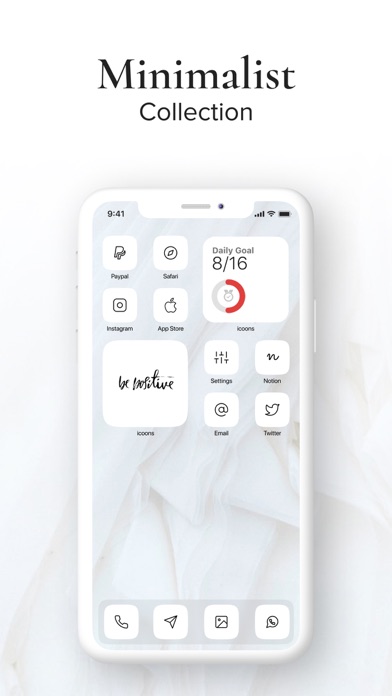
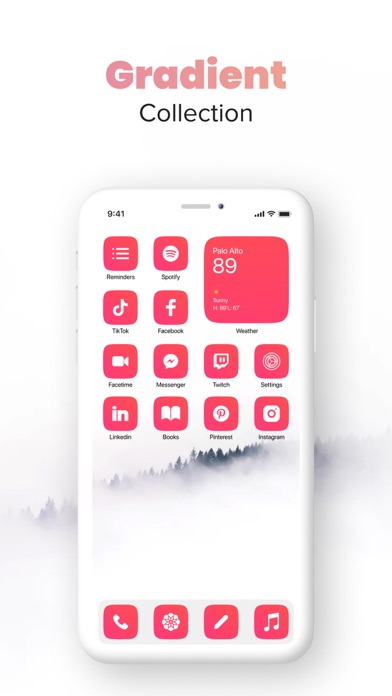
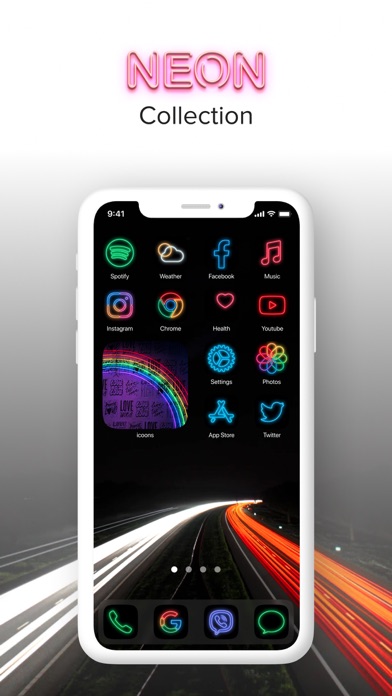
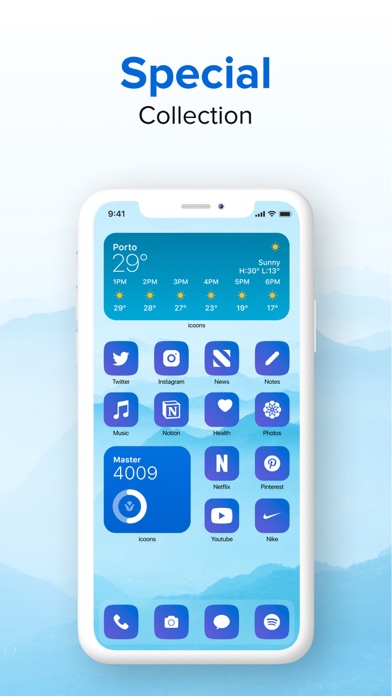
About
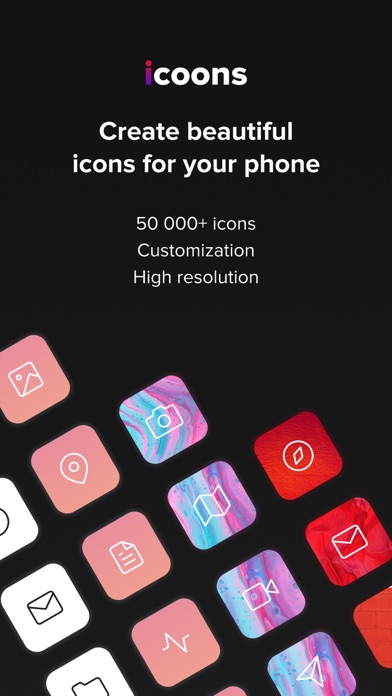
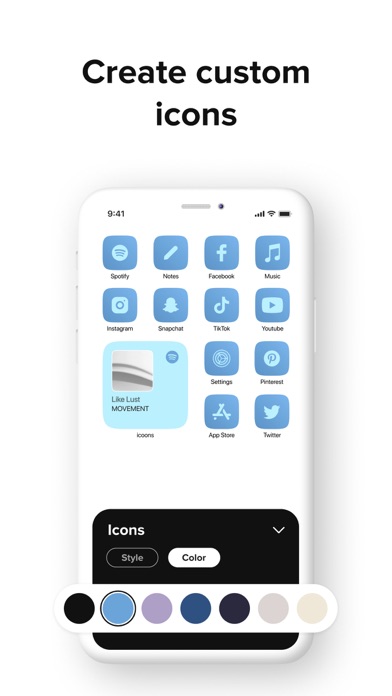
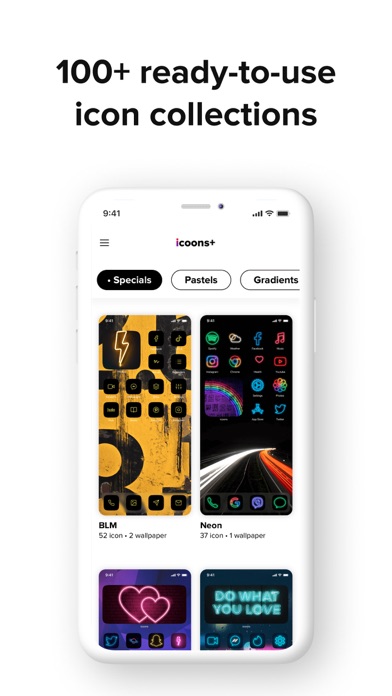
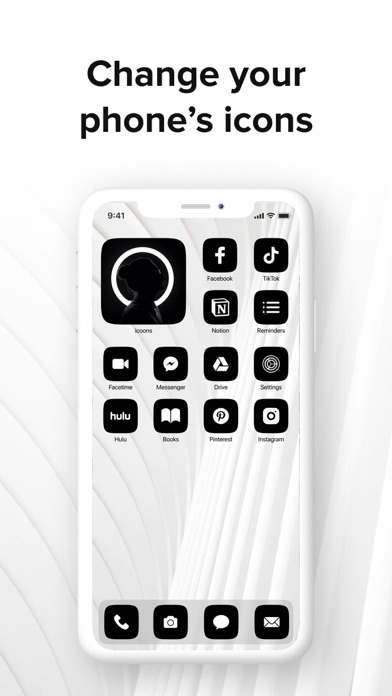
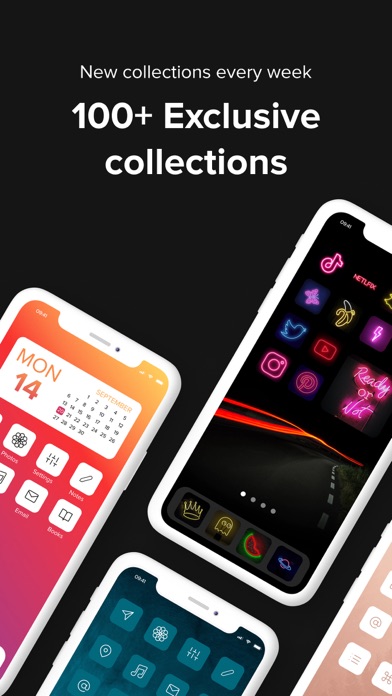
Icoons gives a stunning look to your iPhone with simple, beautiful, and ready-to-use icon collections. It provides a toolkit to create custom icons, change design, backgrounds & icons as you wish, then put these icons in for the shortcuts, and add them to your home screen! With icoons, now you can add shortcuts to open apps. ——— In icoons, you can find: # ICON COLLECTIONS · Pre-made icon collections to choose including Minimalistic, Light, Dark, Pastel, etc. · 500+ stunning icons with different shapes and colors. · New icon collections are added regularly. # ICON EDIT TOOL · Icon: Change your icon style from dozens of awesome icon styles. · Background: Customize icon background color with 100+ different colors, gradients, and high-quality patterns. # HIGH-QUALITY EXPORT · Export your icon set in high resolution for a seamless iPhone experience. # HOW TO USE ICOONS 1. Start with ready-to-use beautiful icon collections or create your own. 2. Change icon style & color. 3. Change icon background color from a wide-range palette of color & gradients. 4. Download your icon set in high quality. 5. Add your custom icons to the shortcuts, and add them to your home screen! * No notification indicators. * 'Shortcut' app opens before the actual app. Thanks for using icoons! We love hearing your ideas and feedback. Email us at hello@broftware.com.
What's new · 2.3.1
New icon packs, bug fixes, stability improvements
Details