

Paint By Number Creator
Mikhail Kuznetsov · Photo & Video
Independent analytics for this App Store listing. AppTracker is not affiliated with Mikhail Kuznetsov.
Chart standing · US
What changed · US
Listing changes AppTracker has observed for this app in this storefront — new versions, price moves, rating shifts, and store copy.
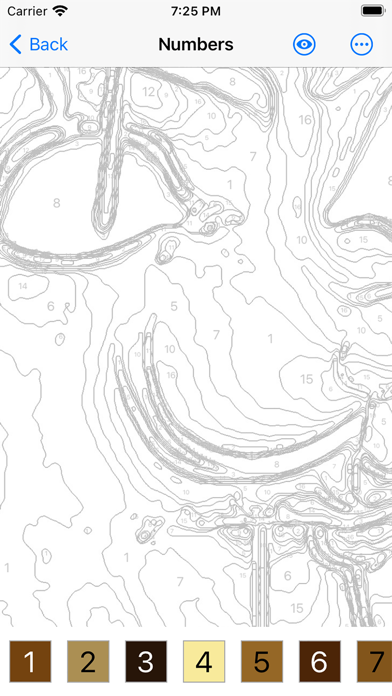
Fixed a bug that caused numbers to be missing from the image on some devices.
Price & rating history · US
Reconstructed from the listing changes AppTracker has observed in this storefront. A field is charted once it has changed more than once, and each line starts at the value it moved from.
Price · 4.99 USD now · 4 changes on record
Ratings breakdown · US
The star breakdown behind this app's rating in this storefront.
In-app purchases · US
No in-app purchases.
Screenshots

Keywords this app targets
Search terms AppTracker associates with this app — estimates, not search volume. ❝ = in the app's title; a highlighted number is its current position for that term.
Similar apps
Competitors and close alternatives, as estimated by AppTracker.
 Paint by Code
Tom Paape
Paint by Code
Tom Paape
 Paint by Numbers Creator
Regis Cosnier
Paint by Numbers Creator
Regis Cosnier
 Ms Paint
Du Nguyen Viet
1 shared title word
Ms Paint
Du Nguyen Viet
1 shared title word
 Photo Color Painter
Heng Jia Liang
Photo Color Painter
Heng Jia Liang
 culur: Custom Color by Number
CULUR INC.
1 shared title word
culur: Custom Color by Number
CULUR INC.
1 shared title word
 Colors!
Collecting Smiles AB
Colors!
Collecting Smiles AB
 Kids Paint
ABCiSoft
Kids Paint
ABCiSoft
 Color by Number:Coloring Games
Wildlife Studios
1 shared title word
Color by Number:Coloring Games
Wildlife Studios
1 shared title word
About
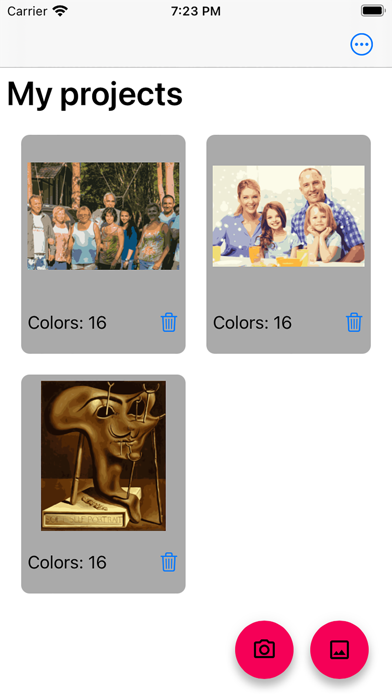
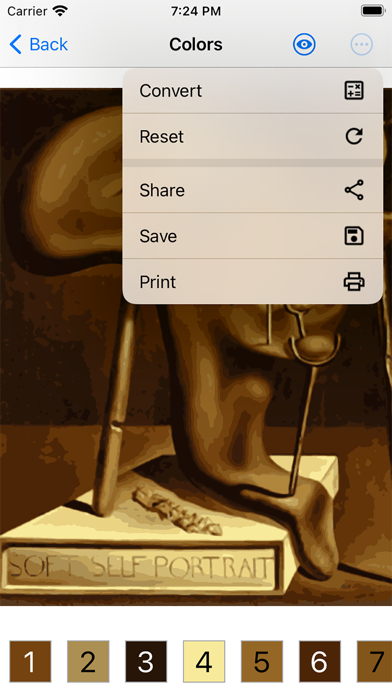
Your favorite photo deserves more than a gallery scroll. Paint By Number Creator transforms it into a classic numbered painting you can enjoy yourself, share with family, or print as a handmade gift. Open a picture, choose how detailed you want the palette, and watch regions and numbers appear. Prefer speed? Use Rough. Want finer shapes? Switch to Precise. Then paint digitally—fill everything at once or one area at a time—or export a crisp PDF with a color key for real paints and paper. Why people love it • Bring memories, pets, and portraits to life as numbered art • Dial in 2–64 colors and A4, A3, or A2 paper for the look you want • Rough for a quick result, Precise when every contour counts • Flip between original, filled colors, and numbered outlines • Playful fill modes: complete the whole picture or tap area by area • Match paints with RAL, RGB, HEX, or Pantone FHI labels • Export PDF with color key, print, or save JPEG views • Keep projects in your library and pick up anytime From rainy-day coloring to classroom crafts and thoughtful keepsakes, Paint By Number Creator makes creating feel easy—and finishing feel wonderful.
What's new · 2.0.11
Fixed a bug that caused numbers to be missing from the image on some devices.
Details