

UE FITS
Logitech Inc. · Music
Independent analytics for this App Store listing. AppTracker is not affiliated with Logitech Inc.
Chart standing · US
In-app purchases · US
No in-app purchases.
Screenshots



About
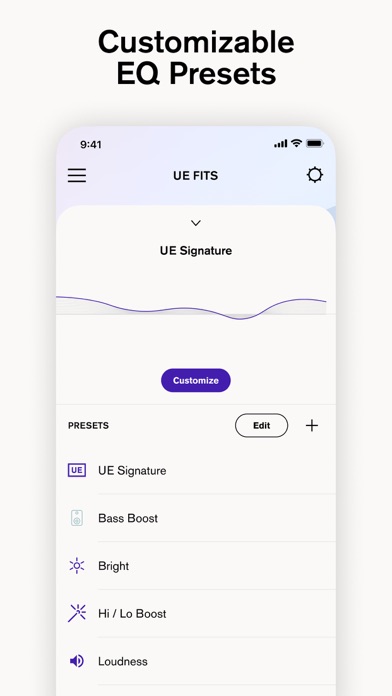
Installing the UE FITS app is the first step in setting up your Ultimate Ears FITS true wireless earbuds. The app assists in pairing to Bluetooth on your mobile device. Once connected, you will be guided through molding your eartips using UE FITS Lightform technology. Once molding is complete, you will have an incredible fit that is customized for your ears only. Custom eartips provide unparalleled long-term listening comfort, a transparent fit that won't fall out, and non-intrusive seal for incredible audio performance, but the UE FITS app offers more than a remarkable FIT that's unique to you. The UE FITS app enables several features in addition to setup: 1. Monitor battery life for case and earbuds on the app home screen (Up to 20 hours of total listening time) 2. Adjust EQ. Create your own custom presets or select from a range of provided EQ presets 2. Customize your UE FITS product name (Bluetooth ID) 3. Customize double tap controls to your liking independently on each earbud. Play/pause, access voice assistant, skip tracks, and adjust volume. 4. Access additional product usage information within the app menu. 5. Take a fit test and access support to assure you have achieved the optimal FIT.
What's new · 1.67
Bug fixes
Details