

Metion: Markdown Notes
Hangzhou Quanduan Technology Co., Ltd. · Productivity
Independent analytics for this App Store listing. AppTracker is not affiliated with Hangzhou Quanduan Technology Co., Ltd.
Chart standing · US
What changed · US
Listing changes AppTracker has observed for this app in this storefront — new versions, price moves, rating shifts, and store copy.
- Enhancement: Rewrote the interface of the keyboard auxiliary area to adapt to the new operating system - Adjustment: The minimum version requirement is adjusted to OS 12.0 for desktop and OS 15.0 for mobile - New: Added a submenu for multi-window selection on the desktop side - Other minor detail corrections
Ratings breakdown · US
The star breakdown behind this app's rating in this storefront.
In-app purchases · US
What this app sells inside itself, grouped by kind and priced for this storefront.
Screenshots
About
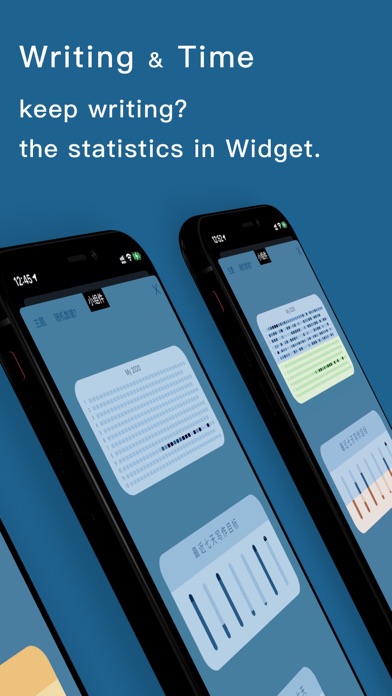
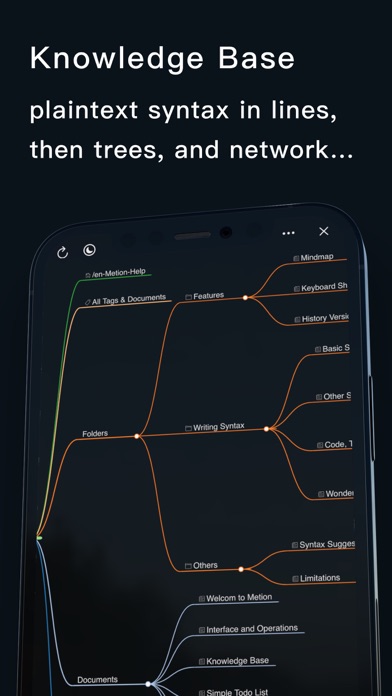
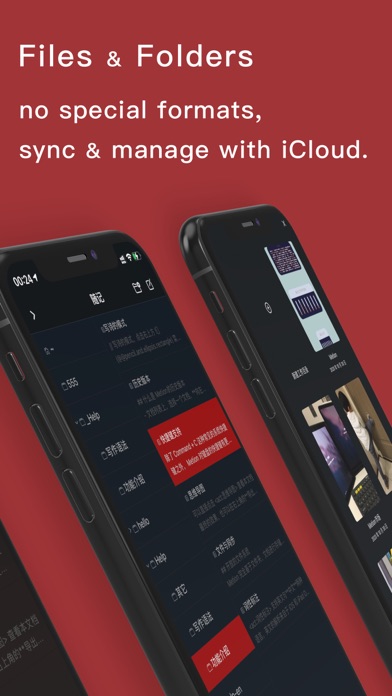
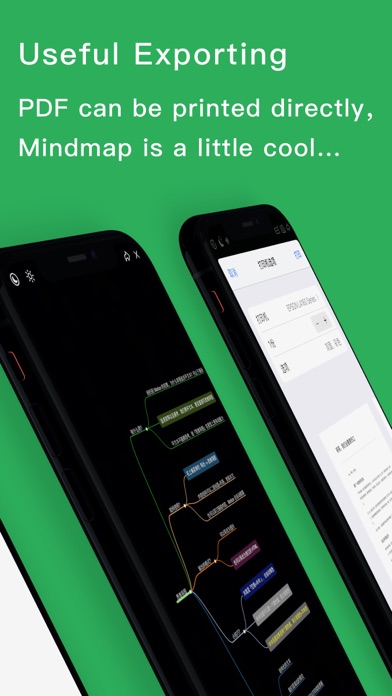
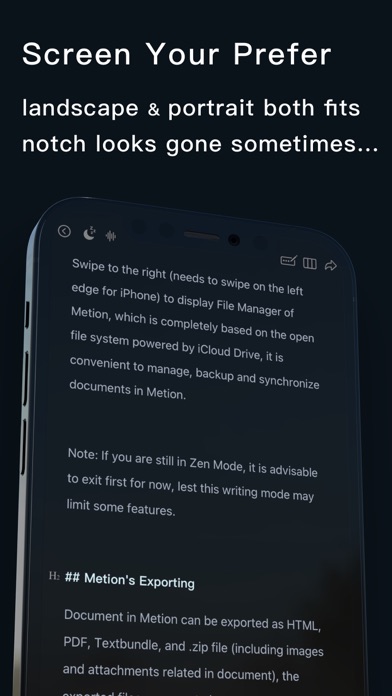
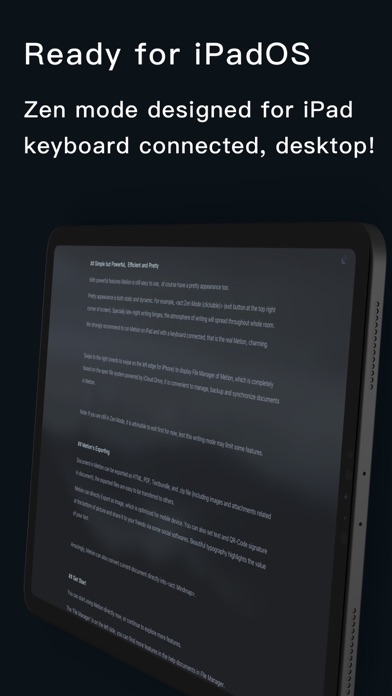
Metion is a notebook tool that focuses on the writing experience, uses Markdown as basic text syntax. ## Build Your Own Knowledge Base Metion 2.0 brings a new feature named "Knowledge Base", the plain text syntax, then becomes mindmap trees, or connected as a network... ## The Writing Experience is So Important Our goal is to create a great writing experience, specially for iPadOS, although it's not easy. Metion provides a relatively complete keyboard shortcuts support. After a keyboard connected, both iPad and iPhone can archive a huge improvement in writing experience. We also have redesigned the "Zen Mode" on iPad, a more focusing writing mode. It is very very beautiful, choosing a suitable background image, selecting the white noise you like in Zen Mode, and the irrelevant UI elements are hidden. Writing is a pleasure, writing is talking to the world, writing is your Zen. ## Data Freedom, Open Filesystem, Git Built-in Metion based on the open filesystem, no need to create another new format for storing data. An article is a plain text file, and the images in the article are also under a certain folder. Data freedom and open filesystems allow us to synchronize data across devices using iCloud or Git. If you have a higher requirement for data security, you can also make a backup very quickly by copying the entire folder (working directory). One more thing, Metion has a built-in support named "history version" that provides a little more reliability for your documents. **Also, if you know how to use Git, you can try Git to sync. Yes! We have the powerful Git as a built-in feature! ** ## Optimized for iPad Pro, Also for iPhone We tried the best to make Metion optimized for iPad Pro, when writing on iPad Pro by Metion, the iPad is a really more productive device. Metion is also optimized for the iPhone too. In recent years, most of the new iPhones have notch at the top of screen. Metion does not simply avoid the safe area, but makes a lot of technical efforts to apply every pixel on the screen as far as possible. If using the visual theme of "Dark", the notch sometimes look like disappeared, like the next generation of full-screen phone comes. ## The Exporting of Metion If using Metion to export as PDF, we suggest the theme of PDF can be set as "Printer" in Settings Panel. If there is a real printer connected in current local network, just print directly, it will be pretty when words on the real paper. Document in Metion can be exported as image, which is optimized for mobile device (iPhone). We can set text and QR-Code signature at the end of exported image. Send it to friends through some social Apps. The beautiful layout of text can highlight the value of your words. Metion can analyze the structure of current article automatically, then export it as "Mindmap" with one tap only. - - - - - - - - - - Privacy Policy: http://markeditor.com/privacy-policy.html Terms of Use: http://markeditor.com/page/terms.md
What's new · 3.9.6
- Enhancement: Rewrote the interface of the keyboard auxiliary area to adapt to the new operating system - Adjustment: The minimum version requirement is adjusted to OS 12.0 for desktop and OS 15.0 for mobile - New: Added a submenu for multi-window selection on the desktop side - Other minor detail corrections
Details