

QuickMo Slideshow Story Editor
Cardinal Blue Software, Inc · Photo & Video
Independent analytics for this App Store listing. AppTracker is not affiliated with Cardinal Blue Software, Inc.
Chart standing · US
Ratings breakdown · US
The star breakdown behind this app's rating in this storefront.
In-app purchases · US
No in-app purchases.
Screenshots


About
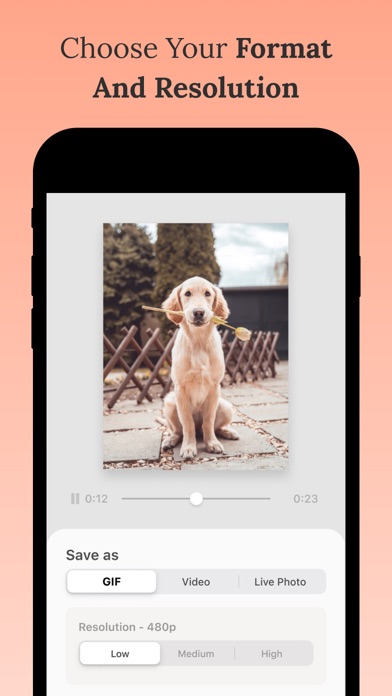
Share more with creative slideshows! QuickMo makes it easy to pull everything together in an unexpected way. Create a slideshow video with multiple photos from your camera roll in seconds. Key Features ・Easy Start: Make a video from photos quickly by simply selecting from your camera roll. ・Crop Tool: Adjust the video canvas size to make it look perfect as a square post or a vertical story. ・Speed Adjuster: Change the playback speed to create fun effects. ・Transitions: Apply transitions to add some final polish to a slideshow. ・Export Control: Choose your export format (Video/GIF/Live Photo) and resolution. Our Favorite Ways to Use QuickMo ・Summarize all the best moments from a trip in a slideshow that is concise and easy to share everywhere. ・Grab all of your candid photos from a party and combine them in a video instead of having to pick just one. ・Try making a stop motion video message for a memorable birthday post to a friend!
What's new · 1.4
New feature - pinch to adjust photo position and size in the canvas
Details