

ChordBud 2 AUv3 MIDI Sequencer
Cem Olcay · Music
Independent analytics for this App Store listing. AppTracker is not affiliated with Cem Olcay.
Chart standing · US
What changed · US
Listing changes AppTracker has observed for this app in this storefront — new versions, price moves, rating shifts, and store copy.
This version fixes the AUv3 state saving issue on iOS 26.7
Price & rating history · US
Reconstructed from the listing changes AppTracker has observed in this storefront. A field is charted once it has changed more than once, and each line starts at the value it moved from.
Price · 5.99 USD now · 5 changes on record
Average rating · ★ 3.13 now · 11 changes on record
Ratings breakdown · US
The star breakdown behind this app's rating in this storefront.
In-app purchases · US
No in-app purchases.
Screenshots
Keywords this app targets
Search terms AppTracker associates with this app — estimates, not search volume. ❝ = in the app's title; a highlighted number is its current position for that term.
Similar apps
Competitors and close alternatives, as estimated by AppTracker.
 ChordPond
Steffen Mølgaard Larsen
2 shared topics
ChordPond
Steffen Mølgaard Larsen
2 shared topics
 Chordbot
Contrasonic AB
2 shared topics
Chordbot
Contrasonic AB
2 shared topics
 Chord
Roman Sevastyanov
2 shared topics
Chord
Roman Sevastyanov
2 shared topics
 QuantiChord
Laurent Colson
QuantiChord
Laurent Colson
 Progressions
4Pockets.com
Progressions
4Pockets.com
 ChordPolyPad
Laurent Colson
ChordPolyPad
Laurent Colson
 Euclidean AUv3 Sequencer
Limelight Software
2 shared title words
Euclidean AUv3 Sequencer
Limelight Software
2 shared title words
 Tonality: Music Theory
Bryce Hostetler
1 shared topic
Tonality: Music Theory
Bryce Hostetler
1 shared topic
About
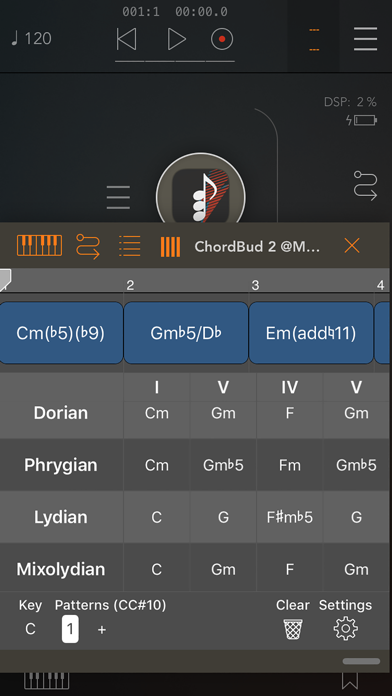
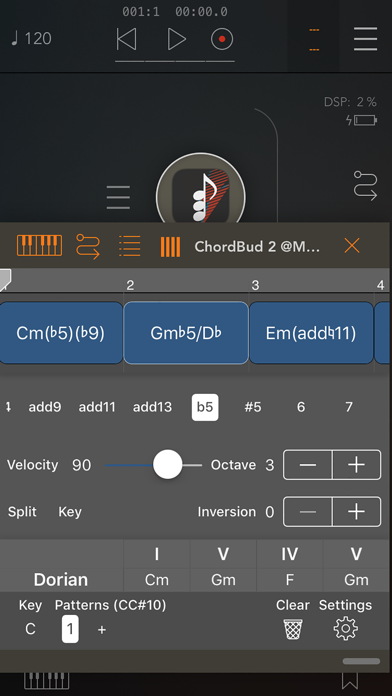
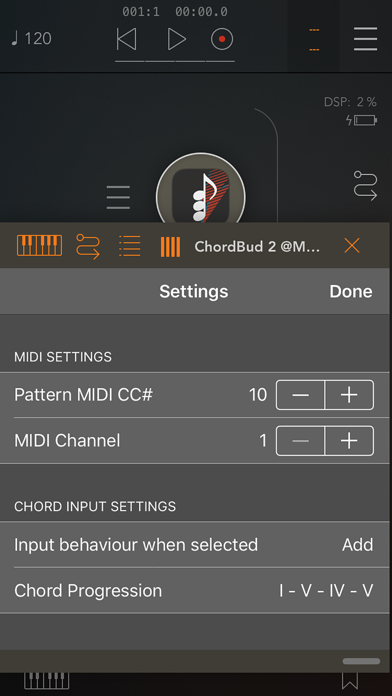
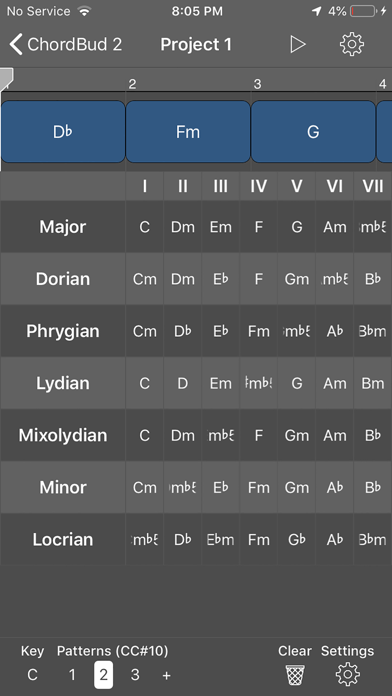
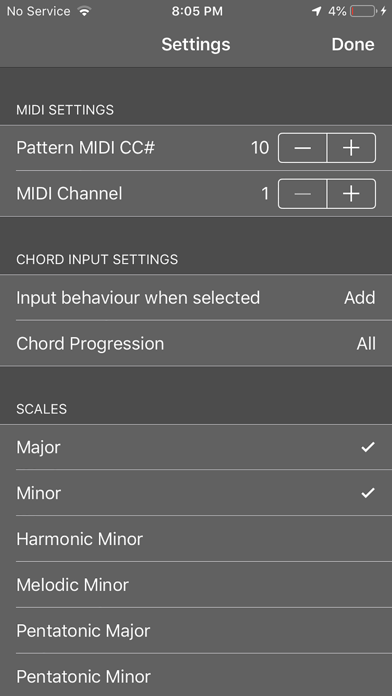
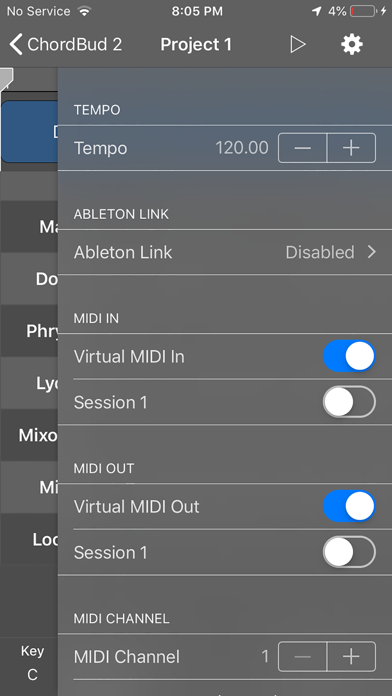
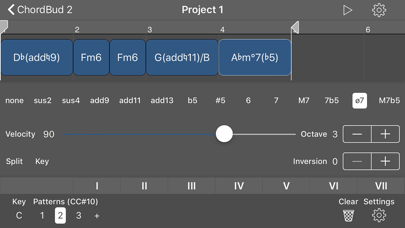
ChordBud 2 is a MIDI chord sequencer for building unique chord progressions in minutes. Under the hood is a powerful music theory engine with over 40 scales. Select the scales to work with and see them laid out top to bottom on one screen, with the chords inside each scale running left to right, compare scales side by side, or borrow chords from one another through modal interchange. By default, every chord inside the current scale and key is presented at once, and the key can be changed anytime. The settings menu also offers chord progressions to work within, showing only the chords that belong to the selected progression. Build as many patterns as needed, each with its own key, scale, and chord progression. Long-press a pattern to copy, paste, or delete it, with full undo/redo backing every edit so experimentation stays risk-free. Patterns can be triggered via MIDI CC messages, enabling automation or a full song mode. Triads are just the starting point — chords can be extended with add/sus/6/7/9/11/13 and more modifiers. Tap any chord on the timeline to open the chord editor and adjust its mode, velocity, octave, inversion, key, or division. Edits apply live while the sequencer plays, so changes are audible immediately. On the timeline, chords can be repositioned by dragging, or resized by dragging their right edge. Pinch to zoom in or out, or zoom in further to work precisely within subdivisions. Standalone, ChordBud 2 includes a built-in piano sampler for instant playback with zero setup, alongside MIDI, virtual MIDI, and Bluetooth MIDI connectivity for hardware and software instruments. An AUv3 plugin version is also available, dropping straight into any DAW to drive instrument tracks from inside a session. Note: ChordBud 2 AUv3 plugin is a MIDI sequencer app. It does not produce sound itself. You need an audio app in order to get sound. Just route ChordBud 2's MIDI Out to your audio app's MIDI in and arm the sequencer.
What's new · 3.10
This version fixes the AUv3 state saving issue on iOS 26.7
Details