

RAMP GameSheets
RAMP Media Inc · Sports
Independent analytics for this App Store listing. AppTracker is not affiliated with RAMP Media Inc.
Chart standing · US
What changed · US
Listing changes AppTracker has observed for this app in this storefront — new versions, price moves, rating shifts, and store copy.
- The game code prefix is now optional: leave it blank if your league didn't give you one. - Changing a spare player's number no longer stops the game from syncing. - Open a game straight from the Assigning and Team apps. - Change your account email in the app. - "Injured" tag on the roster. - Quick taps no longer add a goal, basket or foul twice. - The Quick Score button no longer covers the delete button on the last goal or penalty. - Leaving a completed game shows it as complete in the signing window. - Clearer messages when a team code can't be added.
In-app purchases · US
No in-app purchases.
Screenshots


About
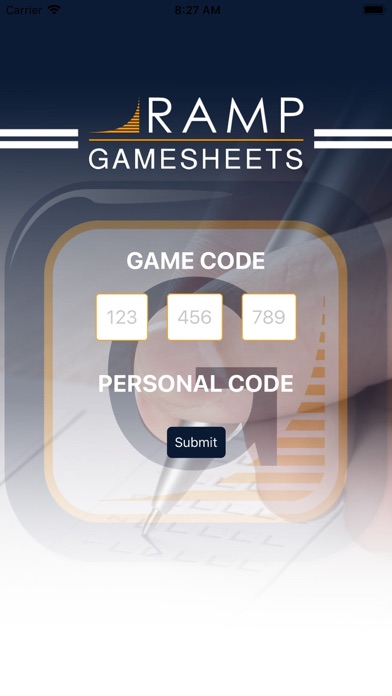
RAMP Gamsheets App ties directly into your RAMP Website League Games! No internet access, no problem. Add Goals, Penalties and Goalie information offline and store them on your device. Sync the information as soon as you walk out of the building. With 4 levels of access you can complete all tasks required to successfully add Gamesheets in Real-time. 1. Home Team Access // 2. Visiting Team Access Add, edit and delete Players and Staff on your Roster. Sign-off on your Gamesheet Roster prior to the Game. View Notes and Incident Reports added by the Officials. 3. Full Gamesheet Access View Rosters and Add Officials prior to the Game. Track Shots on Goal and Power Play opportunities. Add Goals, Penalties and Goalie information online or offline. Sync the information as soon as you have a connection. 4. Officials Access View the Rosters added by the Home and Visitor teams prior to the game. Review and Sign-off on the Game Summary for Goals, Penalties and Goalies at the end of the Game. Add Gamesheet Notes and Incident Report forms
What's new · 4.3.12
- The game code prefix is now optional: leave it blank if your league didn't give you one. - Changing a spare player's number no longer stops the game from syncing. - Open a game straight from the Assigning and Team apps. - Change your account email in the app. - "Injured" tag on the roster. - Quick taps no longer add a goal, basket or foul twice. - The Quick Score button no longer covers the delete button on the last goal or penalty. - Leaving a completed game shows it as complete in the signing window. - Clearer messages when a team code can't be added.
Details