

RIDE: Mobility Solutions
RIDE SIA · Travel
Independent analytics for this App Store listing. AppTracker is not affiliated with RIDE SIA.
Chart standing · US
What changed · US
Listing changes AppTracker has observed for this app in this storefront — new versions, price moves, rating shifts, and store copy.
- Minor fixes and performance improvements.
Price & rating history · US
Reconstructed from the listing changes AppTracker has observed in this storefront. A field is charted once it has changed more than once, and each line starts at the value it moved from.
Average rating · ★ 4.76 now · 2 changes on record
Ratings breakdown · US
The star breakdown behind this app's rating in this storefront.
Screenshots
About
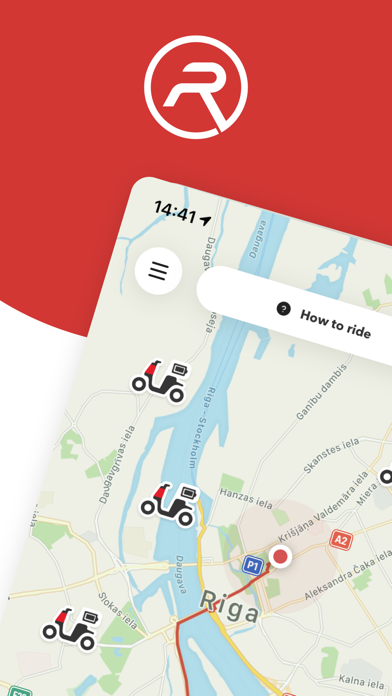
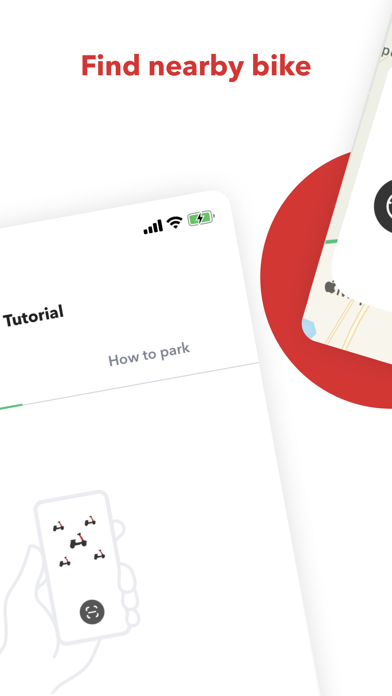
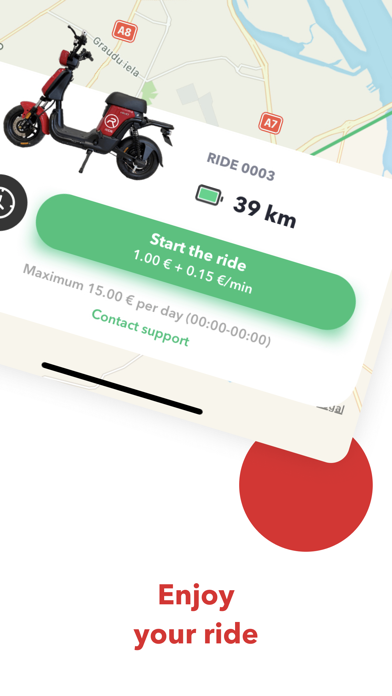
RIDE provides micro-mobility and e-mobility solutions. At the moment RIDE providing e-Bike sharing in Riga city. 1. Open RIDE app Download the RIDE App from your phone's App Store. When it is downloaded, read the introduction with a short guide and register to be able to drive! 2. Find RIDE e-Bike on the map Find the nearest e-Bike on the map displayed on our App. Make sure that the battery is charged sufficiently for your planned ride. Go after the e-Bike. You can reserve the ride for 3 minutes. 3. Scan or input the code To start using RIDE e-Bike, stand next to the e-Bike and scan the QR code or input the code manually. E-Bike will wake-up and main display will switch “on”. 4. Start riding Fold up the side support. Press “P” button on left hand combination switch to release parking mode and get in to “Ready” mode. Choose cycling mode “1” (15 km/h) – “2” (20 km/h) – “3” (25 km/h). To begin moving, turn right hand power handlebar. Use pedals if it’s necessary. You can use also cruise mode by pressing “C” on right hand combination switch to keep stable speed. 5. Where to ride Ride the e-Bike on bicycle paths as regular bicycle and road part if bicycle paths is not available. You can use pedestrian sidewalks if road part has heavy traffic. Use bicycle paths as much as possible. Always respect the pedestrians and other road users. 6. Slowing down To stop use rear brake press left hand lever and/or use front brake by pressing right hand lever. 7. Find where to park Find green zone in the app map. Put the e-Bike on the sidewalk, at bike rack or any flat place where e-Bike will not disturb pedestrians and other road users. 8. Finish the ride After e-Bike is parked in correct place. Finish the ride in the app and submit the picture. After ride is finish e-Bike display light will go “off” and beep will follow. How you can be sure that ride is finished properly. Send an email to: support@ridemobility.eu or visit our website: https://ridemobility.eu
What's new · 59.44
- Minor fixes and performance improvements.
Details