

Video Compressor - resize all
LANARS LLC · Photo & Video
Independent analytics for this App Store listing. AppTracker is not affiliated with LANARS LLC.
Chart standing · US
What changed · US
Listing changes AppTracker has observed for this app in this storefront — new versions, price moves, rating shifts, and store copy.
Price & rating history · US
Reconstructed from the listing changes AppTracker has observed in this storefront. A field is charted once it has changed more than once, and each line starts at the value it moved from.
Average rating · ★ 4.80 now · 4 changes on record
Ratings breakdown · US
The star breakdown behind this app's rating in this storefront.
In-app purchases · US
No in-app purchases.
Screenshots
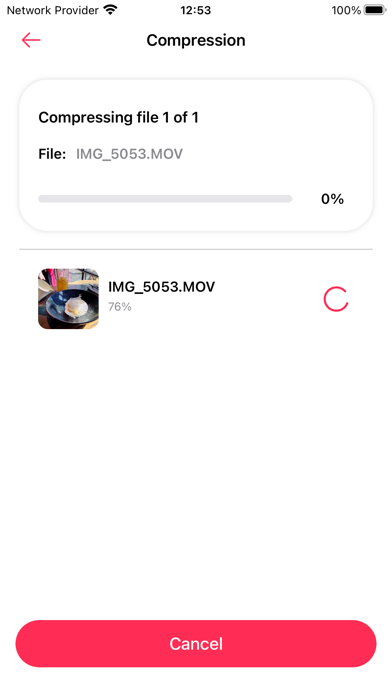
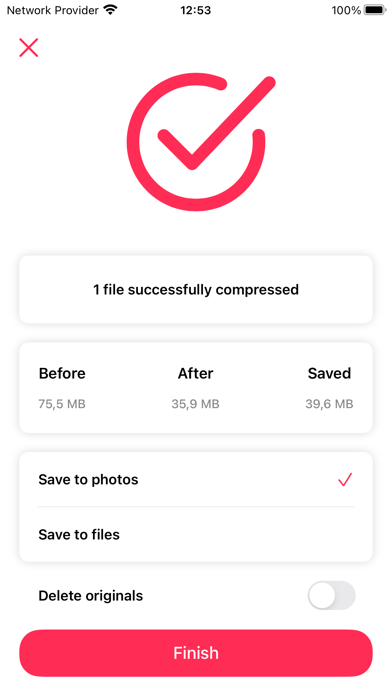
About
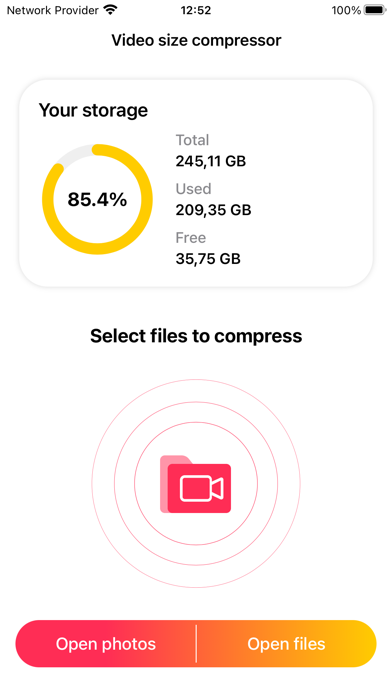
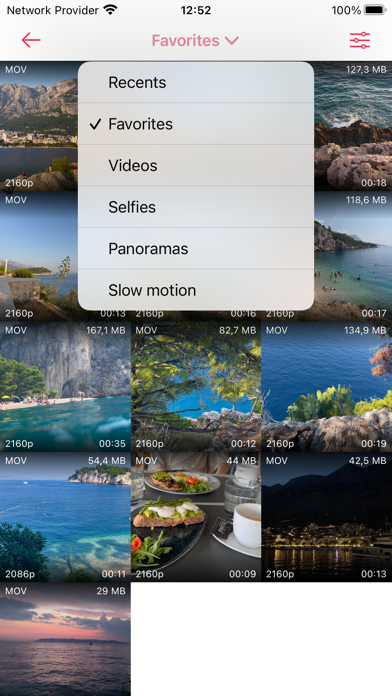
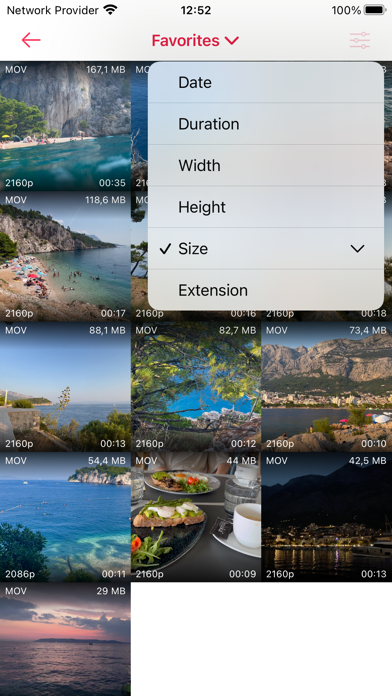
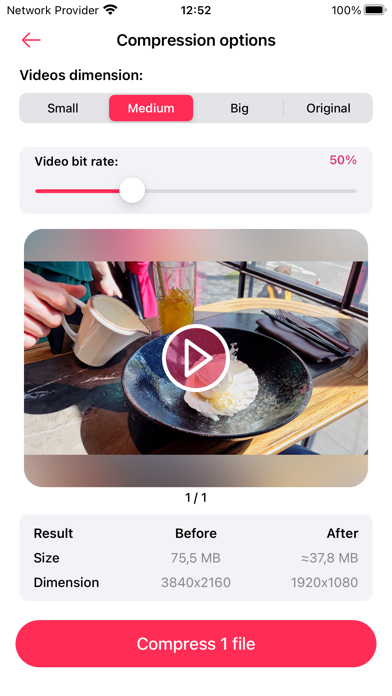
All of us have struggled with storage space limitations on our devices and the unpleasant task of choosing which videos to delete in order to free up some space. If you relate to this, we have exceptionally good news for you! Multi Video Compressor allows you to minimize the size of your videos and get more storage space without any quality loss. You can also send the videos to your friends and family faster, since smaller files take less time to upload! You can compress one video or up to 20 videos at a time to make the process even faster. These are some of advantages of using this application: - Intuitive and easy to use interface - Preserve sound quality - Faster uploads and sending via messaging apps - Keep both reduced and original files - Restore deleted files if needed - Multiple file compression - Your private files stay secured - Offline compression - No need to delete your favorite videos to free up space Most importantly, the sound in the video will remain unchanged so that you can enjoy videos of the highest quality. By using this app, you get to free up storage space and also make your uploads faster. Smaller files take less time to upload to clouds, social media, and messaging applications, which is another surprising advantage of using Multi Video Compressor. If you prefer to keep the original uncompressed files, you are free to do so. If you delete a file by mistake and want to restore it, you can later find it in the “Recently deleted” folder. Another piece of good news is that this application supports a lot of different video formats, so you will not need to use a video converter to compress your files. Multi Video Compressor supports the following formats: mov, mp4, m4v, sdv, 3gp, 3gpp, 3g2, 3gp2 At this point, there is really no reason not to use this app! But let’s talk about safety. It is important to note that this application operates in the offline mode only, that means that no data is being sent to any server, cloud, or any third-party application. This is our way of making sure that your data stays protected and that only you have access to your private files. You do not need to worry about deleting your favorite videos to free up space anymore. Download this app to try out this modern approach to data storage and enjoy all the benefits! We’re planning to develop our application together with you. For any questions, contact support - hello@lanars.com
What's new · 1.3.0
- Added the ability to delete media files directly from the photos library screen. - Added an option to skip compression for certain files, with the ability to resume compression later. - Bug fixes and stability improvements.
Details