

Newpedia -Dictionary Creation-
KAIHAWK · Reference
Independent analytics for this App Store listing. AppTracker is not affiliated with KAIHAWK.
Chart standing · US
What changed · US
Listing changes AppTracker has observed for this app in this storefront — new versions, price moves, rating shifts, and store copy.
• You can now long-press on the entry details screen to copy or share. Copy the headword, reading, or meaning, or share and save photos. • Long-press a dictionary in the dictionary list to open its settings, or long-press an entry in the entry list to open the edit screen right away. • Fixed an issue where ads overlapped images when viewing them enlarged. • Other minor bug fixes.
Ratings breakdown · US
The star breakdown behind this app's rating in this storefront.
In-app purchases · US
What this app sells inside itself, grouped by kind and priced for this storefront.
Screenshots
Keywords this app targets
Search terms AppTracker associates with this app — estimates, not search volume. ❝ = in the app's title; a highlighted number is its current position for that term.
Similar apps
Competitors and close alternatives, as estimated by AppTracker.
 A-Dictionary: AI Vocab Builder
Oleksandr Revtov
1 shared topic · 1 shared title word
A-Dictionary: AI Vocab Builder
Oleksandr Revtov
1 shared topic · 1 shared title word
 Mazii: Japanese Dictionary
Ghi Nguyen
1 shared topic · 1 shared title word
Mazii: Japanese Dictionary
Ghi Nguyen
1 shared topic · 1 shared title word
 番番辞書 - 日语词典
Guangzhou Youtu Information Technology Co., Ltd.
1 shared topic
番番辞書 - 日语词典
Guangzhou Youtu Information Technology Co., Ltd.
1 shared topic
 Japanese Dictionary - Easy
SACHINPRASAD DHUNGEL
1 shared topic · 1 shared title word
Japanese Dictionary - Easy
SACHINPRASAD DHUNGEL
1 shared topic · 1 shared title word
 Advanced English Dictionary.
JDMI Kft.
1 shared topic · 1 shared title word
Advanced English Dictionary.
JDMI Kft.
1 shared topic · 1 shared title word
 Dictionary Library
PONS Langenscheidt GmbH
1 shared topic · 1 shared title word
Dictionary Library
PONS Langenscheidt GmbH
1 shared topic · 1 shared title word
 Merriam-Webster Dictionary+
Merriam-Webster, Inc.
1 shared topic · 1 shared title word
Merriam-Webster Dictionary+
Merriam-Webster, Inc.
1 shared topic · 1 shared title word
 英語勉強 mikan 英語の学習 英検®/英会話/英文法
mikan Co.,Ltd.
1 shared topic
英語勉強 mikan 英語の学習 英検®/英会話/英文法
mikan Co.,Ltd.
1 shared topic
About
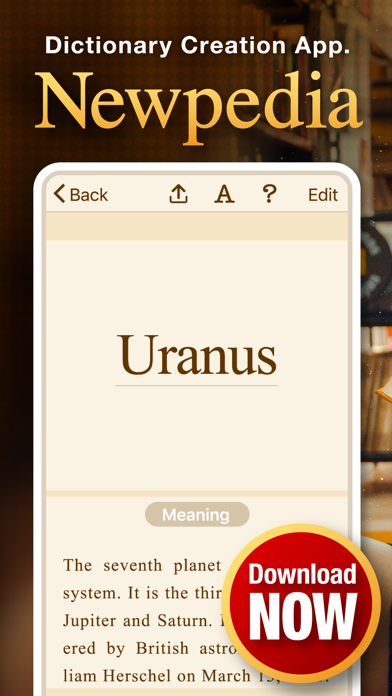
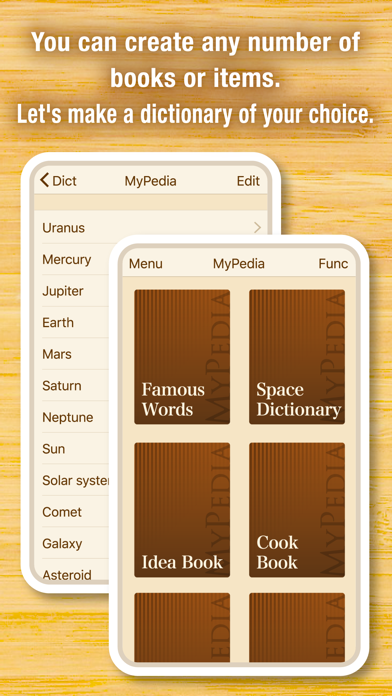
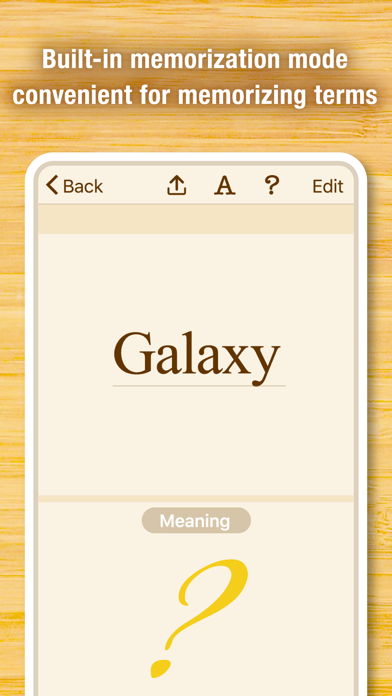
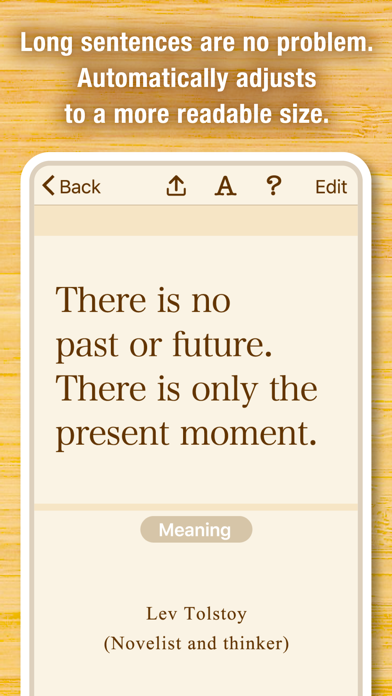
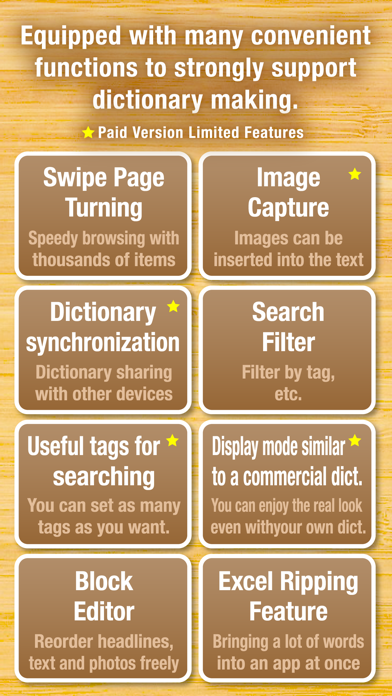
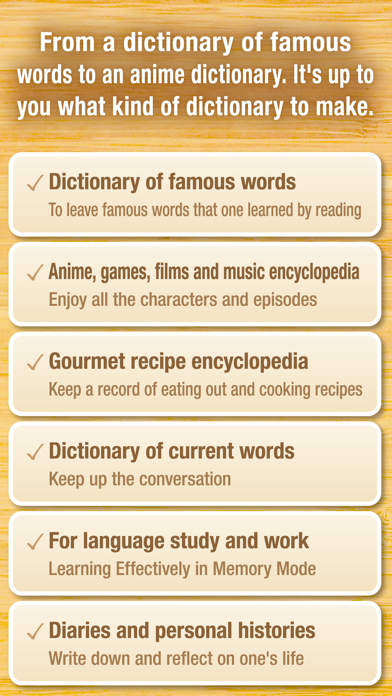
"Newpedia" is a dictionary creation and language learning application that allows you to create your own original dictionary. You can record all the beautiful words, wise sayings and aphorisms that you came across in reading, memorizing English words in language study, new words and current events that you came across in the news, names and episodes of your favorite games and entertainers, and look back anytime, anywhere. ●If you use "Newpedia," for example, you can make an original dictionary like this. ・A dictionary of newly discovered words and words ・Reading memo and reading dictionary ・A dictionary of characters and stage settings when writing a novel ・A dictionary of words for language study ・A dictionary of celebrity names ・A dictionary of famous sayings, aphorisms and proverbs from anime and drama ・A dictionary of wise sayings, aphorisms and words of wisdom of celebrities and greats ・A Dictionary of Names of Living Things ・My Encyclopedia ・A Dictionary of Humor ・A proverb dictionary ・A dictionary of current events ・Gourmet Dictionary ●be easy to use It's a simple app, so it's very easy to use. Press the add word button, type in a word and its meaning, and you're done. You can read the contents by tapping the word displayed on the top page. ●Create multiple dictionaries You can create multiple dictionaries, so you can organize them by subject, such as one for "New Word Dictionary" and one for "Words of wisdom.". ●Synchronize dictionary with other terminal (pro version) You can use the sync function to share, view, and edit your dictionary with other devices you have. The same dictionary data can be viewed and edited by those who often use a smartphone on the go or a tablet on the sofa at home. It also works on Macs with M1 processors (*), so you can make edits more efficiently on your Mac and view them on your phone. *: Only the minimum functions (viewing, editing, synchronizing) are checked on Mac. ●Useful for learning languages in memorization mode Memo mode hides the meaning of words. Tap the screen to see the meaning again, which is useful for learning words. ●Recommended for people like this ・For those who want to deepen their knowledge, education, and vocabulary ・A person who often reads books ・Those who are studying languages ・A person who has written a novel ・Those who want to learn the latest current terminology ・For those who want to record and enjoy matters related to their hobbies ●Available in 11 languages Available in English, German, Spanish, French, Italian, Portuguese, Russian, Japanese, Korean and Chinese (Simplified and Traditional). "Newpedia" is loved by people all over the world. ●About the payment of the professional version of Mipedia ・Your payment will be billed to your Apple account when you confirm the purchase. ・The subscription is automatically renewed unless it is unsubscribed at least 24 hours before automatic renewal ends. ・Your account will be charged for the renewal within 24 hours of the end of your current subscription period, and the renewal fee will be settled. ・Subscriptions are managed by you and automatic renewal can be undone after purchase by navigating to your account settings. ・You can check the terms of service in the app or on the following page (Japanese only): http://kaihawk.jp/terms_mypedia.html
What's new · 10.2
• You can now long-press on the entry details screen to copy or share. Copy the headword, reading, or meaning, or share and save photos. • Long-press a dictionary in the dictionary list to open its settings, or long-press an entry in the entry list to open the edit screen right away. • Fixed an issue where ads overlapped images when viewing them enlarged. • Other minor bug fixes.
Details