

WebFrame Basic Kiosk
WireFrameRate, LLC · Business
Independent analytics for this App Store listing. AppTracker is not affiliated with WireFrameRate, LLC.
Chart standing · US
What changed · US
Listing changes AppTracker has observed for this app in this storefront — new versions, price moves, rating shifts, and store copy.
• Bug fixes.
Ratings breakdown · US
The star breakdown behind this app's rating in this storefront.
In-app purchases · US
No in-app purchases.
Screenshots



About
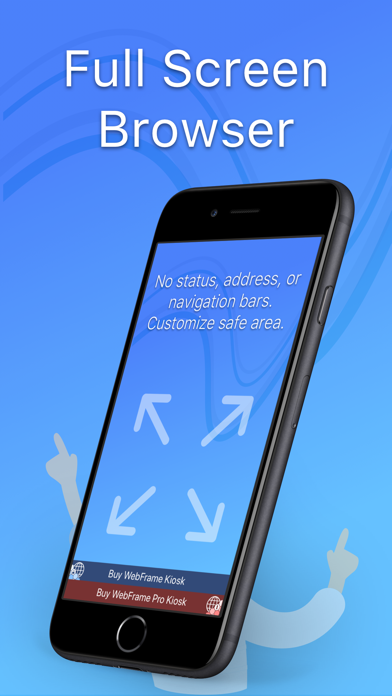
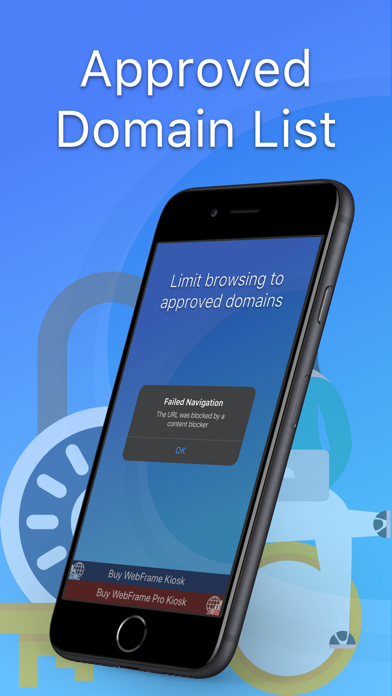
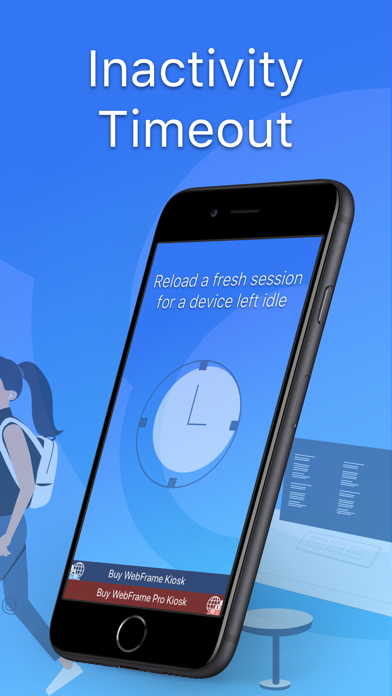
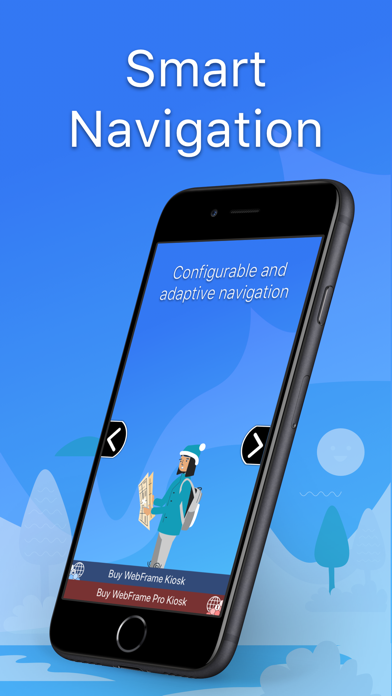
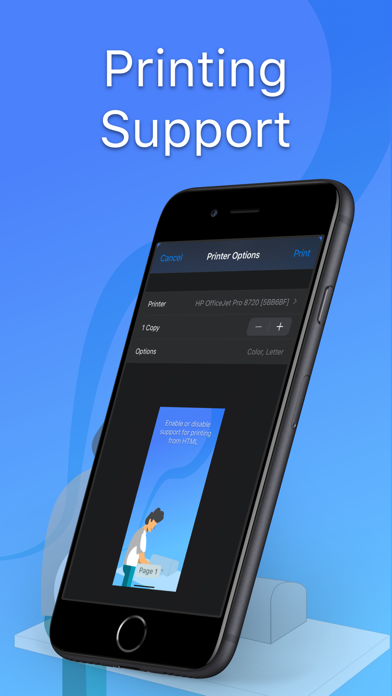
WebFrame Basic Kiosk is free, but contains all of the great features of the paid WebFrame Pro Kiosk. It allows a user to validate compatibility and performance in their environment. When ready, a user can then purchase WebFrame Pro Kiosk from the in-app popup. WebFrame Basic allows you to turn an iOS device into a remotely manageable, single-purpose kiosk displaying full-screen web apps, web pages, multimedia, documents, and more. WebFrame Basic features the following capabilities: • Full Screen Browser: WebFrame Basic provides a full-screen browser with no address or navigation bars. This allows you to create a true kiosk experience and keeps users in the web site, web app, document, or multimedia you intended. • Secure: Lock-down the kiosk with Guided Access Mode, or with MDM configure Single App Mode, or Autonomous Single App Mode. • Remote Deployment and Configuration: WebFrame Basic is AppConfig-compliant, enabling it to be remotely deployed and configured by over 20 leading mobile device management (MDM) solutions. • Privacy & Security Features: Clear cookies and cached data every session, allow or block 3rd-party cookies, limit browsing to allowed domains, allow or block custom URL schemes, advanced content blocker (tracking cookies, tracking content, tracking scripts, custom content). • Inactivity Timer: Disable device auto-lock, reload the homepage after a specified period of user inactivity. • Display Options: Dim and black screen after configured timeouts, configure system brightness, control safe area size and color. • Interaction Controls: Configure gesture and UI controls for browser navigation and interaction. • Printing Support: Discover local printers, print with preview, print directly to a configured printer, or disable printing entirely. • Autologin: Automatically login with a provided username and password to the configured homepage URL. ...and much more!
What's new · 4.0.1
• Bug fixes.
Details