

Teleprompter for Business
Norton Five Ltd · Business
Independent analytics for this App Store listing. AppTracker is not affiliated with Norton Five Ltd.
Chart standing · US
What changed · US
Listing changes AppTracker has observed for this app in this storefront — new versions, price moves, rating shifts, and store copy.
In this update, you can save and switch between multiple logos, enjoy a redesigned script editor with AI Rewrite and Effects in the Editing toolbar, and retake recordings with one tap. We’ve also added camera lens cleaning alerts and Apple DockKit support for automatic tracking with compatible stands and gimbals, improved Centre Stage on iPhone 17, made remote-control double taps more reliable, enhanced voice scrolling with external microphones, and fixed zoom differences between the preview and final video. Thanks for using the app! :)
Ratings breakdown · US
The star breakdown behind this app's rating in this storefront.
In-app purchases · US
No in-app purchases.
Screenshots

Keywords this app targets
Search terms AppTracker associates with this app — estimates, not search volume. ❝ = in the app's title; a highlighted number is its current position for that term.
Similar apps
Competitors and close alternatives, as estimated by AppTracker.
 Teleprompter.com
Teleprompter LLC
2 shared topics · 1 shared title word
Teleprompter.com
Teleprompter LLC
2 shared topics · 1 shared title word
 Teleprompter
 Apps Ltd
2 shared topics · 1 shared title word
Teleprompter
Teleprompter Apps Ltd
2 shared topics · 1 shared title word
 Teleprompter for Video Pro
Fadel.io OU
2 shared topics · 1 shared title word
Teleprompter for Video Pro
Fadel.io OU
2 shared topics · 1 shared title word
 Teleprompter Pro · Prof Hornet
Alvaro Garcia Ojea
1 shared topic · 1 shared title word
Teleprompter Pro · Prof Hornet
Alvaro Garcia Ojea
1 shared topic · 1 shared title word
 Teleprompter Cam
N8 Media Ltd
2 shared topics · 1 shared title word
Teleprompter Cam
N8 Media Ltd
2 shared topics · 1 shared title word
 Teleprompter Easy Prof Hornet
Alvaro Garcia Ojea
1 shared topic · 1 shared title word
Teleprompter Easy Prof Hornet
Alvaro Garcia Ojea
1 shared topic · 1 shared title word
 Smart Teleprompter Genius
Arima Jain
2 shared topics · 1 shared title word
Smart Teleprompter Genius
Arima Jain
2 shared topics · 1 shared title word
 Pure Prompter - Teleprompter
Stanislav Likholat
2 shared topics · 1 shared title word
Pure Prompter - Teleprompter
Stanislav Likholat
2 shared topics · 1 shared title word
About
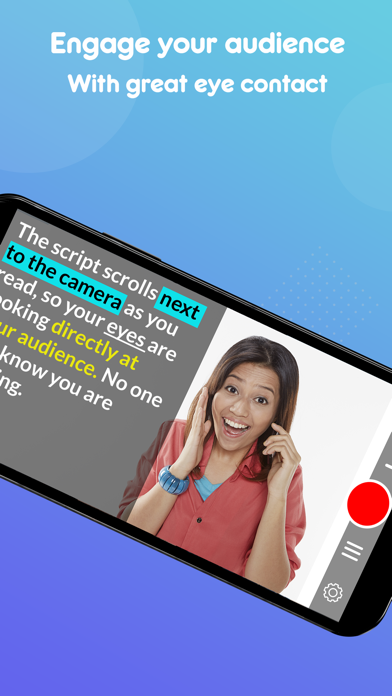
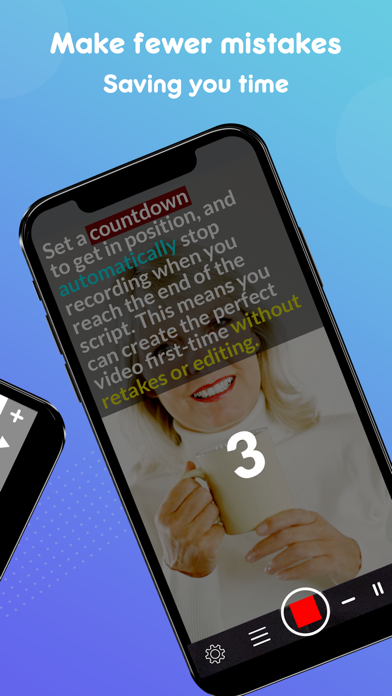
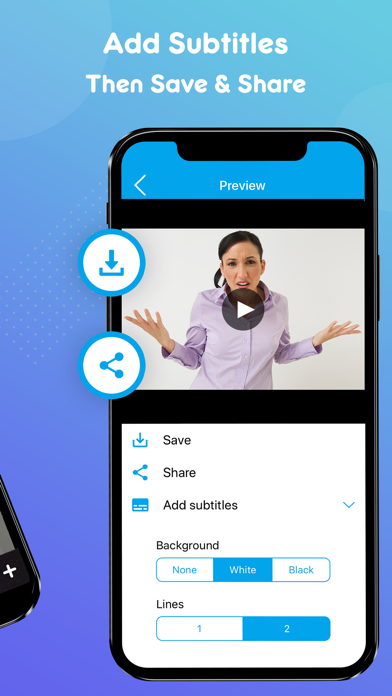
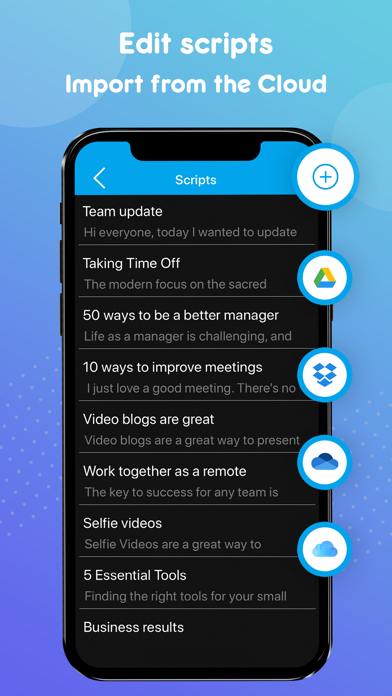
Teleprompter for Business has all the same features as our top-rated 'Teleprompter for Video' app, with some critical differences for business customers or schools. - It can be purchased as a one-off purchase, with no annual subscription charges or in-app purchases. - It can be configured via an MDM (mobile device management) system, giving you control over how it's rolled out to staff. Teleprompter for Business is perfect for business users who want to record professional 'talking head' videos. Plan your speech and then communicate it confidently whilst maintaining good eye contact with your audience. Here's how it works... 1. Write a script using your favourite editing tool and import it into the Teleprompter for Business app. 2. Press record, then read the script as it scrolls down the screen. 3. The script scrolls next to the camera lens, so you look like you're talking to your audience when you're actually reading. This app will help you record better videos in less time, and make your presentation more confident and engaging. Here are some of the features: * Record videos in 4K and high definition using the front and rear-facing camera on supported devices. * Record your video in landscape or portrait. * Manage and share teleprompter scripts across different iOS devices. * Import scripts from Dropbox, Google Drive, OneDrive or iCloud in .doc, .docx, .txt, .rtf, .pdf formats. * Format scripts in Rich Text to make them easier to read. * Set a countdown to get into position, for pre-roll and to end recording automatically. * Automatically add subtitles to your videos. * Add a virtual background using the Green Screen (chroma key) filter * Resize your video to landscape, portrait or square after recording. * Control the app with a Bluetooth device. This includes starting and stopping recording and controlling the script scrolling. * Tap and hold to lock the exposure and aperture, and pinch the screen to zoom. Add filters or blur the background. * Use the floating mode to float the teleprompter over other apps. * Mirror the script for use in a professional teleprompter rig. * Display a 3x3 grid to help you position yourself. * Adjust the font size and scrolling speed. * Use your MDM software to configure the privacy settings for your staff
What's new · 11.4.3
In this update, you can save and switch between multiple logos, enjoy a redesigned script editor with AI Rewrite and Effects in the Editing toolbar, and retake recordings with one tap. We’ve also added camera lens cleaning alerts and Apple DockKit support for automatic tracking with compatible stands and gimbals, improved Centre Stage on iPhone 17, made remote-control double taps more reliable, enhanced voice scrolling with external microphones, and fixed zoom differences between the preview and final video. Thanks for using the app! :)
Details