

Workcloud My Work
Reflexis Systems Inc. · Productivity
Independent analytics for this App Store listing. AppTracker is not affiliated with Reflexis Systems Inc.
Chart standing · US
What changed · US
Listing changes AppTracker has observed for this app in this storefront — new versions, price moves, rating shifts, and store copy.
26.9 Release and its Hot Fixes
Price & rating history · US
Reconstructed from the listing changes AppTracker has observed in this storefront. A field is charted once it has changed more than once, and each line starts at the value it moved from.
Average rating · ★ 3.04 now · 3 changes on record
In-app purchases · US
No in-app purchases.
Screenshots


About
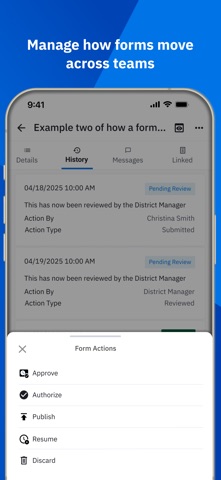
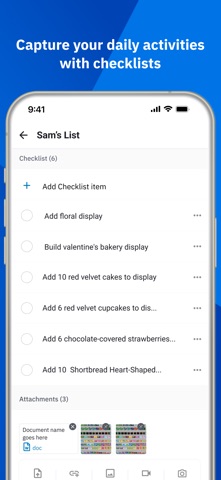
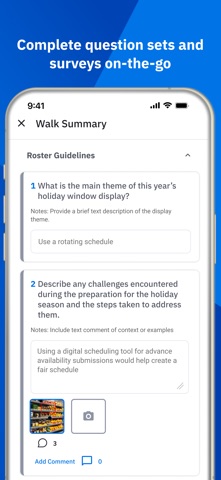
Zebra Workcloud My Work Now updated to include multiple modules in a consolidated My Work experience! To better streamline and simplify deployment and management, the latest version of My Work contains the following Zebra Workcloud Task Management modules: My Work Pinboard Walk Forms Check Docs Visual Depending on your existing enterprise licensing agreement you may access to some or all these modules. As such, only licensed modules will be visible. Users can navigate through hamburger menu to any of the 9 modules. The mobile-first design of Zebra Workcloud ensures that all solutions and modules are intuitive and easy to use on any device and enables frontline teams to work more efficiently and effectively. Please read below for more information on the functionality and capabilities of each module. Please note that when navigating away from the Walk and Forms modules - Unsaved data (if any) will be auto-saved. For all other modules unsaved data won’t be auto-saved but the user will be presented with a notification to save any unsaved changes Zebra Workcloud My Work is intended for users of Zebra Workcloud Task Management. For help getting started with My Work, please contact your Zebra administrator. For more information about Zebra Workcloud, visit us online at: https://www.zebra.com/us/en/software.html
What's new · 26.9.1
26.9 Release and its Hot Fixes
Details