

Gride – Visual Feed Planner
Alex Sieroshtan · Photo & Video
Independent analytics for this App Store listing. AppTracker is not affiliated with Alex Sieroshtan.
Chart standing · US
What changed · US
Listing changes AppTracker has observed for this app in this storefront — new versions, price moves, rating shifts, and store copy.
• Captions: Save a caption with a photo so it’s ready when you post. • Reminders: Choose when you plan to post a photo and get a reminder when it’s time. Tap a photo once to open the screen where you can add a caption or set a reminder.
Ratings breakdown · US
The star breakdown behind this app's rating in this storefront.
In-app purchases · US
What this app sells inside itself, grouped by kind and priced for this storefront.
Screenshots

Keywords this app targets
Search terms AppTracker associates with this app — estimates, not search volume. ❝ = in the app's title; a highlighted number is its current position for that term.
Similar apps
Competitors and close alternatives, as estimated by AppTracker.


About
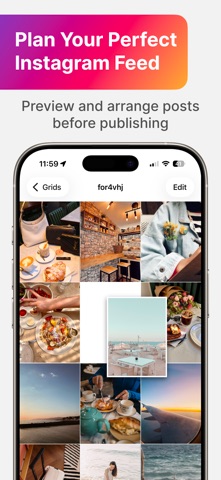
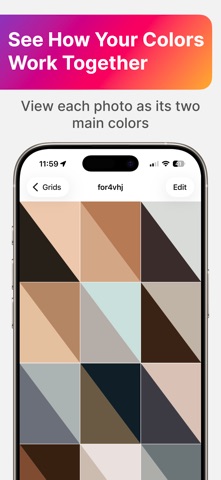
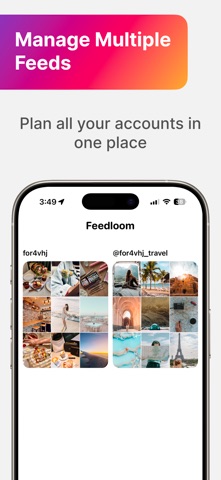
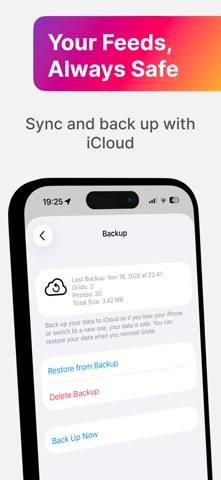
Plan your Instagram feed before you post. Feedloom helps you see how your profile will look, arrange photos yourself, or let AI help you choose their order. A FEED THAT FEELS LIKE YOU See how new photos will look next to posts already on your profile. Change their order and try different combinations until you find one you like. ARRANGE PHOTOS WITH AI Not sure which photo to post next? Feedloom can use your feed’s style to suggest an order for your new photos so they look good together. FEATURES • Feed Preview — see how your profile will look with your next posts. • Drag to Rearrange — change the order of your photos by dragging them into place. • Intelligent Arrange — use AI to find a photo order that suits your feed’s style. • Color Mode — see two main colors in place of each photo to compare the colors across your feed. • Instagram Import — import recent photos from your public profile. • Multiple Feeds — plan posts for different profiles or try different versions of your feed. • iCloud Sync & Backup — save your feeds and keep working on them across your devices. • Privacy — the app does not collect your personal data. Plan your next posts and find photo combinations you like. Terms of Use: https://www.apple.com/legal/internet-services/itunes/dev/stdeula/
What's new · 1.5
• Captions: Save a caption with a photo so it’s ready when you post. • Reminders: Choose when you plan to post a photo and get a reminder when it’s time. Tap a photo once to open the screen where you can add a caption or set a reminder.
Details