

Best Pdf Scanner app
MD KHAIRUL ISLAM · Utilities
Independent analytics for this App Store listing. AppTracker is not affiliated with MD KHAIRUL ISLAM.
Chart standing · US
Ratings breakdown · US
The star breakdown behind this app's rating in this storefront.
In-app purchases · US
What this app sells inside itself, grouped by kind and priced for this storefront.
Screenshots

About
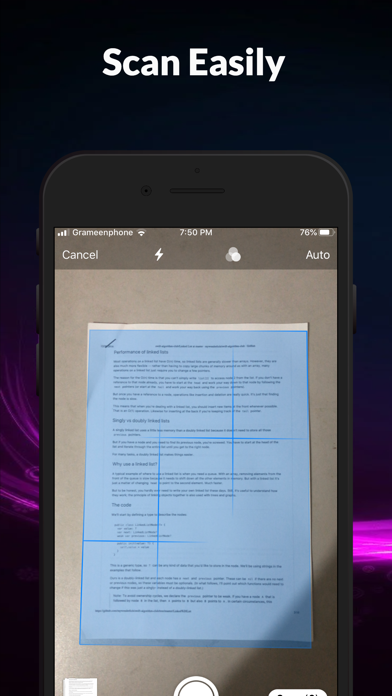
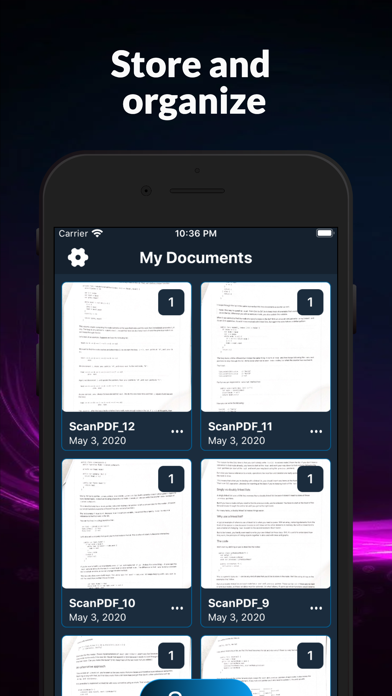
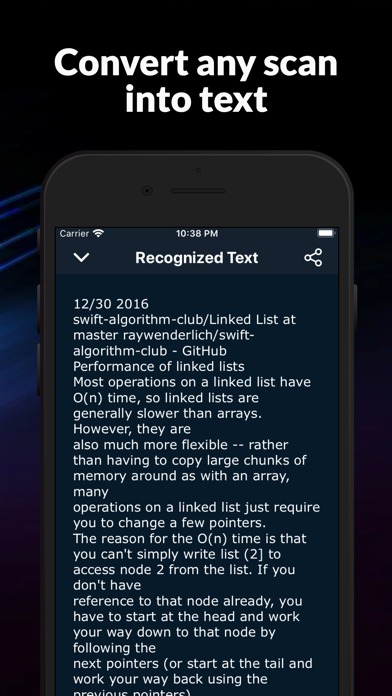
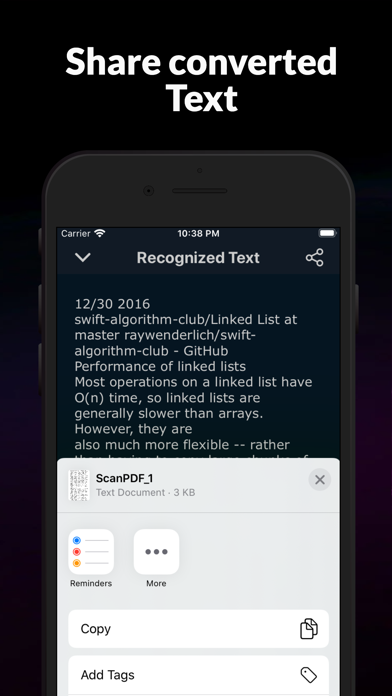
Use your iPhone or iPad to scan and print any written, printed, or graphic material, including: - Any Business cards; - Contracts for your clients or partners; - Any Receipts to track your expenses; - Book pages and articles for further reading and analysis; - Paper notes and rough documents to save the best ideas for future reference; - Any Texts that don't offer a digital copy; Or use it for any other multipage document for different purposes. What Sets Us Apart With our best document scanner app, Manage your documents easily: # SCAN with your phone camera or choose photos from Camera Roll. # EDIT the scan’s area # ADJUST applies filters, change the orientation. # PRINT scanned documents # ATTACH any scanned document to the email documents # SHARE the scan as images or pdf #OCR support for the English Language Premium Services Get a full version of the Best Pdf Scanner App to access all the Premium features: * Scan and share without any limits. * Convert your scans into text with OCR (Optical Character Recognition) technology with this best phone scanner app. * OCR Recognition is available for texts in English. * No Annoying ads. * Subscription is available like any apple pdf scanner app. The payments will be charged to your iTunes account at confirmation of your purchase. * Subscription automatically renews for the same price and duration period as the original “one week”/”one month”/ unless auto-renew is turned off at least 24-hours before the end of the current period Our Standard Subscriptions are: A 1-week auto-renewal subscription with a 3-day trial period. A 1-month auto-renewal subscription with a 3-day trial period. Privacy Policy: https://sites.google.com/view/pdfscanner/home/privacy-policy Terms of Use: https://sites.google.com/view/pdfscanner/home/terms-condition
What's new · 1.1.1
Minor Bug Fix
Details