

WetPaint: Finger Painting
Jared Updike · Education
Independent analytics for this App Store listing. AppTracker is not affiliated with Jared Updike.
Chart standing · US
In-app purchases · US
No in-app purchases.
Screenshots
About
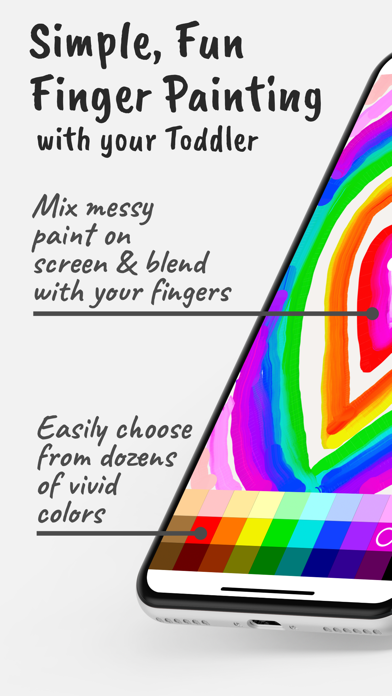
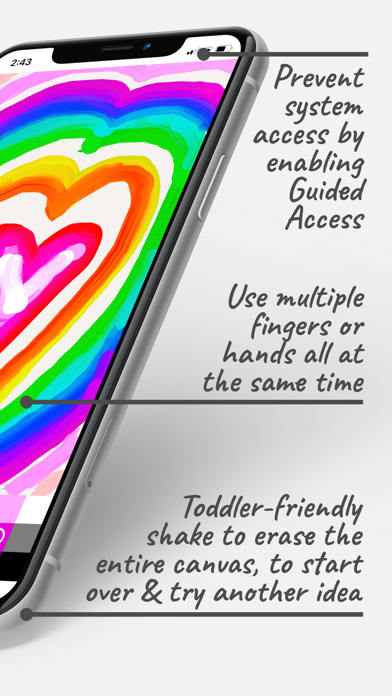
Simple, Thought-Out, and Fun Features … - Dozens of easy-to-use colors to get you started. - Mix colors right on the canvas with a very natural-feeling round brush. Make a colorful mess. - Draw with as many hands or fingers as you can get on the screen, at the same time. - Draw polka dots just by tapping on the screen. - Paint with smaller brush strokes using a hardware stylus, if available, while you or your little one draw with fingers. - Shake to erase, like drawing toys of yore. … and Thoughtful Lack of Features - No modes or tools or popups to get stuck in. - No gestures, undo, zooming, brush sizes or any such thing to get confused by. - No rotating to confuse your little one—full screen only. - Use Guided Access to prevent fingers from accessing other apps or system functions. - No loading or saving functions in the app. To save a drawing, just exit Guided Access and take a screenshot using the system screenshot function. And that’s it!
Details