

Kyvol
Shenzhen VanTop Technology & Innovation Co., Ltd. · Lifestyle
Independent analytics for this App Store listing. AppTracker is not affiliated with Shenzhen VanTop Technology & Innovation Co., Ltd.
Chart standing · US
What changed · US
Listing changes AppTracker has observed for this app in this storefront — new versions, price moves, rating shifts, and store copy.
Price & rating history · US
Reconstructed from the listing changes AppTracker has observed in this storefront. A field is charted once it has changed more than once, and each line starts at the value it moved from.
Average rating · ★ 4.79 now · 3 changes on record
Ratings breakdown · US
The star breakdown behind this app's rating in this storefront.
Screenshots
About
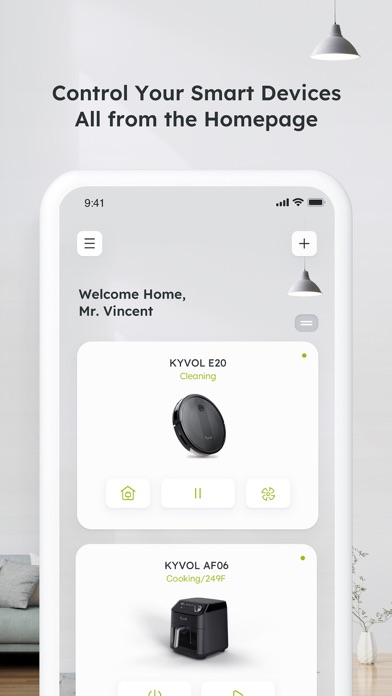
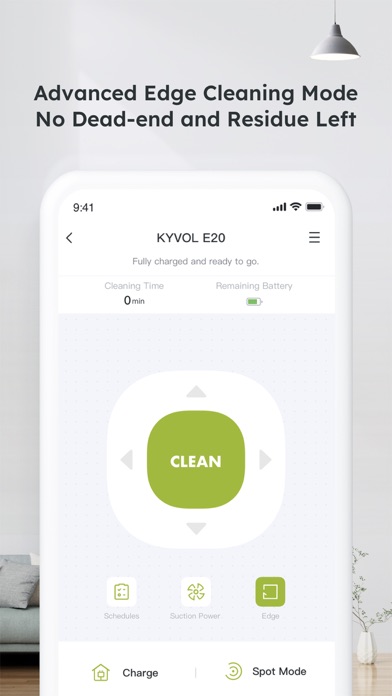
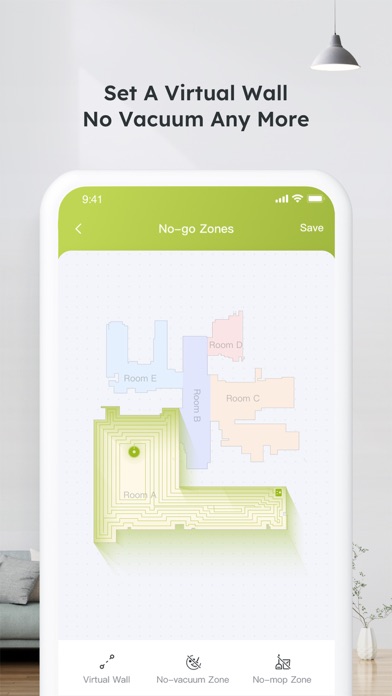
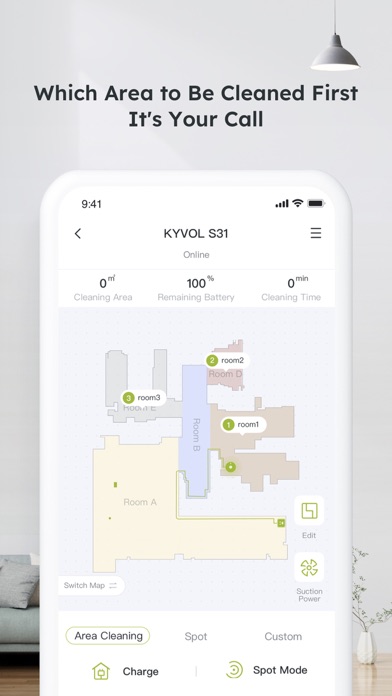
How to use Kyvol app Step 1. Download the appDownload the app from Appstore Step 2. Register your account:After downloading the app, create an account with your Email address. If you already have a Kyvol account, you can log in directly. Step 3. Add your devices to Kyvol app: Open the Kyvol app and follow the setup procedure to pair new devices with your smartphone Step 4. Use your devices: After the pairing the succeed, the new device will show up in the device list. You can simply tap the icon and start enjoying the Kyvol smart home experience.
What's new · 5.1.8
1. Solving Some Known Issues
Details